
gyf1111 - Minecraft Skins & Skin History
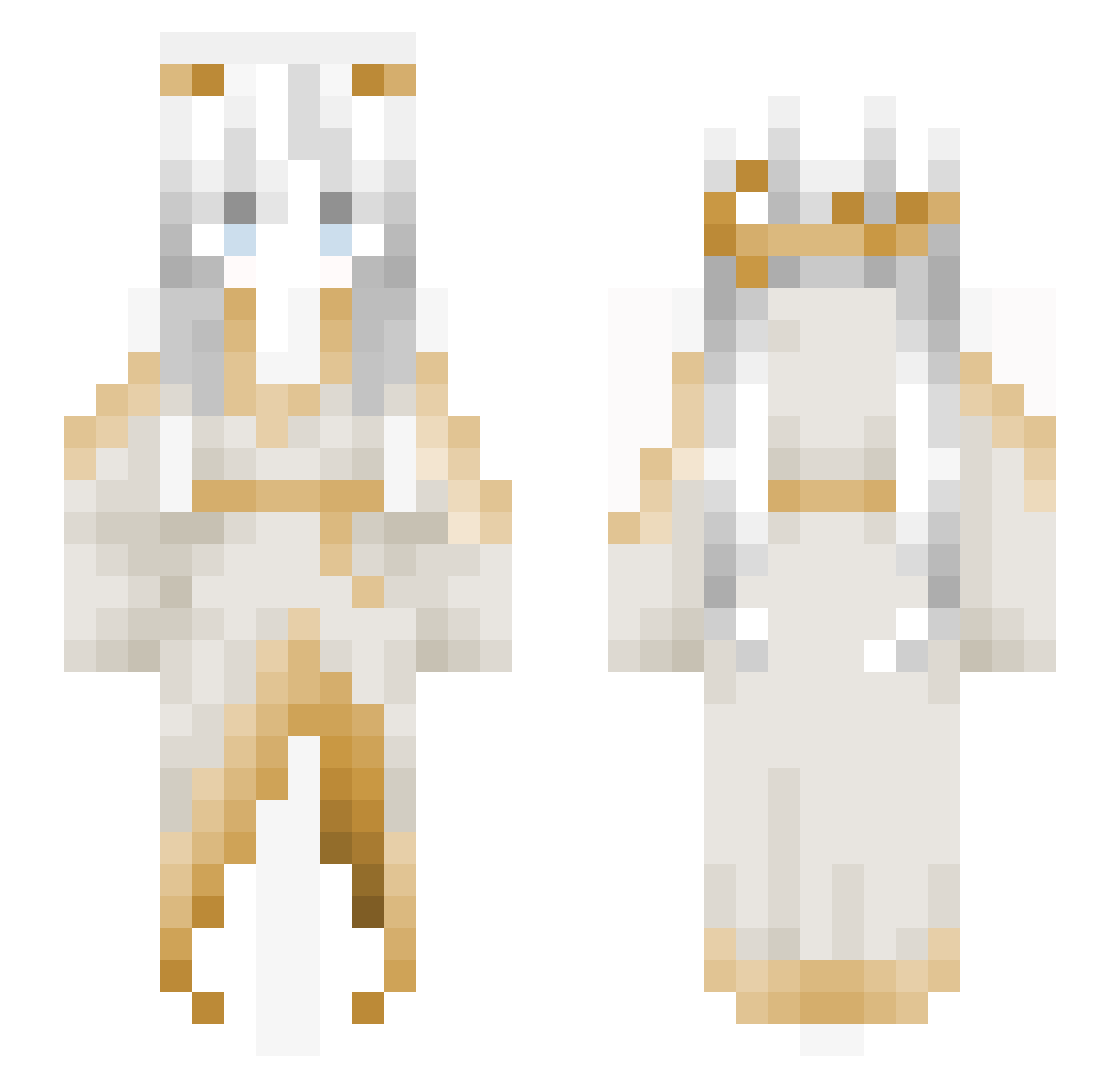
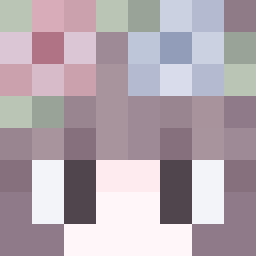
Current Minecraft skin of the player gyf1111, loaded from the official Mojang API. Rotate the 3D model with your mouse or finger, then download the skin as a PNG file and use it in Minecraft: Bedrock Edition or Java Edition for free. When gyf1111 changes their skin, this page updates automatically and the old skin stays in the history below.
Other players with this skin (156)
gyf1111 was the 57th player we have seen with this skin, first spotted on 28.08.2026. The same skin was seen on these players. Open a nickname to see their current skin and skin history.
 YHJ1112
 PuaLoveMe DaiAnnie
 Vesperiel
 zMillor
 Aqua_jade S2_AAA IronRush9V jiraffesarecool
 Yebban DJ935 Kittenrage93 500dB jahnaboii cookiejia whfz pluviophile2003 Gurent coinmen Zenek25 Portakal3907 Amiya22E lWum furentulip mikumo_1010 Valky6723 Vladdezz GayHamster Bweh20 DTWOO
 blasianguts
 Furvan03 Ericch0623 cuysia
 user7831 NightWind2502 Chiii2232 YoQueeN WLC521 Shuttle__turtle ArylAce kor2013 IgnacyGames FrostAlex kerker07 RenRains
 kaku_i XxEvanGamez Kozavskovorodke
 lilygantt Luxx88 Sh4ttyAntiSniper Lexallly
 KannaPaix nghichturaumai2 _KayZen_OO
 ED_FRL TrashPile2024 Ayko_3134 HOLLOWTALK
More Goddess Minecraft skins
How to install the gyf1111 skin
- Press the Download button above to save the skin as a PNG file.
- Minecraft: Bedrock Edition (PE): open the Dressing Room from the main menu (or tap your character → Edit Character), go to Classic Skins → Owned, press the + (new skin) button, choose the downloaded PNG and pick the Slim (Alex) model. Works on PC and mobile; consoles cannot import custom skins.
- Minecraft: Java Edition: open the Minecraft Launcher, go to the Skins tab, click New Skin, load the PNG, pick the Slim (Alex) model and press Save & Use. You can also upload it at minecraft.net → Profile → Change Skin.
The skin does not show up after import - what should I do?
Restart Minecraft and open the Dressing Room again - imported skins sometimes appear only after a restart. Also make sure you selected the imported skin and picked the Slim (Alex) model.
Which model should I choose, Classic or Slim?
This skin is designed for the Slim (Alex) model. If you pick the wrong model, the arms of the skin will look stretched or squeezed.
Is the skin of gyf1111 free to download?
Yes. Press Download, save the PNG file and use it in Minecraft: Bedrock Edition or Java Edition - no payment or registration needed. The skin also works on multiplayer servers and Realms.
More skins
Looking for more? Go back to all Minecraft skins and check the top skins of the week, month and all time, or find any player's skin by nickname.