
guschen802 - Minecraft Skins & Skin History
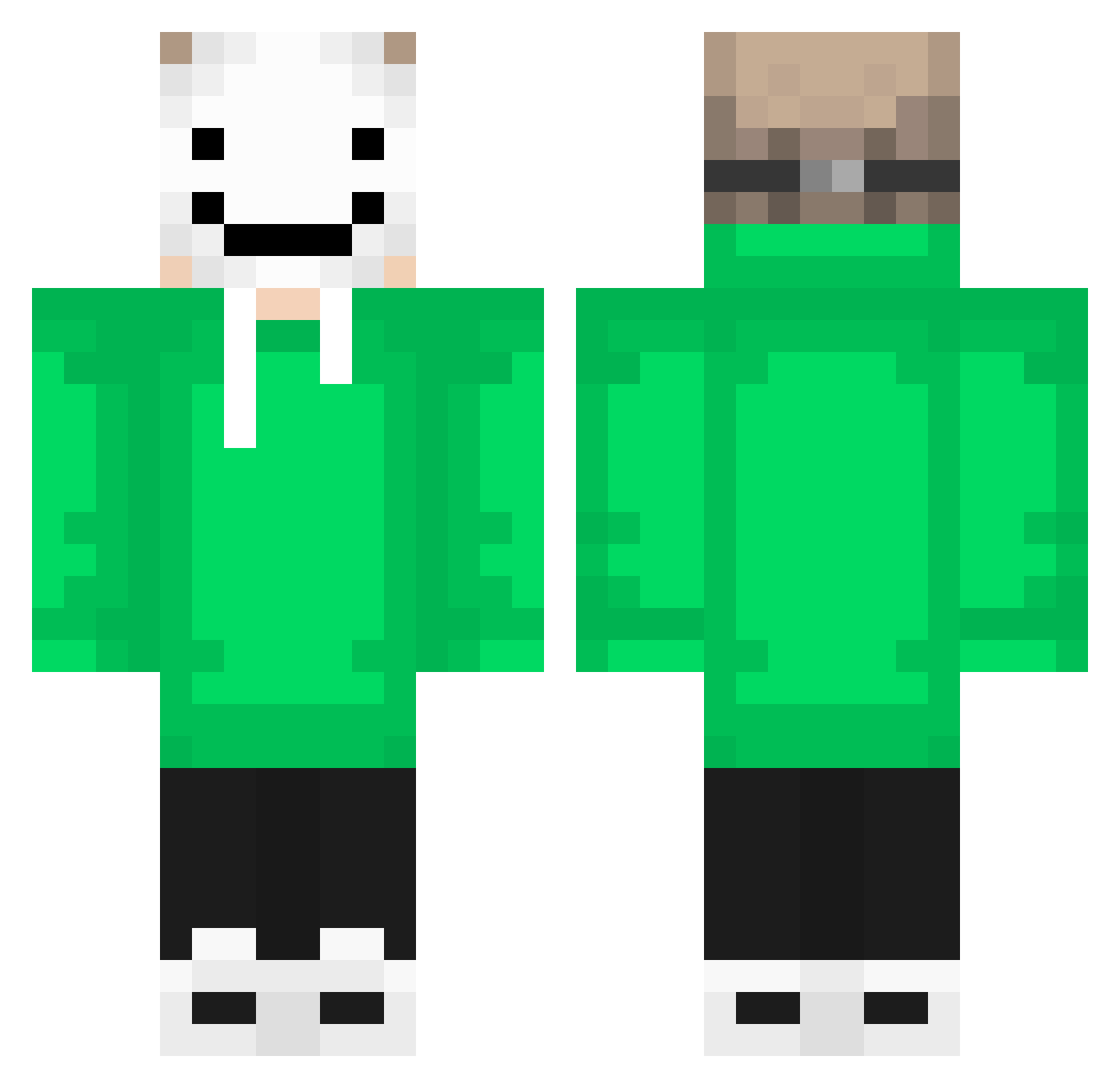
Current Minecraft skin of the player guschen802, loaded from the official Mojang API. Rotate the 3D model with your mouse or finger, then download the skin as a PNG file and use it in Minecraft: Bedrock Edition or Java Edition for free. When guschen802 changes their skin, this page updates automatically and the old skin stays in the history below.
Other players with this skin (319)
guschen802 was the 287th player we have seen with this skin, first spotted on 07.11.2026. The same skin was seen on these players. Open a nickname to see their current skin and skin history.
 Alvins_Gamers ZoocheyKing Rain0425 RainbowBird9476 GameParrot94538 PedroH0 ball0620 JediKaleb19 JoanaACR njumanh TheForeverBean FR_Wiryn JimmyThe_Jet BEGAMER10 Cre3perior gsmith4054 gameboy731762 Breadline Tomi618 ITSJoel2009 FLATOZ_200IQ VovaGG Muecke0502 Getrrengamer rnmoser1234 Zui_Meng ICE_COLD_WATER Wildkratts0218 Lizabelle0709 loopinlupin IsaacNewton23 AlanPalan Conecction Raccoon_Beater kenny_kesh GatoDream kazu0127 WorkingCafe BuffelSeth theuzin44 Xindi1w3 sihoopark1211 Eastbloood Rattlesnake1202 Tota245 NikitinGs Grim1103 rainy_jasmine Katie0416 CaptainAzure145 End_Dream87 BB274 Bo88y GoatSquidlol tameeeeee wonwonjae DrPoopPounderr ProgDoner Jayliiiiin epic_stevee
More Smiley Face Minecraft skins
See all 2246 Smiley Face skins
How to install the guschen802 skin
- Press the Download button above to save the skin as a PNG file.
- Minecraft: Bedrock Edition (PE): open the Dressing Room from the main menu (or tap your character → Edit Character), go to Classic Skins → Owned, press the + (new skin) button, choose the downloaded PNG and pick the Classic (Steve) model. Works on PC and mobile; consoles cannot import custom skins.
- Minecraft: Java Edition: open the Minecraft Launcher, go to the Skins tab, click New Skin, load the PNG, pick the Classic (Steve) model and press Save & Use. You can also upload it at minecraft.net → Profile → Change Skin.
The skin does not show up after import - what should I do?
Restart Minecraft and open the Dressing Room again - imported skins sometimes appear only after a restart. Also make sure you selected the imported skin and picked the Classic (Steve) model.
Which model should I choose, Classic or Slim?
This skin is designed for the Classic (Steve) model. If you pick the wrong model, the arms of the skin will look stretched or squeezed.
Is the skin of guschen802 free to download?
Yes. Press Download, save the PNG file and use it in Minecraft: Bedrock Edition or Java Edition - no payment or registration needed. The skin also works on multiplayer servers and Realms.
More skins
Looking for more? Go back to all Minecraft skins and check the top skins of the week, month and all time, or find any player's skin by nickname.