
granictor - Minecraft Skins & Skin History
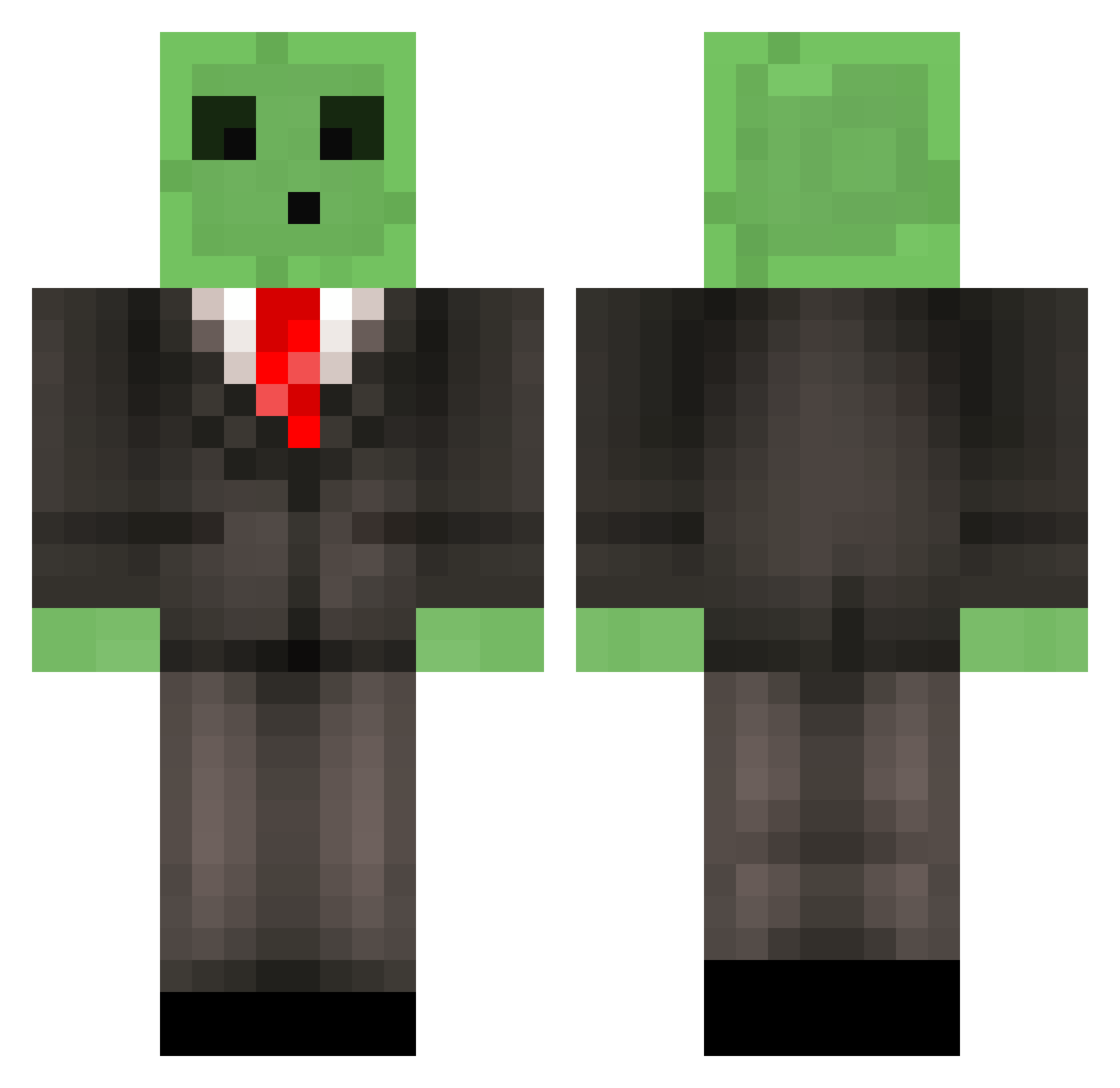
Current Minecraft skin of the player granictor, loaded from the official Mojang API. Rotate the 3D model with your mouse or finger, then download the skin as a PNG file and use it in Minecraft: Bedrock Edition or Java Edition for free. When granictor changes their skin, this page updates automatically and the old skin stays in the history below.
Other players with this skin (654)
granictor was the 626th player we have seen with this skin, first spotted on 14.11.2026. The same skin was seen on these players. Open a nickname to see their current skin and skin history.
 Denno4life llama_farmer99 ClumpyButter ImaGrindU Jiteo Jbro2765 Jack_hues mike1023 BikerPeanut mr_toullietous ImRushingNoobs Saalus Underloc56 JepzOG iPhyber RowanDavies2001 Mr_Dragonn Will_59 Jawad_Ahmed mister_slime Crosstapher rwest1 ReactNub Nyantazz Fusty skillenator Doomeater54 FootlongHorton rexyau qzaxywn ItsGhostly dude1290 SoldierSlime PikuruWafuru liveordie125 Rumble859 Rated9 jarly_boi zDery mrHeikki kiwiblake ANEVILGAM3R Kburns8 Michael_1501 iSock lukeoll carterthefox andyt13 SuthernDrunk AJF_878 JDSRixonSFC ecapron Feeshes streetfighter_26 PlanetShocker81 DynamoAuditory tylerhong2002 ramy267 dashi190 SuaveSeth
More Slime Minecraft skins
How to install the granictor skin
- Press the Download button above to save the skin as a PNG file.
- Minecraft: Bedrock Edition (PE): open the Dressing Room from the main menu (or tap your character → Edit Character), go to Classic Skins → Owned, press the + (new skin) button, choose the downloaded PNG and pick the Classic (Steve) model. Works on PC and mobile; consoles cannot import custom skins.
- Minecraft: Java Edition: open the Minecraft Launcher, go to the Skins tab, click New Skin, load the PNG, pick the Classic (Steve) model and press Save & Use. You can also upload it at minecraft.net → Profile → Change Skin.
The skin does not show up after import - what should I do?
Restart Minecraft and open the Dressing Room again - imported skins sometimes appear only after a restart. Also make sure you selected the imported skin and picked the Classic (Steve) model.
Which model should I choose, Classic or Slim?
This skin is designed for the Classic (Steve) model. If you pick the wrong model, the arms of the skin will look stretched or squeezed.
Is the skin of granictor free to download?
Yes. Press Download, save the PNG file and use it in Minecraft: Bedrock Edition or Java Edition - no payment or registration needed. The skin also works on multiplayer servers and Realms.
More skins
Looking for more? Go back to all Minecraft skins and check the top skins of the week, month and all time, or find any player's skin by nickname.