
gpitbul - Minecraft Skins & Skin History
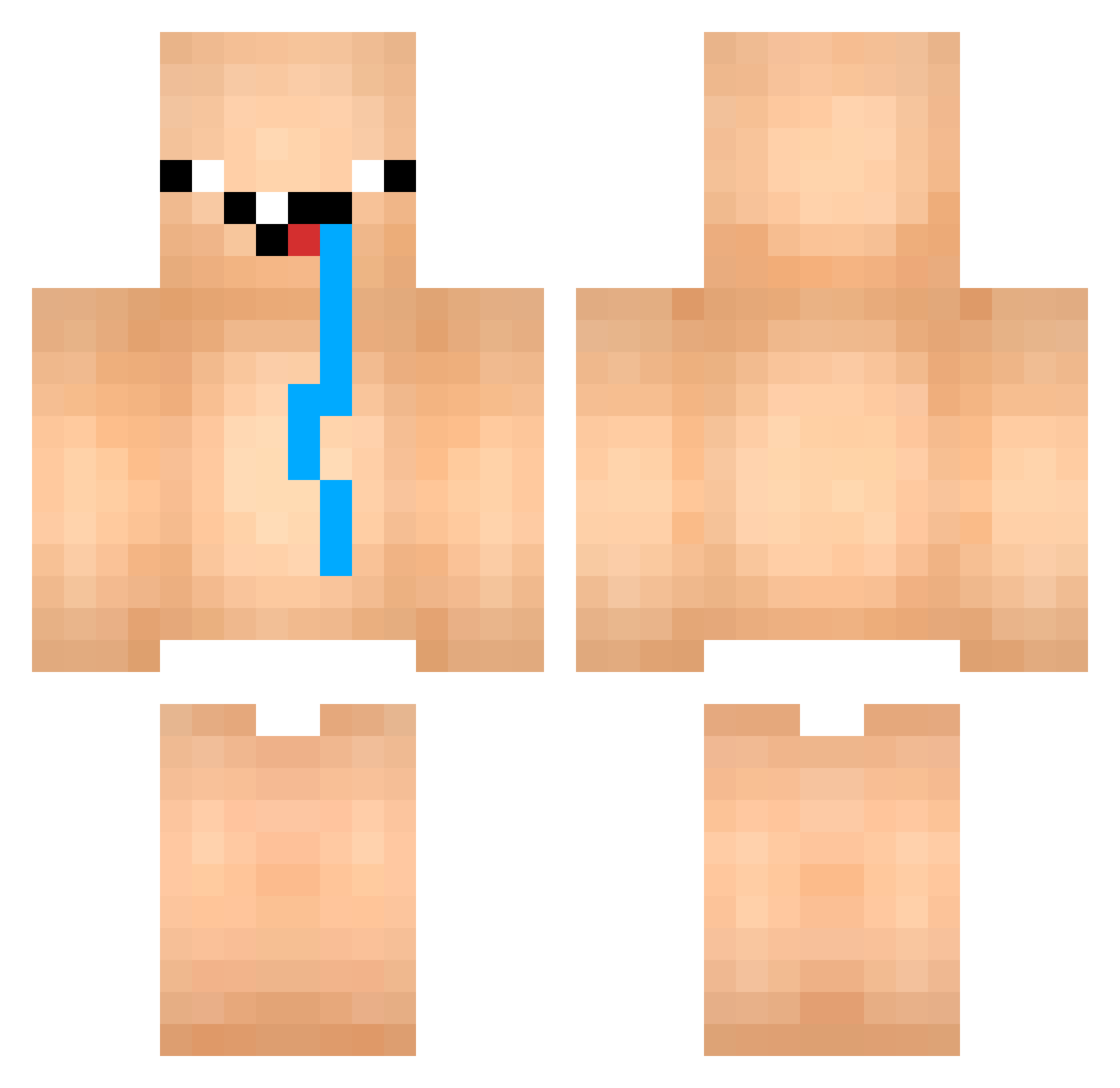
Current Minecraft skin of the player gpitbul, loaded from the official Mojang API. Rotate the 3D model with your mouse or finger, then download the skin as a PNG file and use it in Minecraft: Bedrock Edition or Java Edition for free. When gpitbul changes their skin, this page updates automatically and the old skin stays in the history below.
Other players with this skin (767)
gpitbul was the 23rd player we have seen with this skin, first spotted on 24.07.2026. The same skin was seen on these players. Open a nickname to see their current skin and skin history.
 NootInMyBoot shironzub
 jc_gomes BladeX_4 DDINGJN pauseunpause_252 dani26261 Boss_Louis Rimuwu2 HalytogatosLaci won_328 Tommy_887 Krabbelhuhn Sakura74 haffffffff YOSIDAZAURUSU HISUI39 X_wujun wermangamer
 Diamondsteve164 xogjs_ex chapeauloup60 gamba12 ssuung Jefferson65 ELV15_ DigiBoy12 GroldPTF KO_Artemis Xiang90202
 shachooooooooooo
 Sameninhalierer Katzenfressa Constiti224 red_jjun woG8DAA HENRYCAVILL777 maen9_g methiel64 elbebote69 Kyo50000 bakarni
 GeritaVosh edvark eminbaba_ Papa_Ganoosh Kurdischer_Stern BigF00tIsRea1 J3ssy_B
 bayo7 McSharte U7IN_ Xiuor hetzi_mich_nicht unddierotzt wetpant73 hyun_jun576 Marceyyy ribeirzx Vaaldyl
More Diaper Minecraft skins
How to install the gpitbul skin
- Press the Download button above to save the skin as a PNG file.
- Minecraft: Bedrock Edition (PE): open the Dressing Room from the main menu (or tap your character → Edit Character), go to Classic Skins → Owned, press the + (new skin) button, choose the downloaded PNG and pick the Classic (Steve) model. Works on PC and mobile; consoles cannot import custom skins.
- Minecraft: Java Edition: open the Minecraft Launcher, go to the Skins tab, click New Skin, load the PNG, pick the Classic (Steve) model and press Save & Use. You can also upload it at minecraft.net → Profile → Change Skin.
The skin does not show up after import - what should I do?
Restart Minecraft and open the Dressing Room again - imported skins sometimes appear only after a restart. Also make sure you selected the imported skin and picked the Classic (Steve) model.
Which model should I choose, Classic or Slim?
This skin is designed for the Classic (Steve) model. If you pick the wrong model, the arms of the skin will look stretched or squeezed.
Is the skin of gpitbul free to download?
Yes. Press Download, save the PNG file and use it in Minecraft: Bedrock Edition or Java Edition - no payment or registration needed. The skin also works on multiplayer servers and Realms.
More skins
Looking for more? Go back to all Minecraft skins and check the top skins of the week, month and all time, or find any player's skin by nickname.