
gobbylin - Minecraft Skins & Skin History
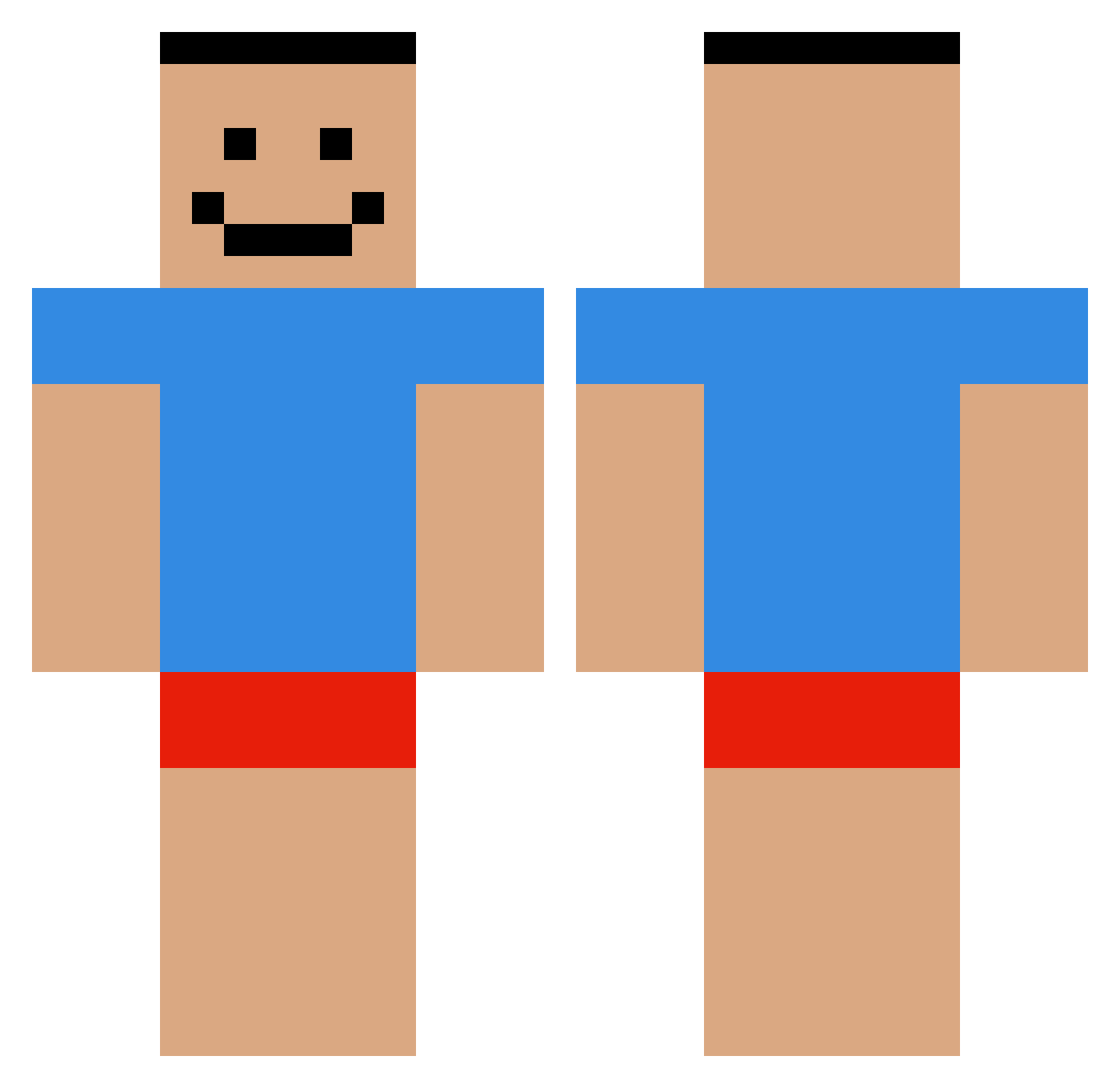
Current Minecraft skin of the player gobbylin, loaded from the official Mojang API. Rotate the 3D model with your mouse or finger, then download the skin as a PNG file and use it in Minecraft: Bedrock Edition or Java Edition for free. When gobbylin changes their skin, this page updates automatically and the old skin stays in the history below.
Other players with this skin (551)
gobbylin was the 29th player we have seen with this skin, first spotted on 29.07.2026. The same skin was seen on these players. Open a nickname to see their current skin and skin history.
 zelo_yt BigBishounen Kermint1 Sarnientoo SenpaiGrosul wirwyy borec_borecek xReww Flammenden Hobofosh FW_TROY Akari954 an2sion Joelsinhox Jazzycrescent51 promotion311 gooberNX kotomiler_wampir WetLikeWat3r mynham __Ford SHIDA55 cretoss SimplyVanilla neville0506 Roupark PGcaptclutch
 EminemMult armdri23 Azerkoo_ KabaChert cookezi c00nhunter69 SHlT_AS Pupsssssssssssss my_spin_move TheMagicDinosaur Sooksy Quacksalver ShortFall BrianSlays29 Xx_A_Non_Noob_xX s0da_3 Wicia2411 NoHackJustMyArms Delishhh edgar079585 TaLKIN3G ChadOfSteel WagonMan KlonkyDuck Chmiel23 CaIlMeCarson Nixiee2 SheHatesJuice vvalkks _Pauko_ MaddMarkk KMOIII Tryfan26
How to install the gobbylin skin
- Press the Download button above to save the skin as a PNG file.
- Minecraft: Bedrock Edition (PE): open the Dressing Room from the main menu (or tap your character → Edit Character), go to Classic Skins → Owned, press the + (new skin) button, choose the downloaded PNG and pick the Classic (Steve) model. Works on PC and mobile; consoles cannot import custom skins.
- Minecraft: Java Edition: open the Minecraft Launcher, go to the Skins tab, click New Skin, load the PNG, pick the Classic (Steve) model and press Save & Use. You can also upload it at minecraft.net → Profile → Change Skin.
The skin does not show up after import - what should I do?
Restart Minecraft and open the Dressing Room again - imported skins sometimes appear only after a restart. Also make sure you selected the imported skin and picked the Classic (Steve) model.
Which model should I choose, Classic or Slim?
This skin is designed for the Classic (Steve) model. If you pick the wrong model, the arms of the skin will look stretched or squeezed.
Is the skin of gobbylin free to download?
Yes. Press Download, save the PNG file and use it in Minecraft: Bedrock Edition or Java Edition - no payment or registration needed. The skin also works on multiplayer servers and Realms.
More skins
Looking for more? Go back to all Minecraft skins and check the top skins of the week, month and all time, or find any player's skin by nickname.