
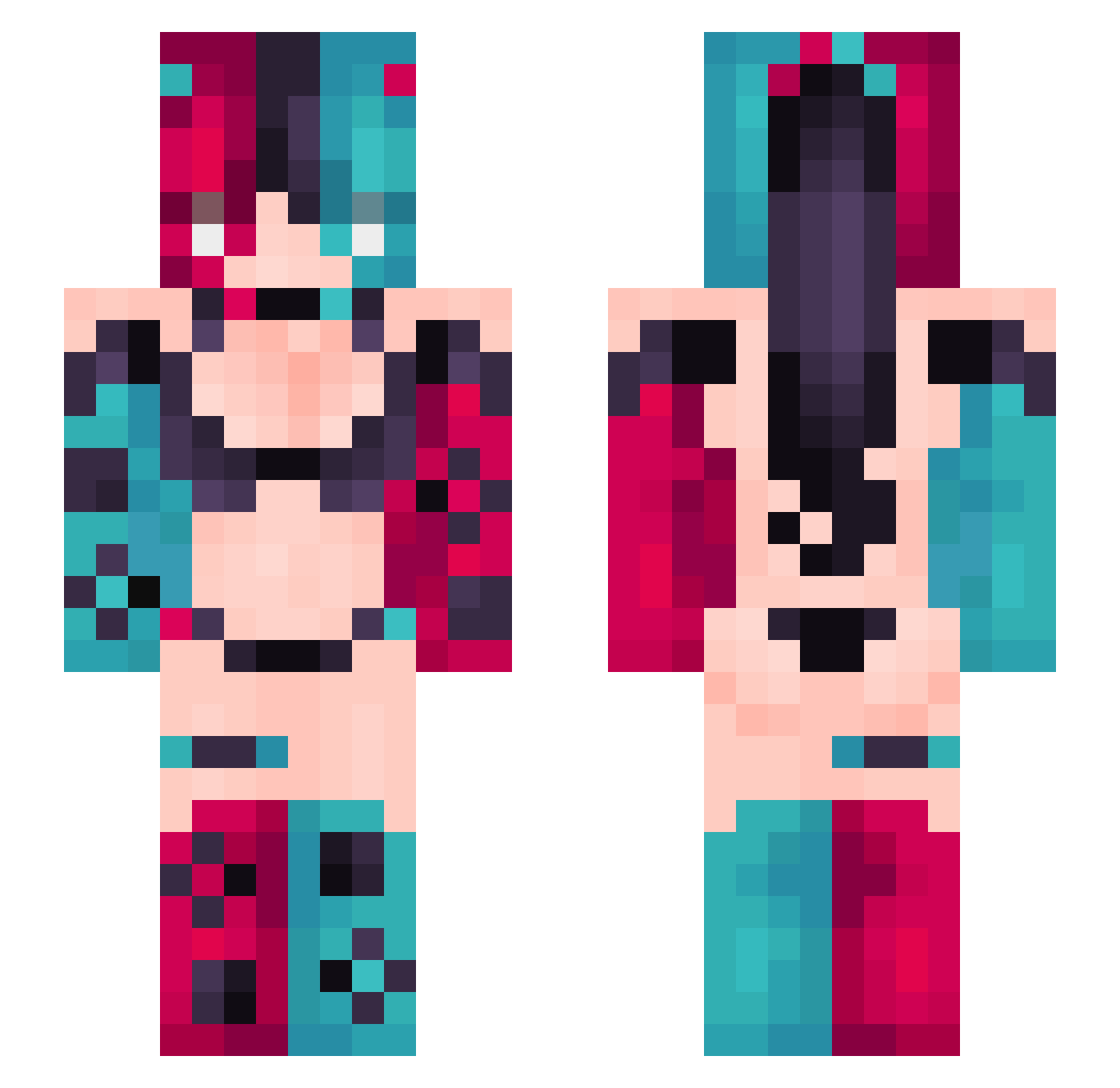
Current Minecraft skin of the player gk3256, loaded from the official Mojang API. Rotate the 3D model with your mouse or finger, then download the skin as a PNG file and use it in Minecraft: Bedrock Edition or Java Edition for free. When gk3256 changes their skin, this page updates automatically and the old skin stays in the history below.
Other players with this skin (310)
gk3256 was the 104th player we have seen with this skin, first spotted on 22.08.2026. The same skin was seen on these players. Open a nickname to see their current skin and skin history.
 TriColor1192
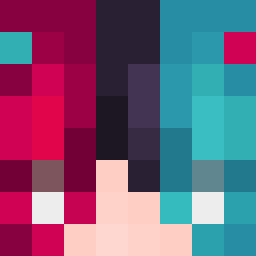 SYMPH0NY3 urlittlesisterr angelux342 Akio_Hellkeiser
 HFXPotato ON9_TryMyBest Nagori93 YoMoo313 Hamumber babu778 hayakawako RITA369 tang1223 gpalsl123 charroo12 MelonSloth The_Uncommon RankBacon2 8548551 KaShaDoLa sardo6 ReaTheWolf SmokDH kimroot_
 mirera Minseo1110 MisterBame Sat0s41 SmooveXO awandjg BootsFree Blazeryyyy GOLDAXE4000 Hamafubuki
 miavicenzz booboobb mechanicalsoldi masinalima Godjed Ashura_0603 spragan potatoji Hypwan hockeybobby46 LEPANDAD
 Tesladark imnot_lavin_hk destrozaburras writingapaige Yowini ChauSaa gatito_66 s4ud4d3l4nu4 csbdl InnerWolverine2 KurouKarma cooleen72 Niko_xqkvl Calliope_26
More Nintendo Switch Minecraft skins
See all 18 Nintendo Switch skins
How to install the gk3256 skin
- Press the Download button above to save the skin as a PNG file.
- Minecraft: Bedrock Edition (PE): open the Dressing Room from the main menu (or tap your character → Edit Character), go to Classic Skins → Owned, press the + (new skin) button, choose the downloaded PNG and pick the Slim (Alex) model. Works on PC and mobile; consoles cannot import custom skins.
- Minecraft: Java Edition: open the Minecraft Launcher, go to the Skins tab, click New Skin, load the PNG, pick the Slim (Alex) model and press Save & Use. You can also upload it at minecraft.net → Profile → Change Skin.
The skin does not show up after import - what should I do?
Restart Minecraft and open the Dressing Room again - imported skins sometimes appear only after a restart. Also make sure you selected the imported skin and picked the Slim (Alex) model.
Which model should I choose, Classic or Slim?
This skin is designed for the Slim (Alex) model. If you pick the wrong model, the arms of the skin will look stretched or squeezed.
Is the skin of gk3256 free to download?
Yes. Press Download, save the PNG file and use it in Minecraft: Bedrock Edition or Java Edition - no payment or registration needed. The skin also works on multiplayer servers and Realms.
More skins
Looking for more? Go back to all Minecraft skins and check the top skins of the week, month and all time, or find any player's skin by nickname.