
ghoul7890 - Minecraft Skins & Skin History
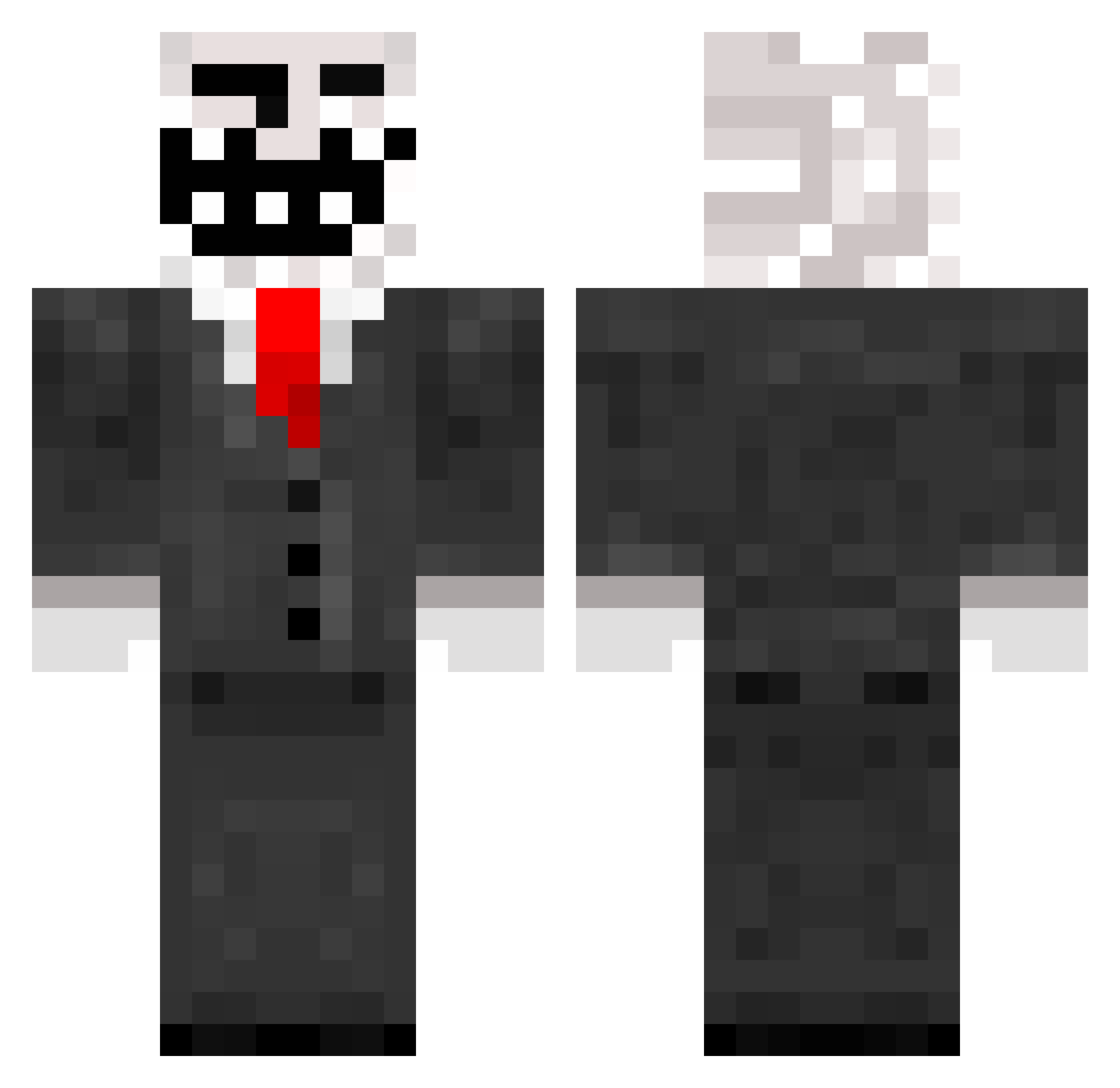
Current Minecraft skin of the player ghoul7890, loaded from the official Mojang API. Rotate the 3D model with your mouse or finger, then download the skin as a PNG file and use it in Minecraft: Bedrock Edition or Java Edition for free. When ghoul7890 changes their skin, this page updates automatically and the old skin stays in the history below.
Other players with this skin (290)
ghoul7890 was the 207th player we have seen with this skin, first spotted on 09.10.2026. The same skin was seen on these players. Open a nickname to see their current skin and skin history.
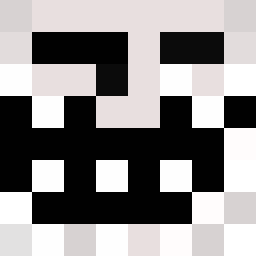 lolan720J Bossyboy5 debop111 Gevagamer ebber0806 originalclan Forrestt Vadim_War md0992 Amniil tomoslash marsh92 Neo2k3 JayTheMango _Nickkk_ Whitemato lazerleif10 NikoNotNico SweacAnte stanleyhruz9761 rossy1111 Antho12312 Towes22 TickandiA GucciLemonade Pbatiscool1 Hunten1239 callyw21229 megamanrage43 KaloBadar SaVaGe12125 Seirin trbotimbo NINJA840 MRx_Fat_Bastard bigfoot201 ObamaStoleMyWifi hiltsulaukkanen michu8888 YapSmacker Diablobitch xmanisthebest Peace_U JeremyInfinity Panorama210 GoooberDad exam0717 BajanRican BornTroll LordNmp Jannah12 BigNut4535 metallica4evr17 xadias Tokelarsen RuinationRonin Fred542 CyberSHOTZ _HyDroz_ zzheg
More Trollface Minecraft skins
How to install the ghoul7890 skin
- Press the Download button above to save the skin as a PNG file.
- Minecraft: Bedrock Edition (PE): open the Dressing Room from the main menu (or tap your character → Edit Character), go to Classic Skins → Owned, press the + (new skin) button, choose the downloaded PNG and pick the Classic (Steve) model. Works on PC and mobile; consoles cannot import custom skins.
- Minecraft: Java Edition: open the Minecraft Launcher, go to the Skins tab, click New Skin, load the PNG, pick the Classic (Steve) model and press Save & Use. You can also upload it at minecraft.net → Profile → Change Skin.
The skin does not show up after import - what should I do?
Restart Minecraft and open the Dressing Room again - imported skins sometimes appear only after a restart. Also make sure you selected the imported skin and picked the Classic (Steve) model.
Which model should I choose, Classic or Slim?
This skin is designed for the Classic (Steve) model. If you pick the wrong model, the arms of the skin will look stretched or squeezed.
Is the skin of ghoul7890 free to download?
Yes. Press Download, save the PNG file and use it in Minecraft: Bedrock Edition or Java Edition - no payment or registration needed. The skin also works on multiplayer servers and Realms.
More skins
Looking for more? Go back to all Minecraft skins and check the top skins of the week, month and all time, or find any player's skin by nickname.