
ggga00 - Minecraft Skins & Skin History
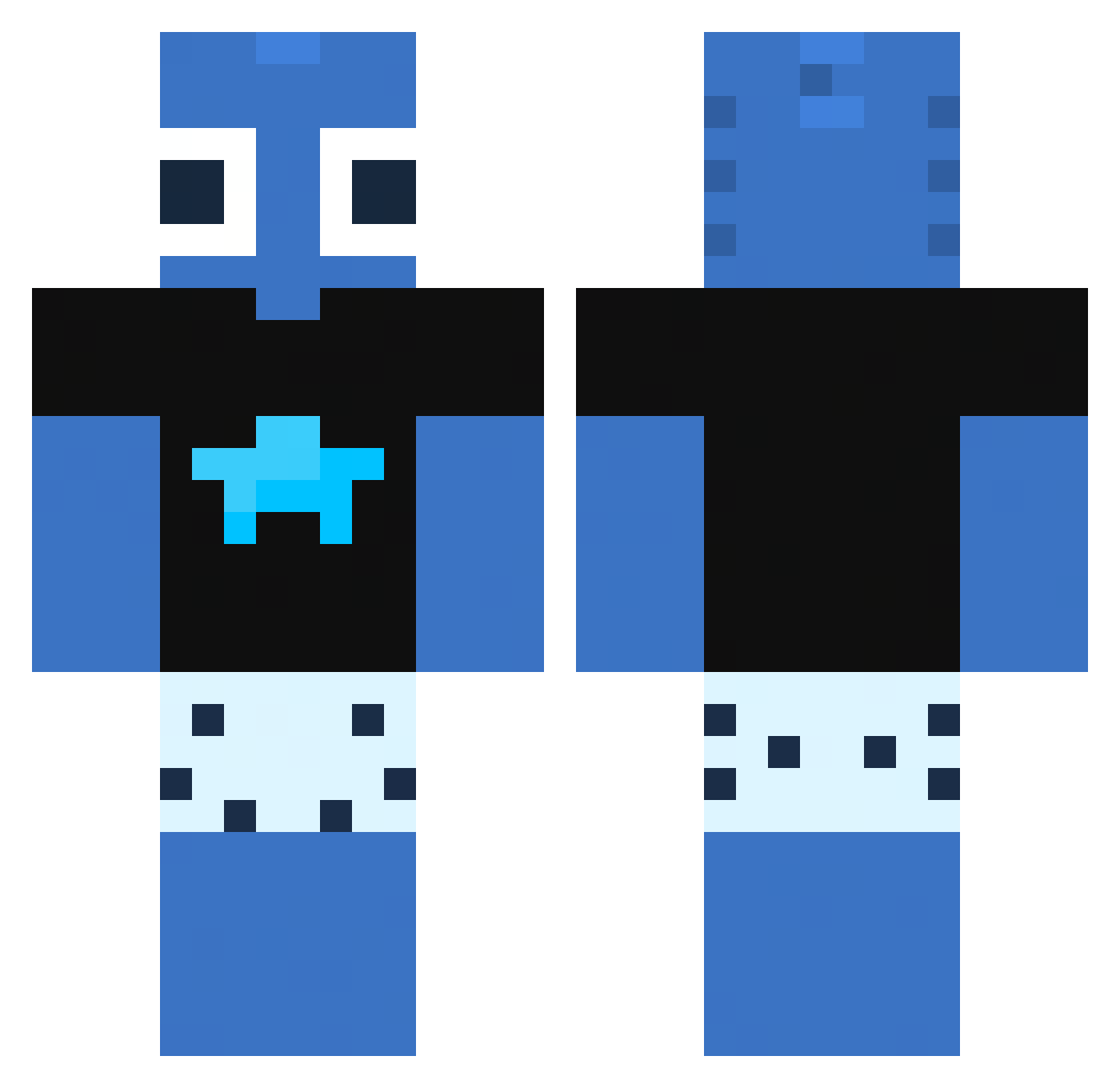
Current Minecraft skin of the player ggga00, loaded from the official Mojang API. Rotate the 3D model with your mouse or finger, then download the skin as a PNG file and use it in Minecraft: Bedrock Edition or Java Edition for free. When ggga00 changes their skin, this page updates automatically and the old skin stays in the history below.
Other players with this skin (117)
ggga00 was the 111th player we have seen with this skin, first spotted on 13.11.2026. The same skin was seen on these players. Open a nickname to see their current skin and skin history.
 kIebson whiteboyjake_r meat_cube ToPaZ4231 CHICLEPOP fusioun yubare Vzmrs Jeppebananhoved7 Sparky_Monkey bafinho700 Grendik Beariah AngelMont15 senmeii12 ohyunhyeok Damagingdreams wo0fz_ SourIsTheBest Capivaresca IHATEBEINS0BER Carameliqq Supra_warr DINO625 aliruz VexCop X1ANGY1 TruBlueStrike Oltrexik lunar_boy67 rayzenaynon Mballer6 h1r11 Be_ziku_ KaraStups non4tU MK2BO kinnajp ezBAS1C V0idRYFT swagggerss Bober353 KnallPengJr MokrySut14 true_Amigo kptavares taykw47shawty SAUD201413 Kasiexxx69 Axozq o_ree0 Letha_0115 sylaa__ shadowworks231 HeyGM maathiG Pokizt DrFischkxpf daviispidey affexions
More Alien Minecraft skins
How to install the ggga00 skin
- Press the Download button above to save the skin as a PNG file.
- Minecraft: Bedrock Edition (PE): open the Dressing Room from the main menu (or tap your character → Edit Character), go to Classic Skins → Owned, press the + (new skin) button, choose the downloaded PNG and pick the Classic (Steve) model. Works on PC and mobile; consoles cannot import custom skins.
- Minecraft: Java Edition: open the Minecraft Launcher, go to the Skins tab, click New Skin, load the PNG, pick the Classic (Steve) model and press Save & Use. You can also upload it at minecraft.net → Profile → Change Skin.
The skin does not show up after import - what should I do?
Restart Minecraft and open the Dressing Room again - imported skins sometimes appear only after a restart. Also make sure you selected the imported skin and picked the Classic (Steve) model.
Which model should I choose, Classic or Slim?
This skin is designed for the Classic (Steve) model. If you pick the wrong model, the arms of the skin will look stretched or squeezed.
Is the skin of ggga00 free to download?
Yes. Press Download, save the PNG file and use it in Minecraft: Bedrock Edition or Java Edition - no payment or registration needed. The skin also works on multiplayer servers and Realms.
More skins
Looking for more? Go back to all Minecraft skins and check the top skins of the week, month and all time, or find any player's skin by nickname.