
gekuehlteDrinks - Minecraft Skins & Skin History
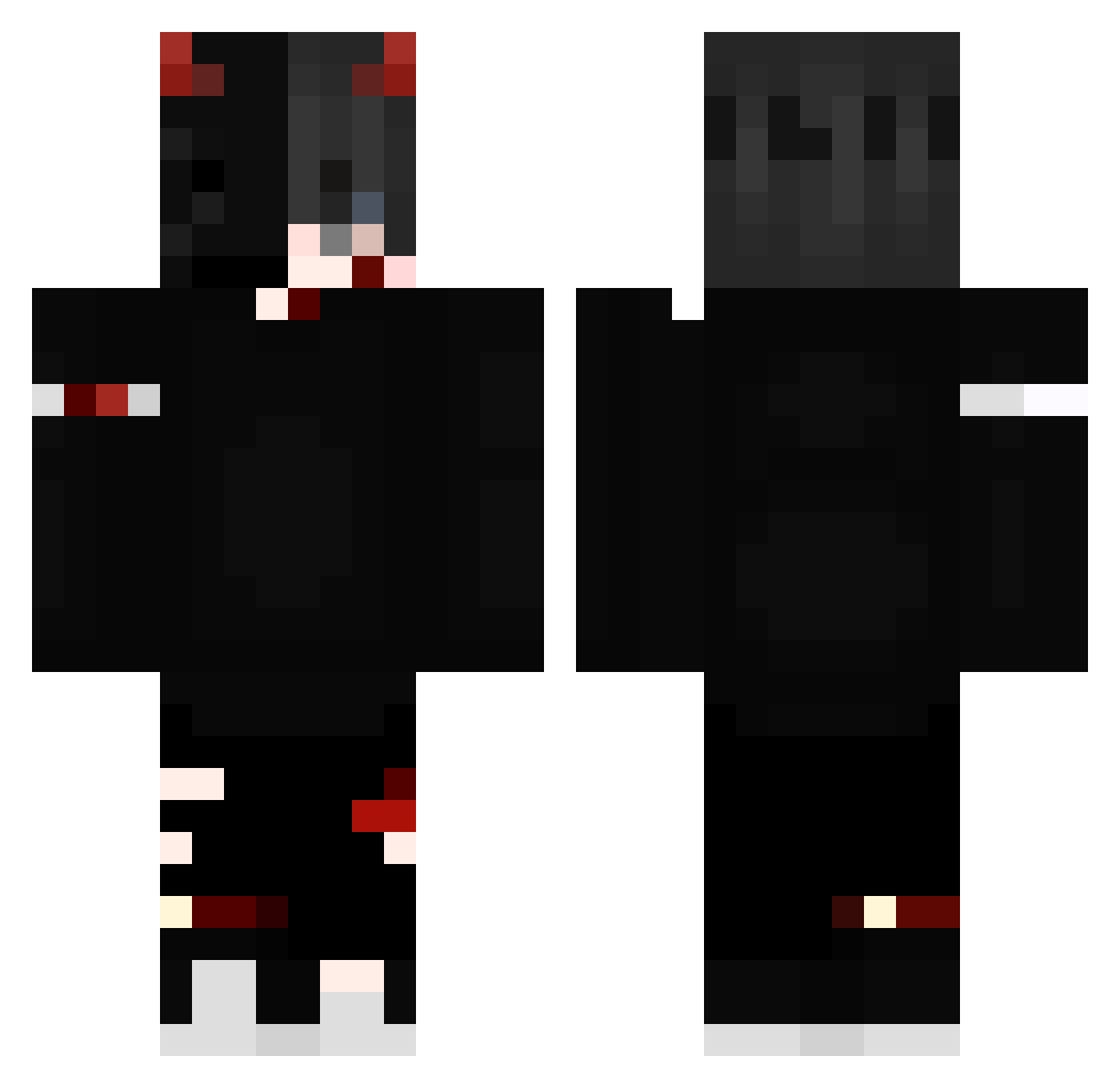
Current Minecraft skin of the player gekuehlteDrinks, loaded from the official Mojang API. Rotate the 3D model with your mouse or finger, then download the skin as a PNG file and use it in Minecraft: Bedrock Edition or Java Edition for free. When gekuehlteDrinks changes their skin, this page updates automatically and the old skin stays in the history below.
Other players with this skin (239)
gekuehlteDrinks was the 143rd player we have seen with this skin, first spotted on 28.09.2026. The same skin was seen on these players. Open a nickname to see their current skin and skin history.
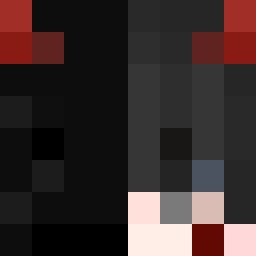 ScytheLord1 Rickyzx_ phillippbg Sweedy21 Salsase B_Sakulkrit_Bno1 killeurs765 Eichi2 Bloodysxd iBurn SUPERNOVA200810 GiveMeTheUwU _iTsHusky_ Degenereke Arkon39rus abu6r SergiuLucian169 Cegatte Melissa0908 MrMaikHD HaiKoerper67676 ix_viii_i Azwelf IcedDemonWolf Strenox eryko_ ItsMeOK z8Skul_ DjuzoBiva Singar_18 xMokyu sector553 Comte_Slaurith LeBDemon BocqGaming Hunter0519 ShenShiro Dej9vu skmilo Hachidairyuo Campyxx v1per01 zi0ms0npl69 Evire SrBlackZ patrick_124 Blazin8 TheXiDMML Dabodi frxaxynico Darkii1 69ti Onix_Dust BERSERKER_RHLM djeanocraft Entitynone_1 AjPRIX Michal1022 traldon_evil_hak NAIM10
More Edgy Minecraft skins
How to install the gekuehlteDrinks skin
- Press the Download button above to save the skin as a PNG file.
- Minecraft: Bedrock Edition (PE): open the Dressing Room from the main menu (or tap your character → Edit Character), go to Classic Skins → Owned, press the + (new skin) button, choose the downloaded PNG and pick the Classic (Steve) model. Works on PC and mobile; consoles cannot import custom skins.
- Minecraft: Java Edition: open the Minecraft Launcher, go to the Skins tab, click New Skin, load the PNG, pick the Classic (Steve) model and press Save & Use. You can also upload it at minecraft.net → Profile → Change Skin.
The skin does not show up after import - what should I do?
Restart Minecraft and open the Dressing Room again - imported skins sometimes appear only after a restart. Also make sure you selected the imported skin and picked the Classic (Steve) model.
Which model should I choose, Classic or Slim?
This skin is designed for the Classic (Steve) model. If you pick the wrong model, the arms of the skin will look stretched or squeezed.
Is the skin of gekuehlteDrinks free to download?
Yes. Press Download, save the PNG file and use it in Minecraft: Bedrock Edition or Java Edition - no payment or registration needed. The skin also works on multiplayer servers and Realms.
More skins
Looking for more? Go back to all Minecraft skins and check the top skins of the week, month and all time, or find any player's skin by nickname.