
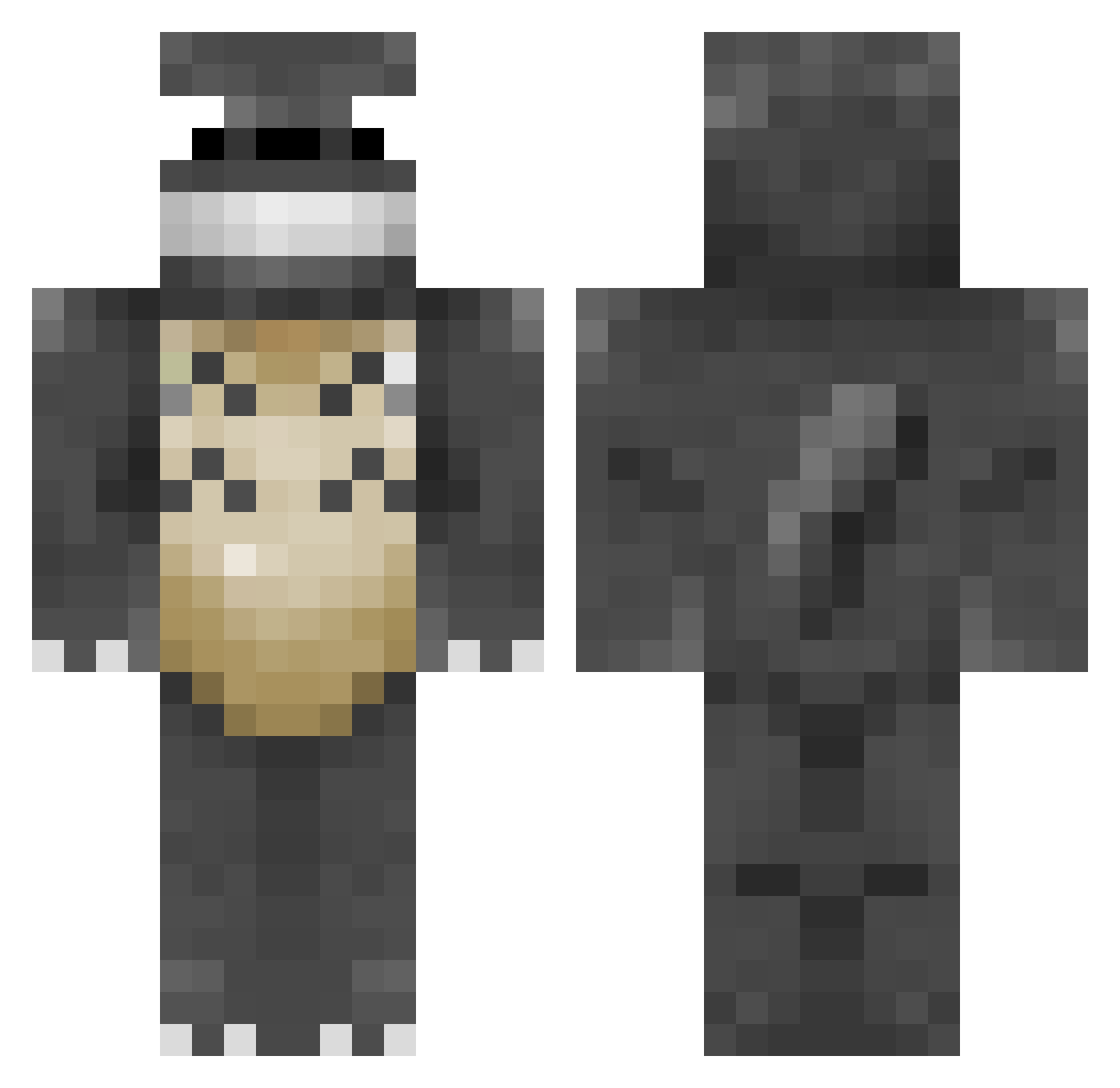
Current Minecraft skin of the player geekofmanythings, loaded from the official Mojang API. Rotate the 3D model with your mouse or finger, then download the skin as a PNG file and use it in Minecraft: Bedrock Edition or Java Edition for free. When geekofmanythings changes their skin, this page updates automatically and the old skin stays in the history below.
Other players with this skin (203)
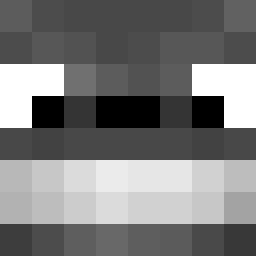
geekofmanythings was the 173rd player we have seen with this skin, first spotted on 03.10.2026. The same skin was seen on these players. Open a nickname to see their current skin and skin history.
 Teiqui _RadDad_ Utabon vxBaka nipponjin mountaingoat1014 Libes49 Evuchii BraggyCoops seuss7 mogiceo mvanland zim10293 younessco dylan4278 KailebCardle panic00735 nataliamay Mr_Bowjangles BrioSong jhorton01 ClumsyLaura perkins240 zapetout Makk20 0xyd dhekel nonkuromi Explosion22 xXNathanXx alisters Fallen_wish _FireSparkz_ TheCarrasm JesiDeeAnia jongbk Blancopex seblouis Gabuwu alfreedom4all VSMonty RDG_Playz ByteMidnight ChaneeS2 coaldreary blubird4 totorototot AsterCody Genesis_Rae kaizer81 Savingsilva1994 Mountain_Drew13 6070 jokeplug JoJo6969 CFoltz fooster82 SirZenith2 luke12 slekes1
More My Neighbor Totoro Minecraft skins
See all 17 My Neighbor Totoro skins
How to install the geekofmanythings skin
- Press the Download button above to save the skin as a PNG file.
- Minecraft: Bedrock Edition (PE): open the Dressing Room from the main menu (or tap your character → Edit Character), go to Classic Skins → Owned, press the + (new skin) button, choose the downloaded PNG and pick the Classic (Steve) model. Works on PC and mobile; consoles cannot import custom skins.
- Minecraft: Java Edition: open the Minecraft Launcher, go to the Skins tab, click New Skin, load the PNG, pick the Classic (Steve) model and press Save & Use. You can also upload it at minecraft.net → Profile → Change Skin.
The skin does not show up after import - what should I do?
Restart Minecraft and open the Dressing Room again - imported skins sometimes appear only after a restart. Also make sure you selected the imported skin and picked the Classic (Steve) model.
Which model should I choose, Classic or Slim?
This skin is designed for the Classic (Steve) model. If you pick the wrong model, the arms of the skin will look stretched or squeezed.
Is the skin of geekofmanythings free to download?
Yes. Press Download, save the PNG file and use it in Minecraft: Bedrock Edition or Java Edition - no payment or registration needed. The skin also works on multiplayer servers and Realms.
More skins
Looking for more? Go back to all Minecraft skins and check the top skins of the week, month and all time, or find any player's skin by nickname.