
gasco_12 - Minecraft Skins & Skin History
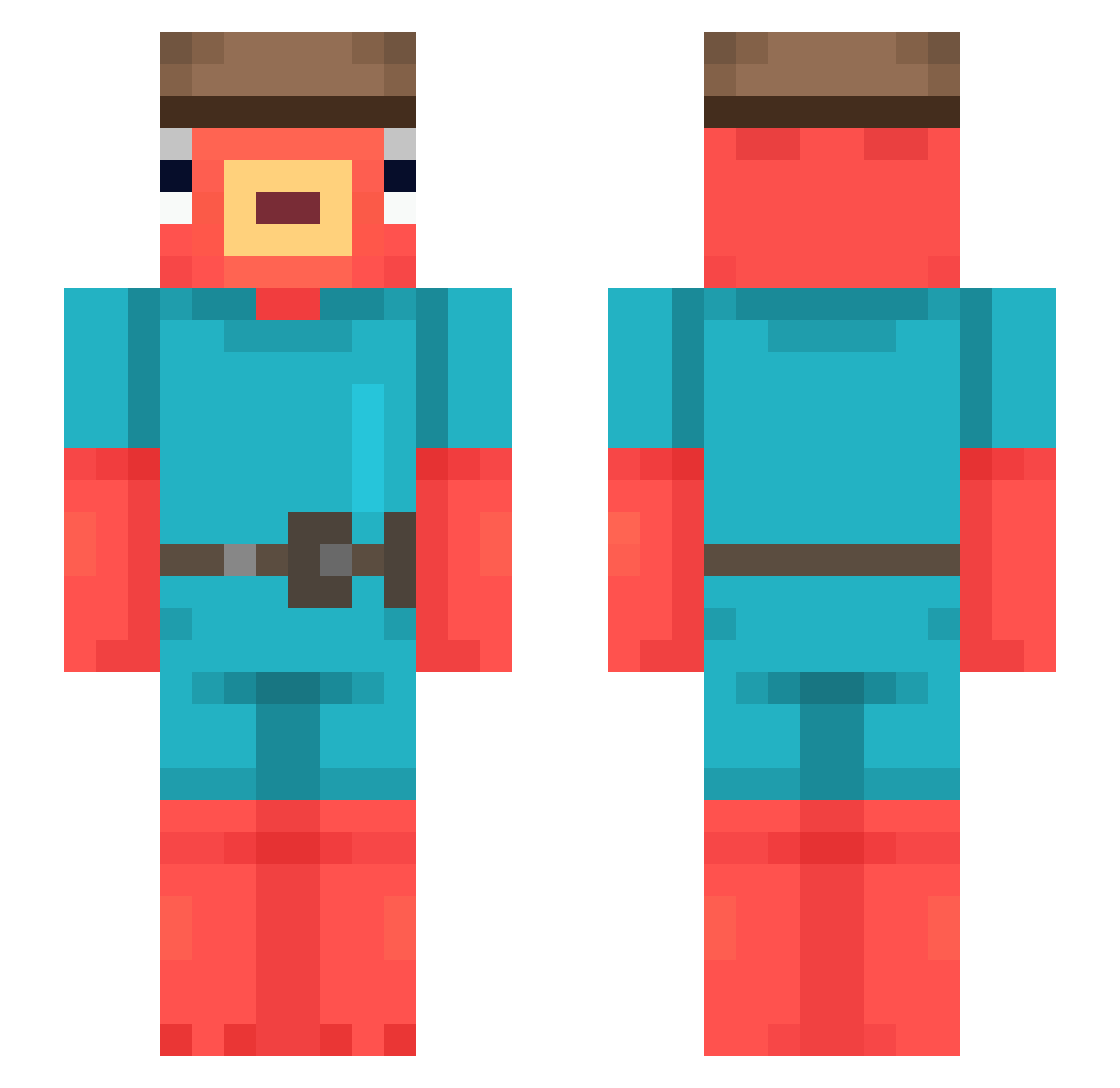
Current Minecraft skin of the player gasco_12, loaded from the official Mojang API. Rotate the 3D model with your mouse or finger, then download the skin as a PNG file and use it in Minecraft: Bedrock Edition or Java Edition for free. When gasco_12 changes their skin, this page updates automatically and the old skin stays in the history below.
Other players with this skin (604)
gasco_12 was the 569th player we have seen with this skin, first spotted on 04.11.2026. The same skin was seen on these players. Open a nickname to see their current skin and skin history.
 wumin003 AndersOK10 cwizz_ Solarito The_big_Bobo1 Muammer65 Nickyman738 DeBlobiX Chumky baptistar1 taisemaru Hugitix3000 WendysSandwich MrLuffe SoyMilk39 Alman368 sonicknuckles09 PPedro08 Allah3918 kany3_w3st LBDRomain Not_luca_ Zaborcodio FelipeRochaaa OoOgiew SiimMm0plexXx Venomixer room_40 kohaku86 isacman1 alanekXD223 mat_o_peixonauta SoftPumpkin saldana4life Pysicll yukitarooooo 0xfishy moinTim Nomkuo Rebs25 Zqnett NOWAYkarolek BambusOffical X_KaPaCuK_X djtfup dazzi1111 LegendGG007 wigburgess Boomer_1503 SlattCarti1600 Protteu lalacrafter123 JohnnyCarbs Mickabx11 Rafman723 15p TOMEK09 PEDROPVP0806 JP070810 Loquat7
More Fishstick Minecraft skins
How to install the gasco_12 skin
- Press the Download button above to save the skin as a PNG file.
- Minecraft: Bedrock Edition (PE): open the Dressing Room from the main menu (or tap your character → Edit Character), go to Classic Skins → Owned, press the + (new skin) button, choose the downloaded PNG and pick the Slim (Alex) model. Works on PC and mobile; consoles cannot import custom skins.
- Minecraft: Java Edition: open the Minecraft Launcher, go to the Skins tab, click New Skin, load the PNG, pick the Slim (Alex) model and press Save & Use. You can also upload it at minecraft.net → Profile → Change Skin.
The skin does not show up after import - what should I do?
Restart Minecraft and open the Dressing Room again - imported skins sometimes appear only after a restart. Also make sure you selected the imported skin and picked the Slim (Alex) model.
Which model should I choose, Classic or Slim?
This skin is designed for the Slim (Alex) model. If you pick the wrong model, the arms of the skin will look stretched or squeezed.
Is the skin of gasco_12 free to download?
Yes. Press Download, save the PNG file and use it in Minecraft: Bedrock Edition or Java Edition - no payment or registration needed. The skin also works on multiplayer servers and Realms.
More skins
Looking for more? Go back to all Minecraft skins and check the top skins of the week, month and all time, or find any player's skin by nickname.