
fsho1 - Minecraft Skins & Skin History
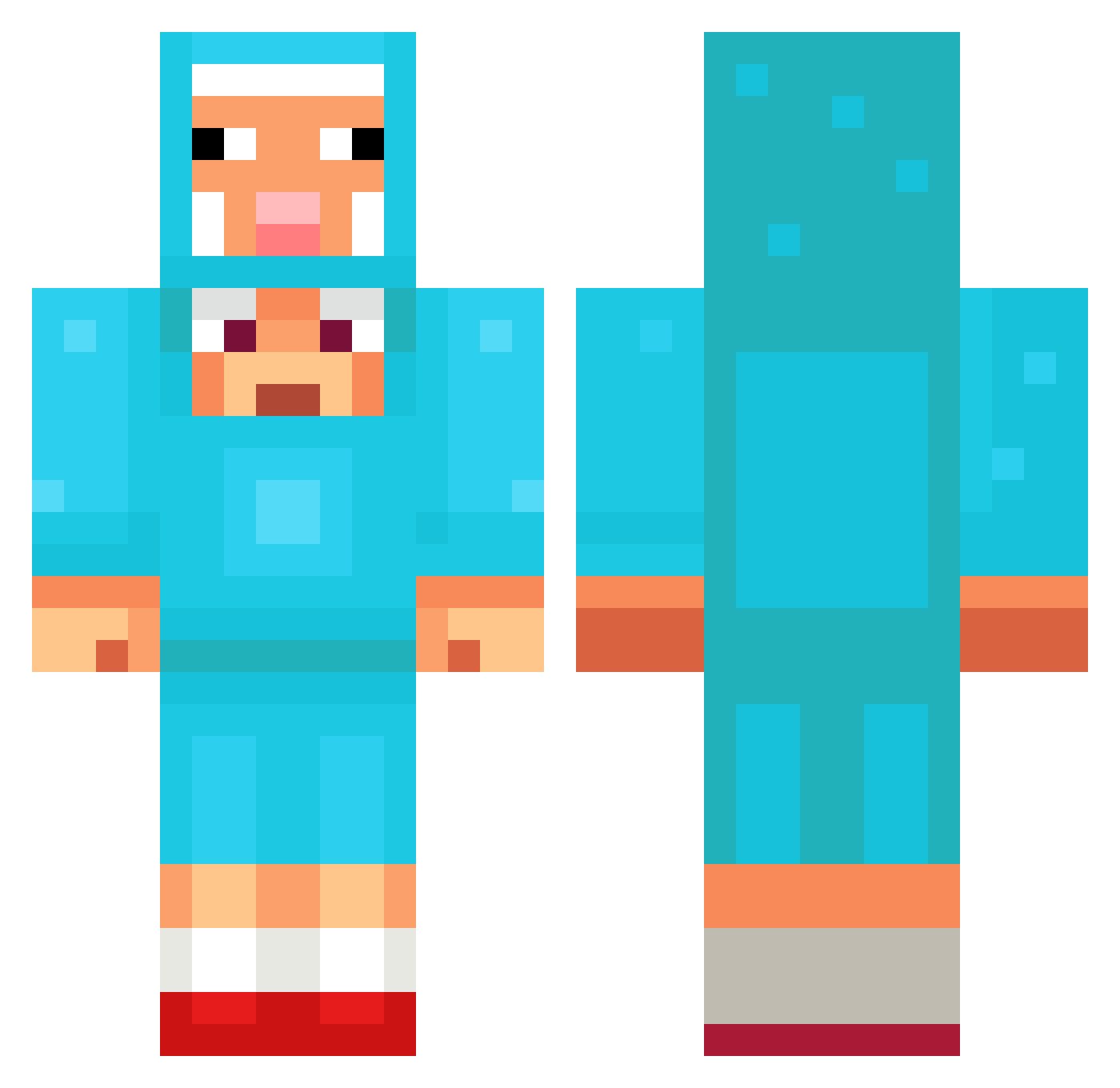
Current Minecraft skin of the player fsho1, loaded from the official Mojang API. Rotate the 3D model with your mouse or finger, then download the skin as a PNG file and use it in Minecraft: Bedrock Edition or Java Edition for free. When fsho1 changes their skin, this page updates automatically and the old skin stays in the history below.
Other players with this skin (1350)
fsho1 was the 1290th player we have seen with this skin, first spotted on 05.11.2026. The same skin was seen on these players. Open a nickname to see their current skin and skin history.
 niceworkbud bells182 skydream54321 wPhx Wojcilla Amoory_12 scrho RxZe_63 Daanm29 SKVIRTALL on1yn1g AdaptiveCandy84 BobMarleyjr Rubnsohn Bedkoober Dansemanse mtVolcano8950 Cachetada dyafh DARKisLIVE FOLD2025 LaksReee Miau_Gabababa browdy_idk KiloAlts_jHxsTYf MagicMick96 EliasHK Snorland JeSauteTaDaronne Pushpa989 wata1212 terrificga jun___ho Frostybadboy YTSUP CoolCal042011 Shiggeon asd180 PerfectSapphire Destroyer_jay17 Sersta nonamesheep1 erektnator iAstralh tomas778 laylaymike zonesundi GRANDVORR dox1n9 n3ttspnd GHISLO0 kfsousa MelaniaLania sebik0505 ConkZero arie11111 louivnei Whattheballsssss sigmagyattskibid MILK_BTW
More Sheep Minecraft skins
How to install the fsho1 skin
- Press the Download button above to save the skin as a PNG file.
- Minecraft: Bedrock Edition (PE): open the Dressing Room from the main menu (or tap your character → Edit Character), go to Classic Skins → Owned, press the + (new skin) button, choose the downloaded PNG and pick the Classic (Steve) model. Works on PC and mobile; consoles cannot import custom skins.
- Minecraft: Java Edition: open the Minecraft Launcher, go to the Skins tab, click New Skin, load the PNG, pick the Classic (Steve) model and press Save & Use. You can also upload it at minecraft.net → Profile → Change Skin.
The skin does not show up after import - what should I do?
Restart Minecraft and open the Dressing Room again - imported skins sometimes appear only after a restart. Also make sure you selected the imported skin and picked the Classic (Steve) model.
Which model should I choose, Classic or Slim?
This skin is designed for the Classic (Steve) model. If you pick the wrong model, the arms of the skin will look stretched or squeezed.
Is the skin of fsho1 free to download?
Yes. Press Download, save the PNG file and use it in Minecraft: Bedrock Edition or Java Edition - no payment or registration needed. The skin also works on multiplayer servers and Realms.
More skins
Looking for more? Go back to all Minecraft skins and check the top skins of the week, month and all time, or find any player's skin by nickname.