
arie11111 - Minecraft Skins & Skin History
Current Minecraft skin of the player arie11111, loaded from the official Mojang API. Rotate the 3D model with your mouse or finger, then download the skin as a PNG file and use it in Minecraft: Bedrock Edition or Java Edition for free. When arie11111 changes their skin, this page updates automatically and the old skin stays in the history below.
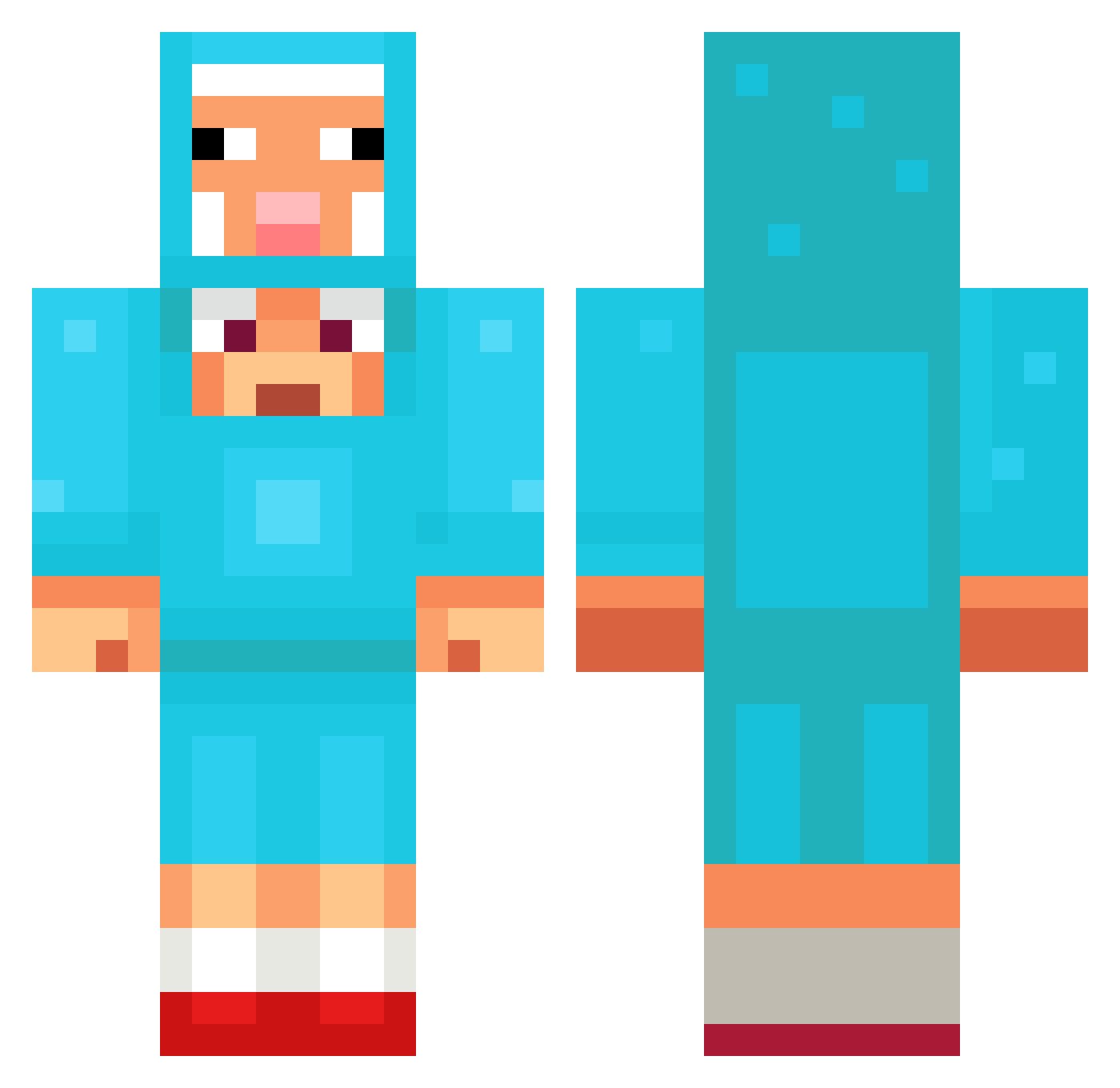
Other players with this skin (1354)
arie11111 was the 1320th player we have seen with this skin, first spotted on 07.11.2026. The same skin was seen on these players. Open a nickname to see their current skin and skin history.
 louivnei sebik0505 MelaniaLania kfsousa Recalled7 Lukey2811 n3ttspnd dox1n9 Kshirooo Nomadina aks_GLZbd_03_01 zonesundi MrBrodhun tomas778 Kujengo Same8 KudraHunter erektnator diagomago55 nonamesheep1 ok_i_changed_it9 MansoorPlaysYT Destroyer_jay17 Ljtttt sy1105 999luki0 ziva1860 jun___ho kapuciner Pushpa989 yeboinondo1 Austin7921 EliasHK browdy_idk Miau_Gabababa GMoneyRivera12 Speedyderps FOLD2025 DARKisLIVE Cachetada kaika_2 DDILDDIL MIIXY Rubnsohn BobMarleyjr AdaptiveCandy84 HelloCrypt PAPPAJAPPA Daanm29 RxZe_63 VV_Vlad scrho Amoory_12 Nicobax05 Wojcilla Suuuuuuuuuuuuuu_ hyacinth_613 skydream54321 bells182 niceworkbud
More Sheep Minecraft skins
How to install the arie11111 skin
- Press the Download button above to save the skin as a PNG file.
- Minecraft: Bedrock Edition (PE): open the Dressing Room from the main menu (or tap your character → Edit Character), go to Classic Skins → Owned, press the + (new skin) button, choose the downloaded PNG and pick the Classic (Steve) model. Works on PC and mobile; consoles cannot import custom skins.
- Minecraft: Java Edition: open the Minecraft Launcher, go to the Skins tab, click New Skin, load the PNG, pick the Classic (Steve) model and press Save & Use. You can also upload it at minecraft.net → Profile → Change Skin.
The skin does not show up after import - what should I do?
Restart Minecraft and open the Dressing Room again - imported skins sometimes appear only after a restart. Also make sure you selected the imported skin and picked the Classic (Steve) model.
Which model should I choose, Classic or Slim?
This skin is designed for the Classic (Steve) model. If you pick the wrong model, the arms of the skin will look stretched or squeezed.
Is the skin of arie11111 free to download?
Yes. Press Download, save the PNG file and use it in Minecraft: Bedrock Edition or Java Edition - no payment or registration needed. The skin also works on multiplayer servers and Realms.
More skins
Looking for more? Go back to all Minecraft skins and check the top skins of the week, month and all time, or find any player's skin by nickname.