
fronek82 - Minecraft Skins & Skin History
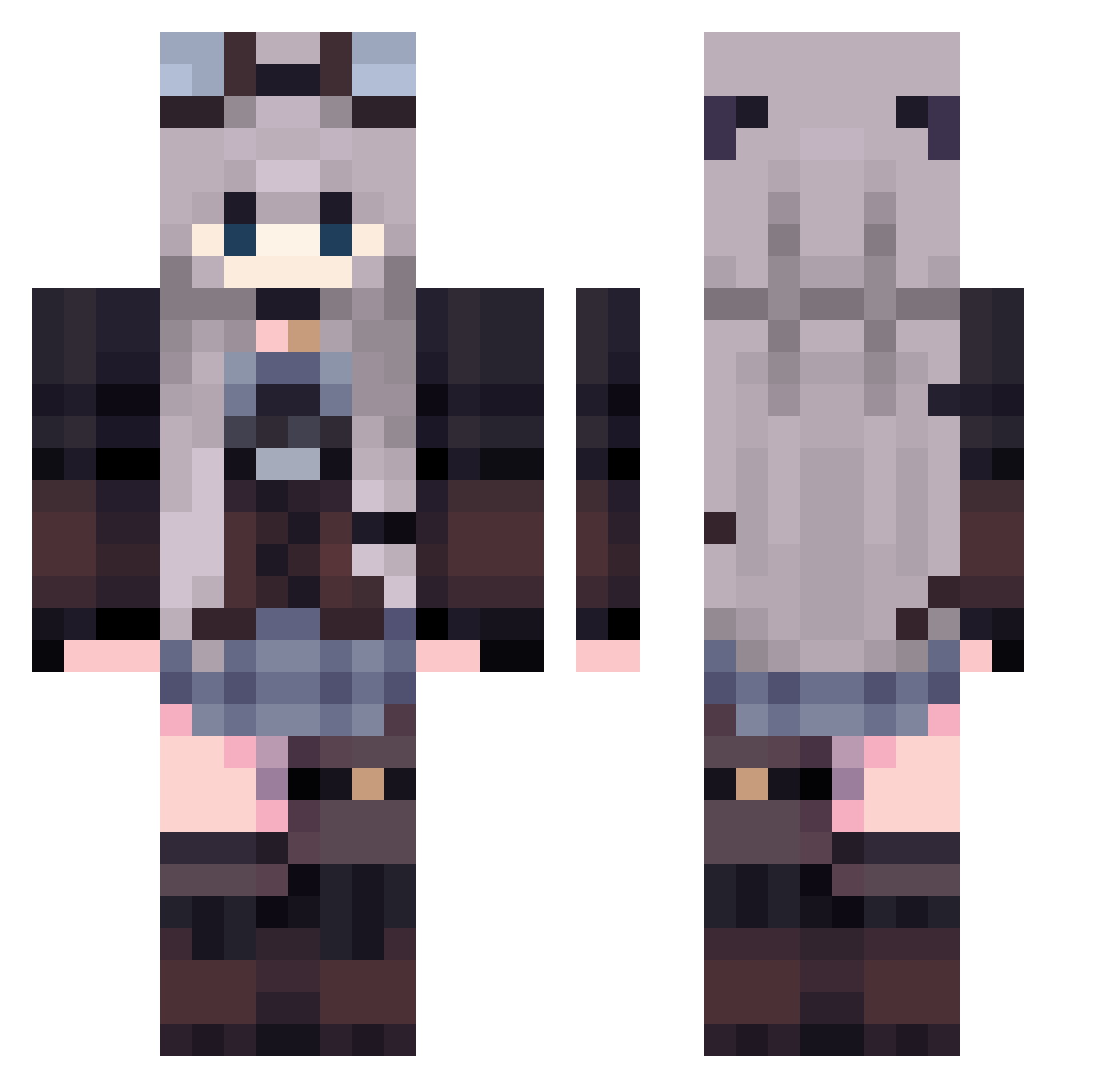
Current Minecraft skin of the player fronek82, loaded from the official Mojang API. Rotate the 3D model with your mouse or finger, then download the skin as a PNG file and use it in Minecraft: Bedrock Edition or Java Edition for free. When fronek82 changes their skin, this page updates automatically and the old skin stays in the history below.
Other players with this skin (419)
fronek82 was the 270th player we have seen with this skin, first spotted on 01.10.2026. The same skin was seen on these players. Open a nickname to see their current skin and skin history.
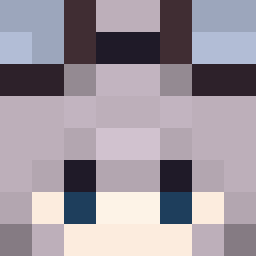 toaruhitoM lon_H wazberry Krymaa Axelias_ xiaohei2 Sortia_ amaminekaya SateraKo Solly_123 lf_cDTi9_05_13 multi_21 Schildy94 Adria1807 Rilnu Chimomimo RiA2359 Naanvchii poco__0 Navi_Welf kobejordan24 viance__ovo__ Yuiki_123 heosue Batatatinha Uliseshb1212 gustaaaa_ Flrora guaaaaaaaaaaaaa1 fake772 HuangErin JenniferLoiola Xian_Yi ISL33N xuan0208 LeziMare namam_nypum SleepyGir1 Cocolaberry knzw86 p4sc03 liluo_1 Aratus11 kimbelay rarola WitchOfRoses ashuuyu BatLena Terra_Byte_ Ettolesil luminea_ zhuomingye Sa_kisss Katars Tatunin Sejuu louloute198 yonum1234 Ast1nff tenderchikken
More Steampunk Minecraft skins
How to install the fronek82 skin
- Press the Download button above to save the skin as a PNG file.
- Minecraft: Bedrock Edition (PE): open the Dressing Room from the main menu (or tap your character → Edit Character), go to Classic Skins → Owned, press the + (new skin) button, choose the downloaded PNG and pick the Classic (Steve) model. Works on PC and mobile; consoles cannot import custom skins.
- Minecraft: Java Edition: open the Minecraft Launcher, go to the Skins tab, click New Skin, load the PNG, pick the Classic (Steve) model and press Save & Use. You can also upload it at minecraft.net → Profile → Change Skin.
The skin does not show up after import - what should I do?
Restart Minecraft and open the Dressing Room again - imported skins sometimes appear only after a restart. Also make sure you selected the imported skin and picked the Classic (Steve) model.
Which model should I choose, Classic or Slim?
This skin is designed for the Classic (Steve) model. If you pick the wrong model, the arms of the skin will look stretched or squeezed.
Is the skin of fronek82 free to download?
Yes. Press Download, save the PNG file and use it in Minecraft: Bedrock Edition or Java Edition - no payment or registration needed. The skin also works on multiplayer servers and Realms.
More skins
Looking for more? Go back to all Minecraft skins and check the top skins of the week, month and all time, or find any player's skin by nickname.