
friden_craw - Minecraft Skins & Skin History
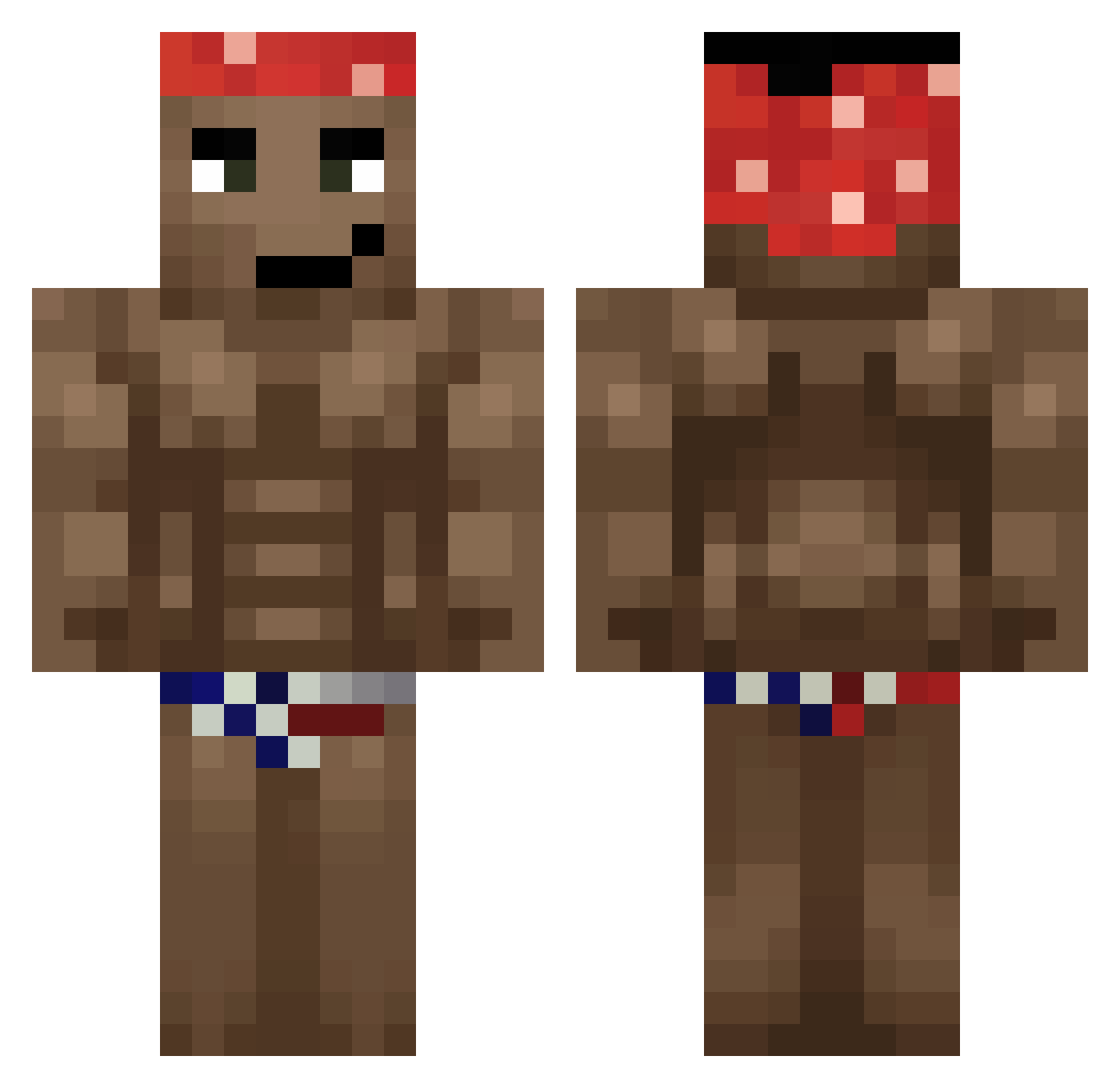
Current Minecraft skin of the player friden_craw, loaded from the official Mojang API. Rotate the 3D model with your mouse or finger, then download the skin as a PNG file and use it in Minecraft: Bedrock Edition or Java Edition for free. When friden_craw changes their skin, this page updates automatically and the old skin stays in the history below.
Other players with this skin (755)
friden_craw was the 689th player we have seen with this skin, first spotted on 11.11.2026. The same skin was seen on these players. Open a nickname to see their current skin and skin history.
 Armandinho1 glafiog vranjesXD Beeegs GHOSTPT123 Jch29 Piddi123 fusioonn Syahmie c3lest3 zsozso_m Solbi zShn imnotapredator68 Elanski_YT Domestos123 SBA528 zormax13 Loser0226 bxaqw nickcrfter MrDark155 Rakkunz AstroTrashPanda Prophiic uCouto Camerash JohnCreate EYEHOLLE666 Death_by_Coconut iuryMithium MrDzasta McMono666 Magitzio wentys daniwait32 Stockerrs Carinutria pth9410 curadomacarrao2 javierto1 prolameryt Clonmels Dawidejjj grisha1998 Naii_chan eddure SALCHICHON2003 Voidmaster100 Rinleigh ABDI069 Oman72 I3ERRY92 CapitanSalami_69 VIPSPRO _martini17 9possessiveEver Diablonkwai argumentacja Mozelli572
More Dancer Minecraft skins
How to install the friden_craw skin
- Press the Download button above to save the skin as a PNG file.
- Minecraft: Bedrock Edition (PE): open the Dressing Room from the main menu (or tap your character → Edit Character), go to Classic Skins → Owned, press the + (new skin) button, choose the downloaded PNG and pick the Classic (Steve) model. Works on PC and mobile; consoles cannot import custom skins.
- Minecraft: Java Edition: open the Minecraft Launcher, go to the Skins tab, click New Skin, load the PNG, pick the Classic (Steve) model and press Save & Use. You can also upload it at minecraft.net → Profile → Change Skin.
The skin does not show up after import - what should I do?
Restart Minecraft and open the Dressing Room again - imported skins sometimes appear only after a restart. Also make sure you selected the imported skin and picked the Classic (Steve) model.
Which model should I choose, Classic or Slim?
This skin is designed for the Classic (Steve) model. If you pick the wrong model, the arms of the skin will look stretched or squeezed.
Is the skin of friden_craw free to download?
Yes. Press Download, save the PNG file and use it in Minecraft: Bedrock Edition or Java Edition - no payment or registration needed. The skin also works on multiplayer servers and Realms.
More skins
Looking for more? Go back to all Minecraft skins and check the top skins of the week, month and all time, or find any player's skin by nickname.