
freezingair - Minecraft Skins & Skin History
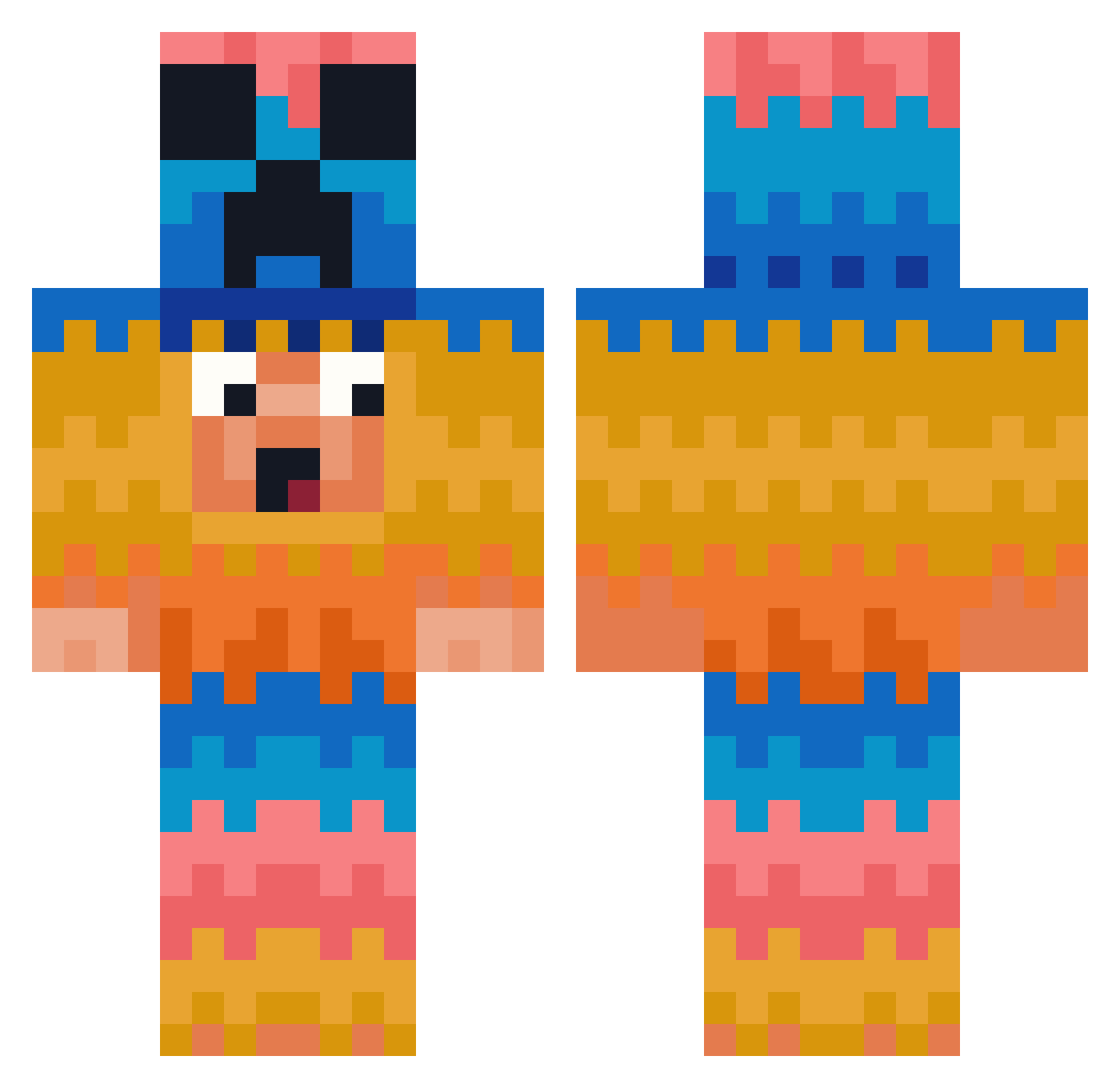
Current Minecraft skin of the player freezingair, loaded from the official Mojang API. Rotate the 3D model with your mouse or finger, then download the skin as a PNG file and use it in Minecraft: Bedrock Edition or Java Edition for free. When freezingair changes their skin, this page updates automatically and the old skin stays in the history below.
Other players with this skin (381)
freezingair was the 16th player we have seen with this skin, first spotted on 27.07.2026. The same skin was seen on these players. Open a nickname to see their current skin and skin history.
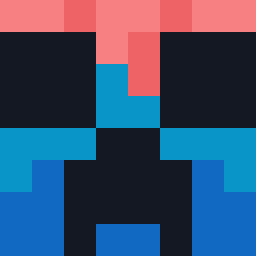 Dragonboygaming2
 JollyGrim enzinnnnnn sweetcyn7926 cashman3465 DNEHGUQ Reaperized nikodemPL1 Loudert HaferMilch_16 ultrarick jmjm090411 Ubbbe UnInforms abcdefghijklmnm RIS1234 Rizeofazombie InsaneCane LilJit99 Lenutca COASTYN Crazycroxy Flowerhunt pierpi scottfrost Onittino JASON_ON9 Relo_1 TAB0318 HRL4 wone1412 VacuolePao Vincent13000 DMPROD03 Victory122 IceEpoch idkcoolperson mesho8 yasin377 tHeUnKoWnBoNe rladlfrnjs Gniewacz SynisterGatesA7X fonexal ksg222 Monkay1122
 Valextrumn SimplexDude gorillaman2 iKotyaX catcatthe1st Twilight_0827 sungsu81 iSweatX
 ATT111 Danilo_r789 2xZod iiTengen RyvxCarrot dwildman007
More Pinata Minecraft skins
How to install the freezingair skin
- Press the Download button above to save the skin as a PNG file.
- Minecraft: Bedrock Edition (PE): open the Dressing Room from the main menu (or tap your character → Edit Character), go to Classic Skins → Owned, press the + (new skin) button, choose the downloaded PNG and pick the Classic (Steve) model. Works on PC and mobile; consoles cannot import custom skins.
- Minecraft: Java Edition: open the Minecraft Launcher, go to the Skins tab, click New Skin, load the PNG, pick the Classic (Steve) model and press Save & Use. You can also upload it at minecraft.net → Profile → Change Skin.
The skin does not show up after import - what should I do?
Restart Minecraft and open the Dressing Room again - imported skins sometimes appear only after a restart. Also make sure you selected the imported skin and picked the Classic (Steve) model.
Which model should I choose, Classic or Slim?
This skin is designed for the Classic (Steve) model. If you pick the wrong model, the arms of the skin will look stretched or squeezed.
Is the skin of freezingair free to download?
Yes. Press Download, save the PNG file and use it in Minecraft: Bedrock Edition or Java Edition - no payment or registration needed. The skin also works on multiplayer servers and Realms.
More skins
Looking for more? Go back to all Minecraft skins and check the top skins of the week, month and all time, or find any player's skin by nickname.