
fr0stiqx - Minecraft Skins & Skin History
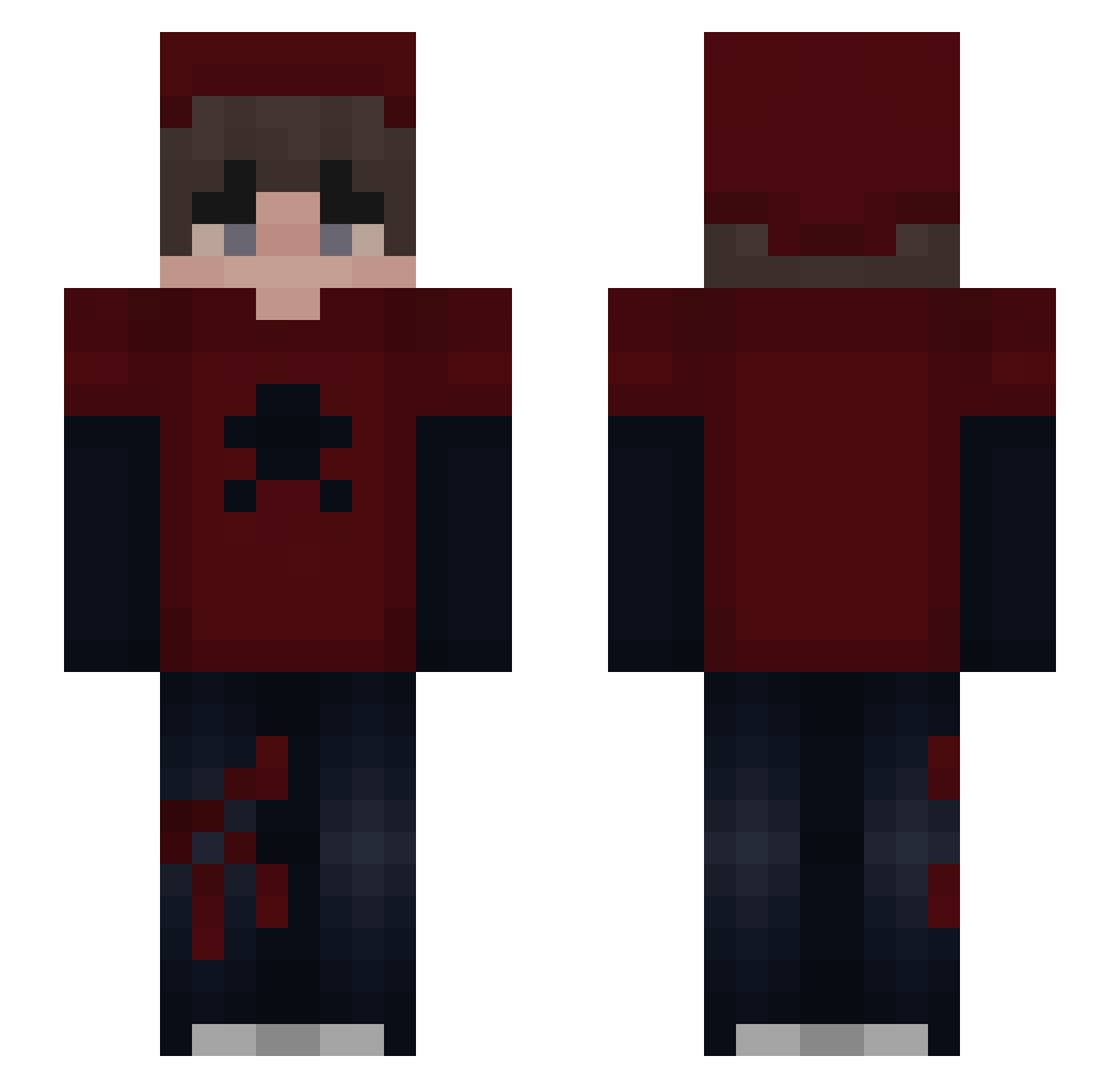
Current Minecraft skin of the player fr0stiqx, loaded from the official Mojang API. Rotate the 3D model with your mouse or finger, then download the skin as a PNG file and use it in Minecraft: Bedrock Edition or Java Edition for free. When fr0stiqx changes their skin, this page updates automatically and the old skin stays in the history below.
Other players with this skin (70)
fr0stiqx was the 22nd player we have seen with this skin, first spotted on 08.09.2026. The same skin was seen on these players. Open a nickname to see their current skin and skin history.
 Panda123xd _Rajal_ prpson Piksel417 tanzan1te Pikachu17747
 IIIVXII Sibel1231 joaacooo Tr0maa Kn1ghtstar TheLostPassenger NutExplosion Shadow_667 iMazenn NoxiWare BladeDrummer00 SebasxDx smokiiiii
 NotChito Bxttle Kvam14uniform360
 Zeeerii Nortarox melosito
 Ekkomiczny HydratoDeCarbono MechainSteak22 Fragbtw
 XxWhite_Sh4dowxX Patosky6 G0N3NC_04 L_66__
 Lameleau EdoLL14 ChilliChain kr1stek ern3x MIST_OP
 XZOEO
XZOEO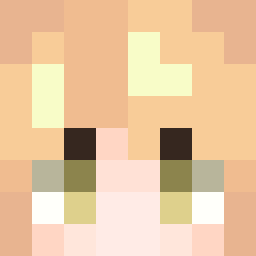 fgcmarios Electro_55 ksawi_elo Draven__ MrKipachu
 20ksawery08 neskaa_ robelinojr EstaVist Ks00Pll Dxmon03 ItzPandi ItsGuiii toesforsnacks sOrrowd4ark MannczaR2952 Hardox_JR Brambo_Kun BitFoxglove Luzin_Sz
How to install the fr0stiqx skin
- Press the Download button above to save the skin as a PNG file.
- Minecraft: Bedrock Edition (PE): open the Dressing Room from the main menu (or tap your character → Edit Character), go to Classic Skins → Owned, press the + (new skin) button, choose the downloaded PNG and pick the Slim (Alex) model. Works on PC and mobile; consoles cannot import custom skins.
- Minecraft: Java Edition: open the Minecraft Launcher, go to the Skins tab, click New Skin, load the PNG, pick the Slim (Alex) model and press Save & Use. You can also upload it at minecraft.net → Profile → Change Skin.
The skin does not show up after import - what should I do?
Restart Minecraft and open the Dressing Room again - imported skins sometimes appear only after a restart. Also make sure you selected the imported skin and picked the Slim (Alex) model.
Which model should I choose, Classic or Slim?
This skin is designed for the Slim (Alex) model. If you pick the wrong model, the arms of the skin will look stretched or squeezed.
Is the skin of fr0stiqx free to download?
Yes. Press Download, save the PNG file and use it in Minecraft: Bedrock Edition or Java Edition - no payment or registration needed. The skin also works on multiplayer servers and Realms.
More skins
Looking for more? Go back to all Minecraft skins and check the top skins of the week, month and all time, or find any player's skin by nickname.