
foxlamp123 - Minecraft Skins & Skin History
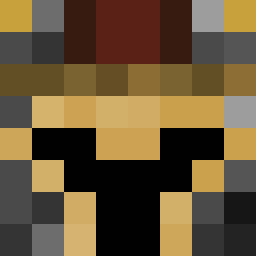
Current Minecraft skin of the player foxlamp123, loaded from the official Mojang API. Rotate the 3D model with your mouse or finger, then download the skin as a PNG file and use it in Minecraft: Bedrock Edition or Java Edition for free. When foxlamp123 changes their skin, this page updates automatically and the old skin stays in the history below.
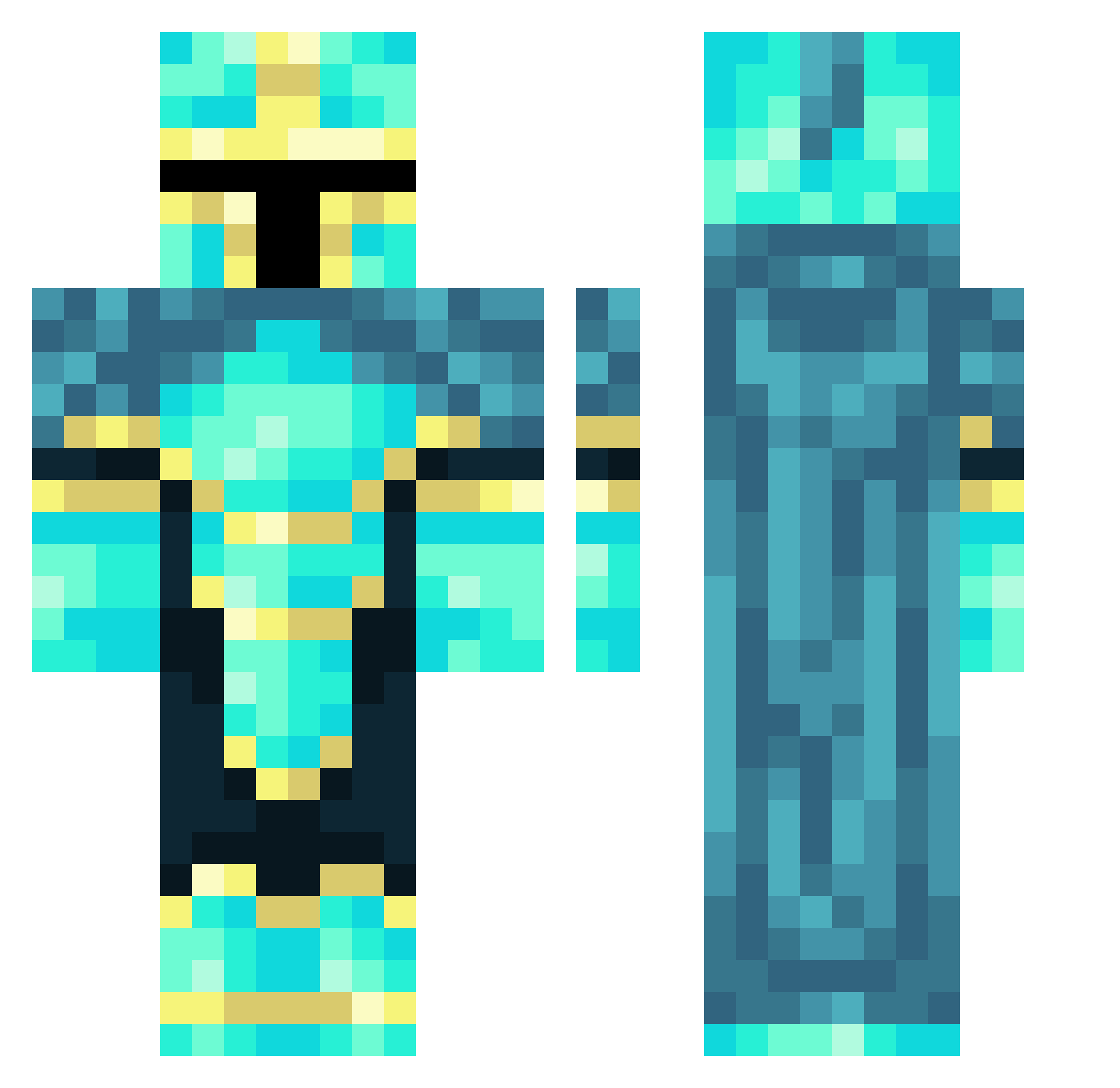
Other players with this skin (58)
foxlamp123 was the 44th player we have seen with this skin, first spotted on 08.10.2026. The same skin was seen on these players. Open a nickname to see their current skin and skin history.
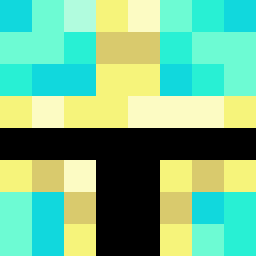 bread8094 CaptainCoxx23 the77jon4417 JA1737 Erlend01 carsondf45 vedant07 Woonster RebotsOguz54 ROBWARRIOR knight_fury1030 Zector350 Artanis044 KOZMOK27 ducking45 hubii2015 Max_Has_Munchies EightyTwerp ZachEEEStone Eowynneth aric321 RLCxShotZz holais_xd KIBBY_BUMCUS SNAPPER99 LockyBocky84 OrinLegoZombie Shaady zigglybop359 im_Float LTCss351w raiderdaws StapleTen Megatron25007 Sergamide exiled24 kartal78 3nvyy__ MarcustheMan69 Frozen_knight14 Nova6110 aduha freememeking gamerb0y202 Crimsonfiend Demo9090
 Ano_Spidey EjkoSmejko2 Harmfultinman Duduh101 rarauw7
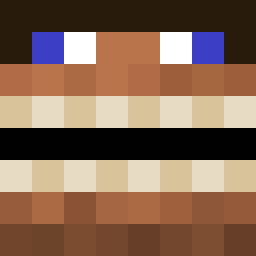 Zanman808 ReaperBP PokeMitch
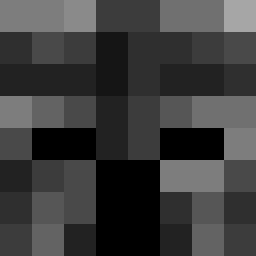 Janek7895
 ShadowClicks SilkClover2 Trexbrownie
More Diamond Armor Minecraft skins
See all 275 Diamond Armor skins
How to install the foxlamp123 skin
- Press the Download button above to save the skin as a PNG file.
- Minecraft: Bedrock Edition (PE): open the Dressing Room from the main menu (or tap your character → Edit Character), go to Classic Skins → Owned, press the + (new skin) button, choose the downloaded PNG and pick the Classic (Steve) model. Works on PC and mobile; consoles cannot import custom skins.
- Minecraft: Java Edition: open the Minecraft Launcher, go to the Skins tab, click New Skin, load the PNG, pick the Classic (Steve) model and press Save & Use. You can also upload it at minecraft.net → Profile → Change Skin.
The skin does not show up after import - what should I do?
Restart Minecraft and open the Dressing Room again - imported skins sometimes appear only after a restart. Also make sure you selected the imported skin and picked the Classic (Steve) model.
Which model should I choose, Classic or Slim?
This skin is designed for the Classic (Steve) model. If you pick the wrong model, the arms of the skin will look stretched or squeezed.
Is the skin of foxlamp123 free to download?
Yes. Press Download, save the PNG file and use it in Minecraft: Bedrock Edition or Java Edition - no payment or registration needed. The skin also works on multiplayer servers and Realms.
More skins
Looking for more? Go back to all Minecraft skins and check the top skins of the week, month and all time, or find any player's skin by nickname.