
flook4 - Minecraft Skins & Skin History
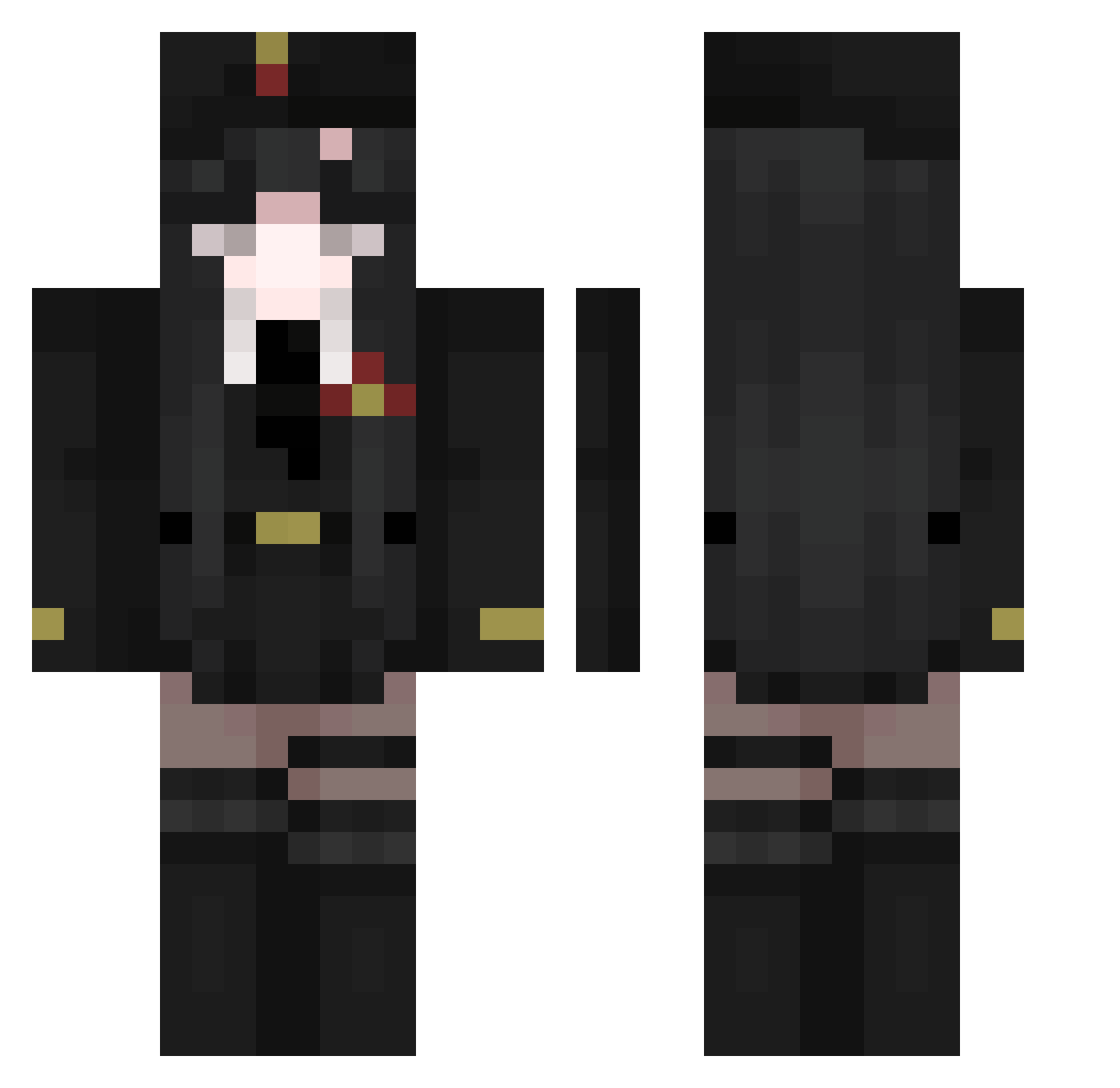
Current Minecraft skin of the player flook4, loaded from the official Mojang API. Rotate the 3D model with your mouse or finger, then download the skin as a PNG file and use it in Minecraft: Bedrock Edition or Java Edition for free. When flook4 changes their skin, this page updates automatically and the old skin stays in the history below.
Other players with this skin (511)
flook4 was the 308th player we have seen with this skin, first spotted on 02.10.2026. The same skin was seen on these players. Open a nickname to see their current skin and skin history.
 Jacob1800 OsDoc _Liechan daddyishot Y_T_m9 Z5Reitor O_o_s1lence_O_o jeanne_g2 Kaggfyel2 The_FuZe08 Xxxiii4444 liteproof Pirosili Migster2007 azzchi 14CrumblCookie88 noorqe Mimru_ Voolcom Zenarfuego RSSGasim KristerKry Leanfloo Chipsmoon FckJvstxn69 Snady99 zaozzao GrimSoul5677 eIsvo NovaKingaa meos_6 Okkotsu7zip Nintendogrl9 crucifixs AlexStabSteve Podkaw MaoMao_11 Tsukuyomi_x umimaaaa Johnny0w0 ringochan7 smallQ_Fanatic MioMaster07 Vitaget iSanti2 TheBackOfMyMind KermitxPepe MIshaOwO Saika_Saki Imortalizar KAANGTONG hideyoshiDX kea4e De_Jong21 Nezerr1337 lilje44 Cluas Nanaa_039 Haste_Scythe praytid
More Uniform Minecraft skins
How to install the flook4 skin
- Press the Download button above to save the skin as a PNG file.
- Minecraft: Bedrock Edition (PE): open the Dressing Room from the main menu (or tap your character → Edit Character), go to Classic Skins → Owned, press the + (new skin) button, choose the downloaded PNG and pick the Classic (Steve) model. Works on PC and mobile; consoles cannot import custom skins.
- Minecraft: Java Edition: open the Minecraft Launcher, go to the Skins tab, click New Skin, load the PNG, pick the Classic (Steve) model and press Save & Use. You can also upload it at minecraft.net → Profile → Change Skin.
The skin does not show up after import - what should I do?
Restart Minecraft and open the Dressing Room again - imported skins sometimes appear only after a restart. Also make sure you selected the imported skin and picked the Classic (Steve) model.
Which model should I choose, Classic or Slim?
This skin is designed for the Classic (Steve) model. If you pick the wrong model, the arms of the skin will look stretched or squeezed.
Is the skin of flook4 free to download?
Yes. Press Download, save the PNG file and use it in Minecraft: Bedrock Edition or Java Edition - no payment or registration needed. The skin also works on multiplayer servers and Realms.
More skins
Looking for more? Go back to all Minecraft skins and check the top skins of the week, month and all time, or find any player's skin by nickname.