
fireywolf242 - Minecraft Skins & Skin History
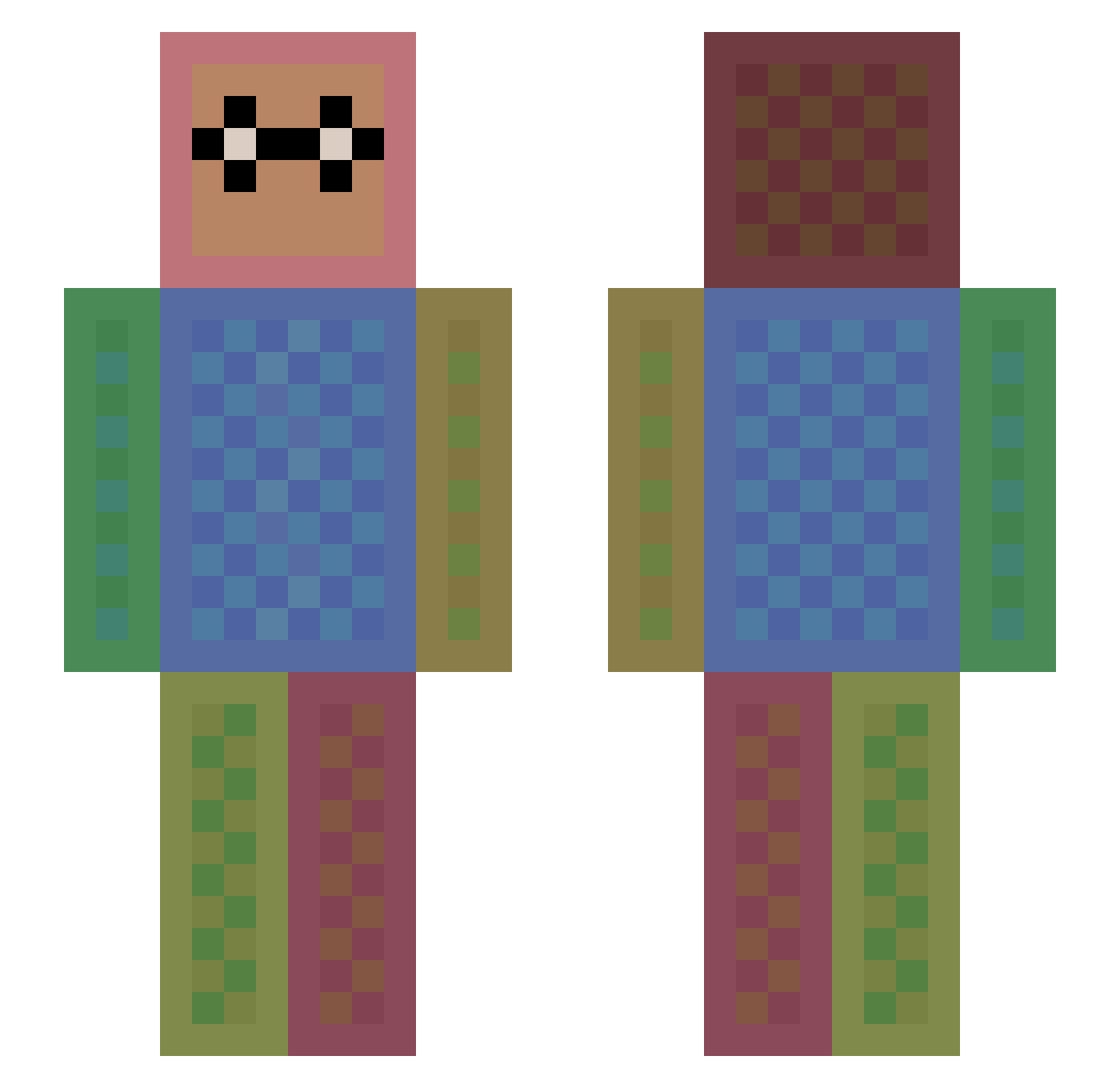
Current Minecraft skin of the player fireywolf242, loaded from the official Mojang API. Rotate the 3D model with your mouse or finger, then download the skin as a PNG file and use it in Minecraft: Bedrock Edition or Java Edition for free. When fireywolf242 changes their skin, this page updates automatically and the old skin stays in the history below.
Other players with this skin (1115)
fireywolf242 was the 645th player we have seen with this skin, first spotted on 17.09.2026. The same skin was seen on these players. Open a nickname to see their current skin and skin history.
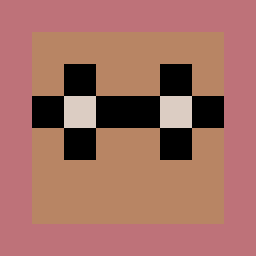 Anchovy_ ItsAxew Dion2007 IceIceBaby08 baptiste7712 minecraftparty31 LAZZY_HD iR_ailu AiieCaramba kimnormal0409 stevescryptonite lolhip Tymek248 cookiesncream08 KawashimaG Agentbillster CyanniMonae GAMERTV61 candypop617 Alexander682 kreiziivan RandomAccount_ Xyducks TScool06 DVvoltex Hypijump Sesto50 Tankenka busterthefrog ALAIPIOTR CRwalkthroughs MrCurtisJ futarou999 seanchoi Dreadhead429 PurpleThunder515 ann1908 Beth526 Rheanydd Ginger_101 Knusperkalle07 sintyan CajanPagan Lulumani lissachill kipperdog jeppeisaksen inarasoley Petkesko Lapuliator Fifidoo Alejow Cat1021 Geek_mom Jackling1223 quentinadam2006 JOKUPOIKA1 Captaincreeper04 trollotina Mo211x
How to install the fireywolf242 skin
- Press the Download button above to save the skin as a PNG file.
- Minecraft: Bedrock Edition (PE): open the Dressing Room from the main menu (or tap your character → Edit Character), go to Classic Skins → Owned, press the + (new skin) button, choose the downloaded PNG and pick the Slim (Alex) model. Works on PC and mobile; consoles cannot import custom skins.
- Minecraft: Java Edition: open the Minecraft Launcher, go to the Skins tab, click New Skin, load the PNG, pick the Slim (Alex) model and press Save & Use. You can also upload it at minecraft.net → Profile → Change Skin.
The skin does not show up after import - what should I do?
Restart Minecraft and open the Dressing Room again - imported skins sometimes appear only after a restart. Also make sure you selected the imported skin and picked the Slim (Alex) model.
Which model should I choose, Classic or Slim?
This skin is designed for the Slim (Alex) model. If you pick the wrong model, the arms of the skin will look stretched or squeezed.
Is the skin of fireywolf242 free to download?
Yes. Press Download, save the PNG file and use it in Minecraft: Bedrock Edition or Java Edition - no payment or registration needed. The skin also works on multiplayer servers and Realms.
More skins
Looking for more? Go back to all Minecraft skins and check the top skins of the week, month and all time, or find any player's skin by nickname.