
fighterPvP - Minecraft Skins & Skin History
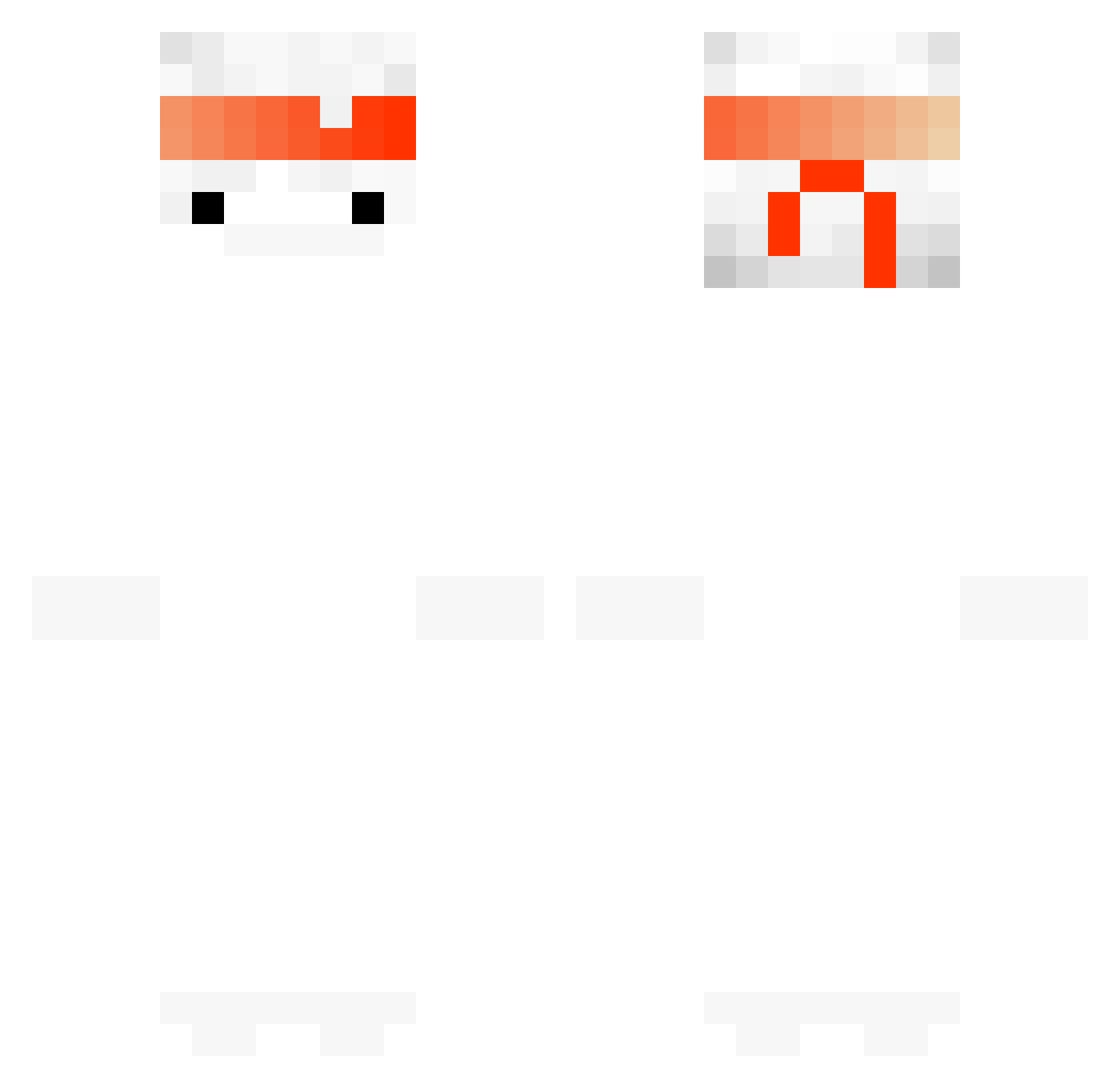
Current Minecraft skin of the player fighterPvP, loaded from the official Mojang API. Rotate the 3D model with your mouse or finger, then download the skin as a PNG file and use it in Minecraft: Bedrock Edition or Java Edition for free. When fighterPvP changes their skin, this page updates automatically and the old skin stays in the history below.
Other players with this skin (146)
fighterPvP was the 48th player we have seen with this skin, first spotted on 28.08.2026. The same skin was seen on these players. Open a nickname to see their current skin and skin history.
 Acynoisy Kurenal Electroooooo 6yph ARTitz K4iS_ Baljeet1019 Abyss8 xHizzy KrebsKind vladut_ SteenkyMC Poischiiii Reversel_ marlinmock balayze KeSaRI_ Teo4000 gguan pautrolle seung_min__ Matthewl1002 Lycheed ImElevan_2 MagicalHatMan haengjoo11 ZJDong DontPipeUpAutist ReadIfBad Oliveomsim Kwangik Baymax_is_here ban_e Tappppp G_reed_Y Milkyyice JDGarrett19 HyeonJunGod Asky14 OlleK05 Dxrkkyy Oo_xBadBoyx_oO Tiniii_ K1r4xB0y Lowzyy Lobury smokeinhale Wadduhek OnlyPalb KraytonMC Naa_go Z0PaS KobeBriannnn Arkanvine xianyu_233 Reqisfresh KryptMagic LastoriWa faithful360 BoogieWoogie1337
More Ghost Minecraft skins
How to install the fighterPvP skin
- Press the Download button above to save the skin as a PNG file.
- Minecraft: Bedrock Edition (PE): open the Dressing Room from the main menu (or tap your character → Edit Character), go to Classic Skins → Owned, press the + (new skin) button, choose the downloaded PNG and pick the Classic (Steve) model. Works on PC and mobile; consoles cannot import custom skins.
- Minecraft: Java Edition: open the Minecraft Launcher, go to the Skins tab, click New Skin, load the PNG, pick the Classic (Steve) model and press Save & Use. You can also upload it at minecraft.net → Profile → Change Skin.
The skin does not show up after import - what should I do?
Restart Minecraft and open the Dressing Room again - imported skins sometimes appear only after a restart. Also make sure you selected the imported skin and picked the Classic (Steve) model.
Which model should I choose, Classic or Slim?
This skin is designed for the Classic (Steve) model. If you pick the wrong model, the arms of the skin will look stretched or squeezed.
Is the skin of fighterPvP free to download?
Yes. Press Download, save the PNG file and use it in Minecraft: Bedrock Edition or Java Edition - no payment or registration needed. The skin also works on multiplayer servers and Realms.
More skins
Looking for more? Go back to all Minecraft skins and check the top skins of the week, month and all time, or find any player's skin by nickname.