
fidgetfou - Minecraft Skins & Skin History
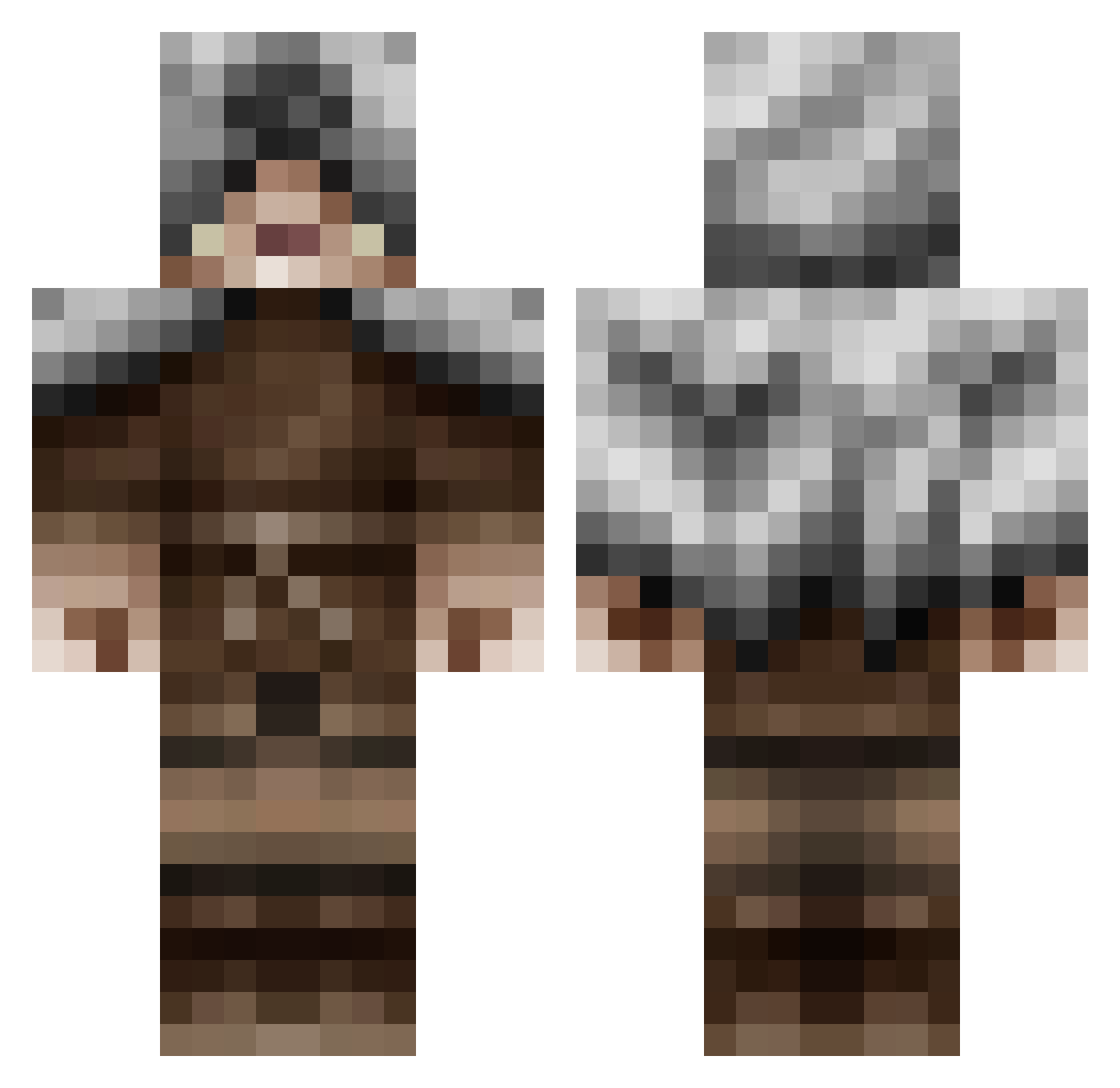
Current Minecraft skin of the player fidgetfou, loaded from the official Mojang API. Rotate the 3D model with your mouse or finger, then download the skin as a PNG file and use it in Minecraft: Bedrock Edition or Java Edition for free. When fidgetfou changes their skin, this page updates automatically and the old skin stays in the history below.
Other players with this skin (479)
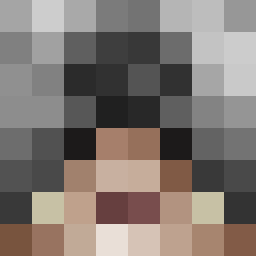
fidgetfou was the 249th player we have seen with this skin, first spotted on 20.09.2026. The same skin was seen on these players. Open a nickname to see their current skin and skin history.
 Jonathanbarca Sammaael Grohik Knight_Mcman Mordracus judenpontus GoblinEddy vulgroth1996 yupeo WM121 Rime13 BKnuggetz adrianthehuman TheMightyHarlem felixhoon sethmaster121 ElrondWarrior Fiffe_ Seabapig Dalishar SatanicHighness Gametuska Ekkostate BeastedBehemoth Kristin_3 Whergs smosh975 DiosTormenta keegans7 BandittenVitten LocateJ CRAZYMONKEY618 LordVeorfolnir DankoKhan Redbulljack Strafespey HobonationNinja wilox2 klaughlin Distrunix d1999 LordBarracuda Alpha_Hunter135 brian0323 Caseysaccount Cornell1998 T6kh macchiato OnThe_Fritz Elliot_House AyyyyBot5 Shinjoheru Blakemosis jazocoti Bdabs UsedToothbrush Iosua LukasFur Heizton SkittleTrees
More Rogue Minecraft skins
How to install the fidgetfou skin
- Press the Download button above to save the skin as a PNG file.
- Minecraft: Bedrock Edition (PE): open the Dressing Room from the main menu (or tap your character → Edit Character), go to Classic Skins → Owned, press the + (new skin) button, choose the downloaded PNG and pick the Classic (Steve) model. Works on PC and mobile; consoles cannot import custom skins.
- Minecraft: Java Edition: open the Minecraft Launcher, go to the Skins tab, click New Skin, load the PNG, pick the Classic (Steve) model and press Save & Use. You can also upload it at minecraft.net → Profile → Change Skin.
The skin does not show up after import - what should I do?
Restart Minecraft and open the Dressing Room again - imported skins sometimes appear only after a restart. Also make sure you selected the imported skin and picked the Classic (Steve) model.
Which model should I choose, Classic or Slim?
This skin is designed for the Classic (Steve) model. If you pick the wrong model, the arms of the skin will look stretched or squeezed.
Is the skin of fidgetfou free to download?
Yes. Press Download, save the PNG file and use it in Minecraft: Bedrock Edition or Java Edition - no payment or registration needed. The skin also works on multiplayer servers and Realms.
More skins
Looking for more? Go back to all Minecraft skins and check the top skins of the week, month and all time, or find any player's skin by nickname.