
feshiy - Minecraft Skins & Skin History
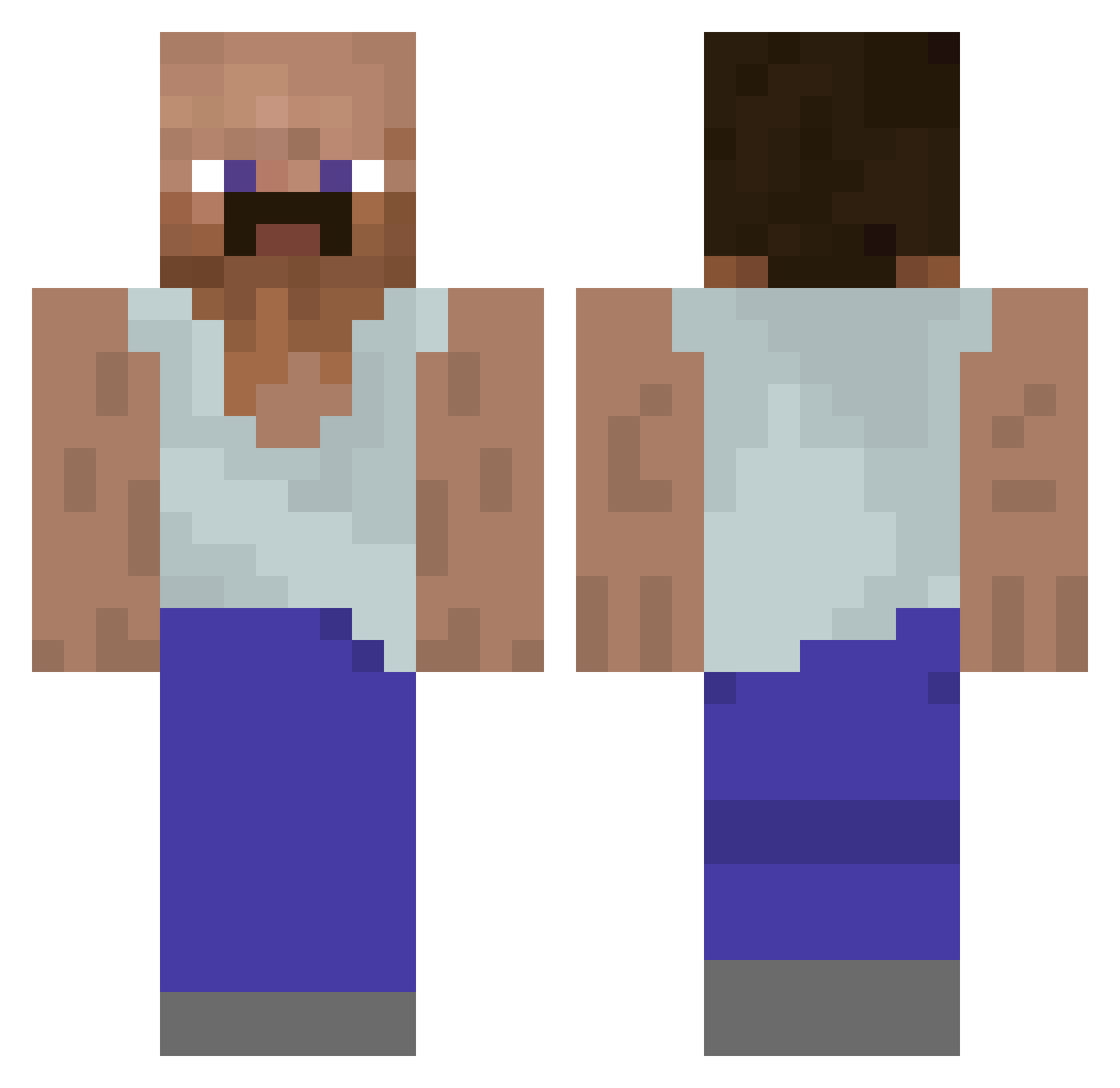
Current Minecraft skin of the player feshiy, loaded from the official Mojang API. Rotate the 3D model with your mouse or finger, then download the skin as a PNG file and use it in Minecraft: Bedrock Edition or Java Edition for free. When feshiy changes their skin, this page updates automatically and the old skin stays in the history below.
Other players with this skin (930)
feshiy was the 300th player we have seen with this skin, first spotted on 26.08.2026. The same skin was seen on these players. Open a nickname to see their current skin and skin history.
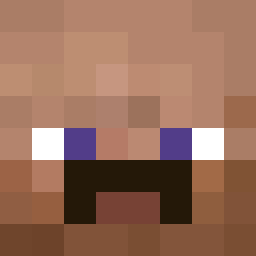 firetippedmids WhoisNiXx QuinsasaurusRex SLV4K suonmilk milooszm888 HumanSand21 _Herobrrine_ Just_A_Tourist_ Anarchiczny21432 YaBoiZizzle MINI_pega Lixyus420 Aspos Ruivinho11 Faxe_Max Keonnny JeromeDarnellTys omerdnzz masih Skooblie Thesloman xnitronix OhhEtix Breddddd Larry_der_2 Black_Bruh_ frogyboy211 Chrizzard Shusuihugo deathfxult
 Panamon IlikeRice_8 ZTER1 markymenome Azoz_1
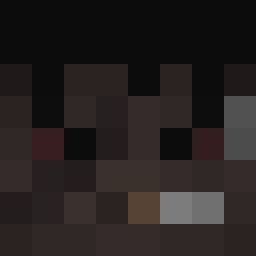 Filiq12 Brethart_21 saycodesign Redhydra803 Lizzxoxo Nibeaver Amarus_ raul171
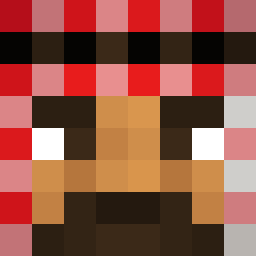 ISniffButts metano1c daniuxx
 Splix10k
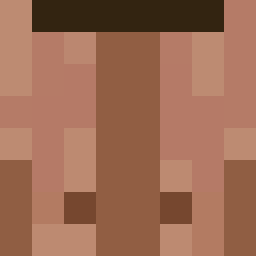 Laurternal L1tt1eD ChainArc Allu1010 Nymphicus
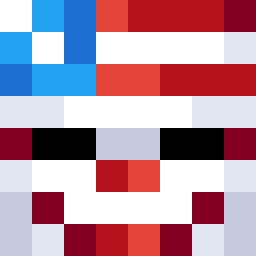 JustTristanB AhmadVIPF leohsieh0713 Kaffe__ Juannicomedes Ewone DasPechJosBrech
More Mustache Minecraft skins
How to install the feshiy skin
- Press the Download button above to save the skin as a PNG file.
- Minecraft: Bedrock Edition (PE): open the Dressing Room from the main menu (or tap your character → Edit Character), go to Classic Skins → Owned, press the + (new skin) button, choose the downloaded PNG and pick the Classic (Steve) model. Works on PC and mobile; consoles cannot import custom skins.
- Minecraft: Java Edition: open the Minecraft Launcher, go to the Skins tab, click New Skin, load the PNG, pick the Classic (Steve) model and press Save & Use. You can also upload it at minecraft.net → Profile → Change Skin.
The skin does not show up after import - what should I do?
Restart Minecraft and open the Dressing Room again - imported skins sometimes appear only after a restart. Also make sure you selected the imported skin and picked the Classic (Steve) model.
Which model should I choose, Classic or Slim?
This skin is designed for the Classic (Steve) model. If you pick the wrong model, the arms of the skin will look stretched or squeezed.
Is the skin of feshiy free to download?
Yes. Press Download, save the PNG file and use it in Minecraft: Bedrock Edition or Java Edition - no payment or registration needed. The skin also works on multiplayer servers and Realms.
More skins
Looking for more? Go back to all Minecraft skins and check the top skins of the week, month and all time, or find any player's skin by nickname.