
faam_ - Minecraft Skins & Skin History
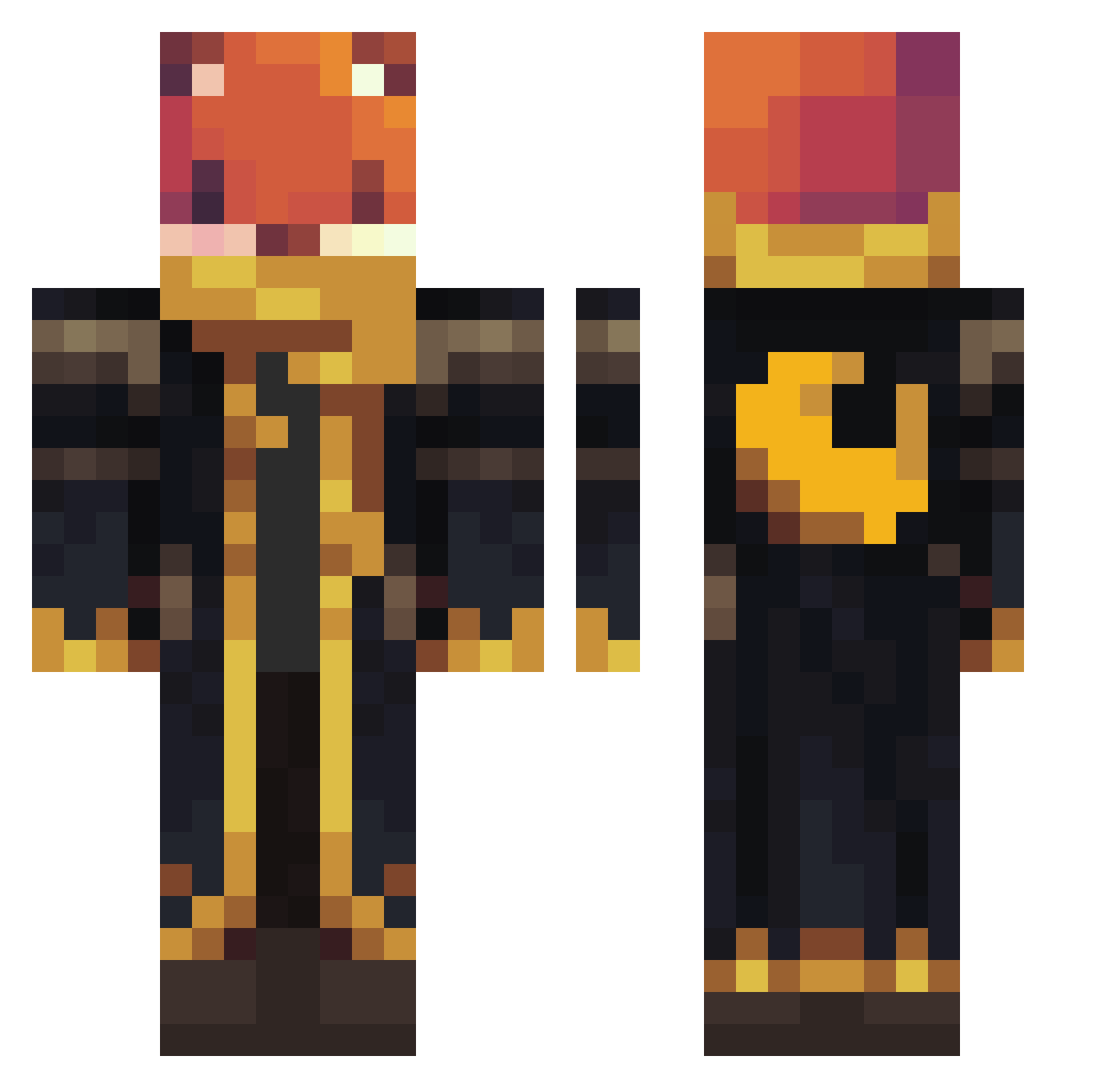
Current Minecraft skin of the player faam_, loaded from the official Mojang API. Rotate the 3D model with your mouse or finger, then download the skin as a PNG file and use it in Minecraft: Bedrock Edition or Java Edition for free. When faam_ changes their skin, this page updates automatically and the old skin stays in the history below.
Other players with this skin (1307)
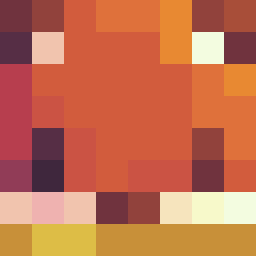
faam_ was the 1204th player we have seen with this skin, first spotted on 11.11.2026. The same skin was seen on these players. Open a nickname to see their current skin and skin history.
 LonelyFoxy_ _Misteriusly_ doggyscotts pazenadam SuperHorse911 rhinojohn Zerous231 YEONDAENG2 ALIAljasmi zjdragon22 kisel4ik Blue2015Lindblad beast_knight Wojtul5 Unicorndigger deoggen aus10rb Alexreston ka_bo Oryonas LukasIgel123 Rex970312 BMplayz4257 Al3vi ReckTav AJPER_ Sami123456789 moneyman222 szilaszlo J_netics sleverton BagelT0ast Electric21 Pokemon551 FunkyWave99 crimson_donut Hei3d lopatka22813 SzmitkO Ravenstein22 segastomic TatinkoB MigueL3P FlashDash16 Raiz4r NerfDude886 aboadel150 anthonyhailey6 MJA99 MiaChiocciola baggierlemur Valhalla7729 MkiOnFire Ferret740 TylerPlayzGamezz Jorard SMILEW2000 Yarinco3 piolhoSS Cakilay
More Crescent Moon Minecraft skins
See all 321 Crescent Moon skins
How to install the faam_ skin
- Press the Download button above to save the skin as a PNG file.
- Minecraft: Bedrock Edition (PE): open the Dressing Room from the main menu (or tap your character → Edit Character), go to Classic Skins → Owned, press the + (new skin) button, choose the downloaded PNG and pick the Classic (Steve) model. Works on PC and mobile; consoles cannot import custom skins.
- Minecraft: Java Edition: open the Minecraft Launcher, go to the Skins tab, click New Skin, load the PNG, pick the Classic (Steve) model and press Save & Use. You can also upload it at minecraft.net → Profile → Change Skin.
The skin does not show up after import - what should I do?
Restart Minecraft and open the Dressing Room again - imported skins sometimes appear only after a restart. Also make sure you selected the imported skin and picked the Classic (Steve) model.
Which model should I choose, Classic or Slim?
This skin is designed for the Classic (Steve) model. If you pick the wrong model, the arms of the skin will look stretched or squeezed.
Is the skin of faam_ free to download?
Yes. Press Download, save the PNG file and use it in Minecraft: Bedrock Edition or Java Edition - no payment or registration needed. The skin also works on multiplayer servers and Realms.
More skins
Looking for more? Go back to all Minecraft skins and check the top skins of the week, month and all time, or find any player's skin by nickname.