
fE1ixNixE13 - Minecraft Skins & Skin History
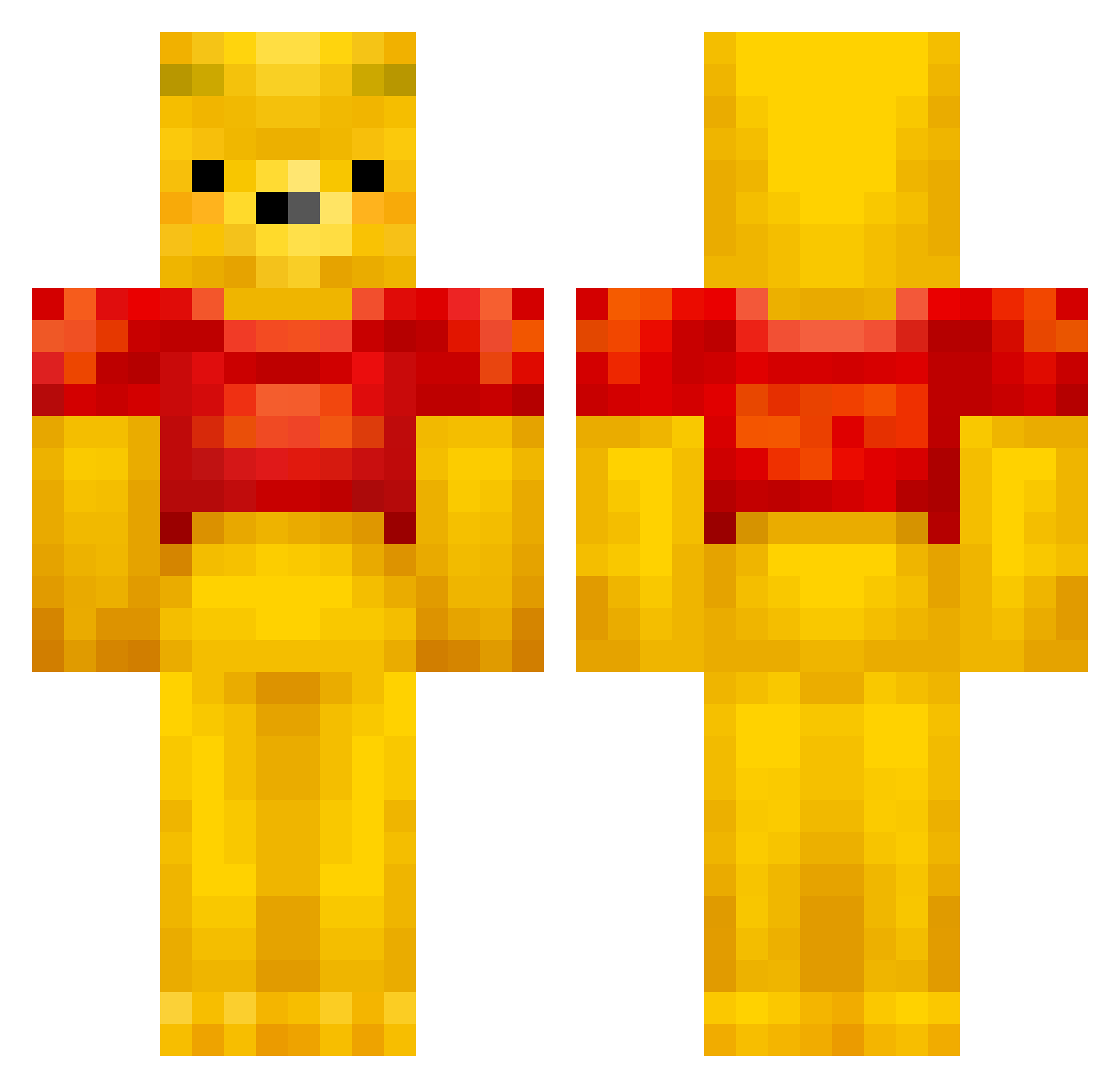
Current Minecraft skin of the player fE1ixNixE13, loaded from the official Mojang API. Rotate the 3D model with your mouse or finger, then download the skin as a PNG file and use it in Minecraft: Bedrock Edition or Java Edition for free. When fE1ixNixE13 changes their skin, this page updates automatically and the old skin stays in the history below.
Other players with this skin (432)
fE1ixNixE13 was the 117th player we have seen with this skin, first spotted on 22.08.2026. The same skin was seen on these players. Open a nickname to see their current skin and skin history.
 zuT0n_ urmoms_bfxx OnePigenGaming maksyamo Sparky317 400kmh Felix_2321 ornozar Fech0rias Nkhgfreef horangsaddo Kangrim54 sh4rpe sune421 Hiyori1955 Cantaloupmagique MOVESICK LaurensVH12 CalebWalter Luluyeep Bocaj3za flavie14 Pork_Peter sarbear_3 EV0LUTI0N_99 Animal82 PaPaJ0Ke sammy100000 doitbigmikey Willy_0008 roro8686 eybysaudade Der_gaile Pascal_1309_ skycloud742 HaoXuanJing Sassou342 Sehnsay lmhdjb LaGapDeVLG Donsular xH0RiZ0Nx7 WynnieDaPooh8 Ritchie_K Alpha_Albireo Xispita toritorito6 burger151 Borris569 Zora313 Flowgo soom0725 openrun Fax_Machine3 Abes484 Pierso Beaner_33 xNont Nashashuk RespectTheHoney
More Winnie The Pooh Minecraft skins
See all 302 Winnie The Pooh skins
How to install the fE1ixNixE13 skin
- Press the Download button above to save the skin as a PNG file.
- Minecraft: Bedrock Edition (PE): open the Dressing Room from the main menu (or tap your character → Edit Character), go to Classic Skins → Owned, press the + (new skin) button, choose the downloaded PNG and pick the Classic (Steve) model. Works on PC and mobile; consoles cannot import custom skins.
- Minecraft: Java Edition: open the Minecraft Launcher, go to the Skins tab, click New Skin, load the PNG, pick the Classic (Steve) model and press Save & Use. You can also upload it at minecraft.net → Profile → Change Skin.
The skin does not show up after import - what should I do?
Restart Minecraft and open the Dressing Room again - imported skins sometimes appear only after a restart. Also make sure you selected the imported skin and picked the Classic (Steve) model.
Which model should I choose, Classic or Slim?
This skin is designed for the Classic (Steve) model. If you pick the wrong model, the arms of the skin will look stretched or squeezed.
Is the skin of fE1ixNixE13 free to download?
Yes. Press Download, save the PNG file and use it in Minecraft: Bedrock Edition or Java Edition - no payment or registration needed. The skin also works on multiplayer servers and Realms.
More skins
Looking for more? Go back to all Minecraft skins and check the top skins of the week, month and all time, or find any player's skin by nickname.