
eyewash1 - Minecraft Skins & Skin History
Current Minecraft skin of the player eyewash1, loaded from the official Mojang API. Rotate the 3D model with your mouse or finger, then download the skin as a PNG file and use it in Minecraft: Bedrock Edition or Java Edition for free. When eyewash1 changes their skin, this page updates automatically and the old skin stays in the history below.
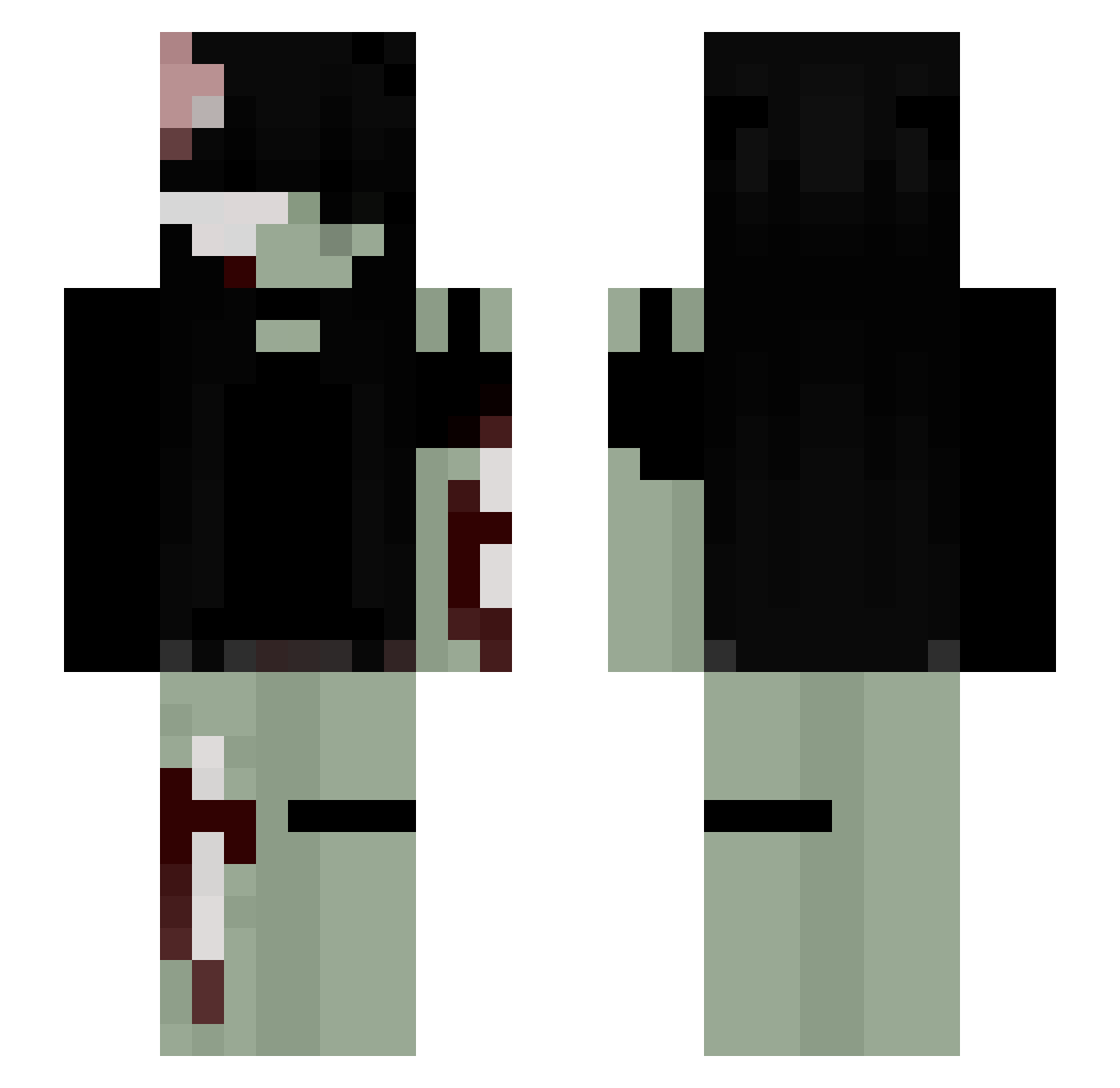
Other players with this skin (234)
eyewash1 was the 41st player we have seen with this skin, first spotted on 09.08.2026. The same skin was seen on these players. Open a nickname to see their current skin and skin history.
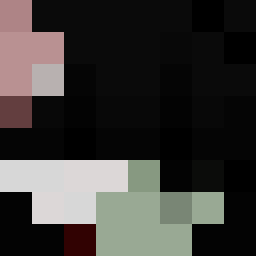 christalx
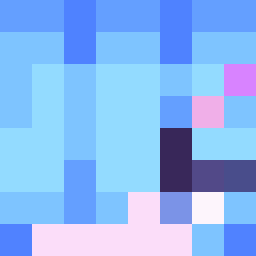 1Angelzy1 Pinhas002 shirleym126 iyss_
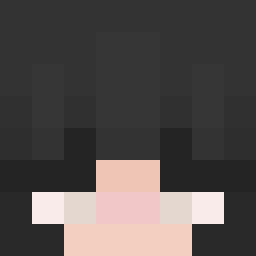 steffiman spacecooky1 kinooooooo_ aaautumn RorArts
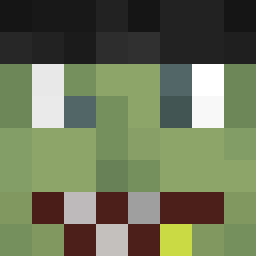 andjiii Sliking07 yurjade livingdeadaly SER13NE illsage good_fish_ lilmoooon
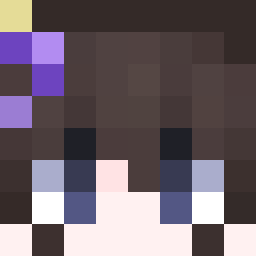 ChocolateCow600
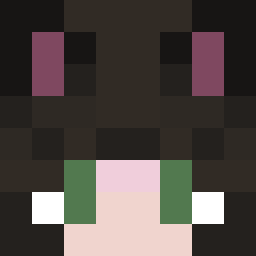 CrackerNikko circlewithme Bubili1324 Aimeee67
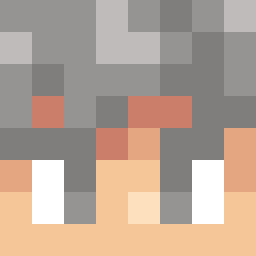 Kidasss weeniebuttjr yeshamae justineisonline Breeex
 MeeYowz AkizenZyn lamila loveciara Akemi1104 Shxyle Ange1l1l1l1l martinix0x0 Vonstarh AmmcixxThebixo unavailable4uu
 teddybear6675 ilym4ddie
 vszzi Suzuki_BR Msitywhitecat6 x0mbiesw33ti JUD4SVH SnowsSnicker Cherry_Blossom22 boymatchgirl meihos abbiB SHADZII heckinbois6 ItzAsappling Eldenweiss kertti ilovehorrorstuff xSwastooshort valkyriemustdie __pieselowa__
More Gore Minecraft skins
How to install the eyewash1 skin
- Press the Download button above to save the skin as a PNG file.
- Minecraft: Bedrock Edition (PE): open the Dressing Room from the main menu (or tap your character → Edit Character), go to Classic Skins → Owned, press the + (new skin) button, choose the downloaded PNG and pick the Slim (Alex) model. Works on PC and mobile; consoles cannot import custom skins.
- Minecraft: Java Edition: open the Minecraft Launcher, go to the Skins tab, click New Skin, load the PNG, pick the Slim (Alex) model and press Save & Use. You can also upload it at minecraft.net → Profile → Change Skin.
The skin does not show up after import - what should I do?
Restart Minecraft and open the Dressing Room again - imported skins sometimes appear only after a restart. Also make sure you selected the imported skin and picked the Slim (Alex) model.
Which model should I choose, Classic or Slim?
This skin is designed for the Slim (Alex) model. If you pick the wrong model, the arms of the skin will look stretched or squeezed.
Is the skin of eyewash1 free to download?
Yes. Press Download, save the PNG file and use it in Minecraft: Bedrock Edition or Java Edition - no payment or registration needed. The skin also works on multiplayer servers and Realms.
More skins
Looking for more? Go back to all Minecraft skins and check the top skins of the week, month and all time, or find any player's skin by nickname.