
eyehugtr33s - Minecraft Skins & Skin History
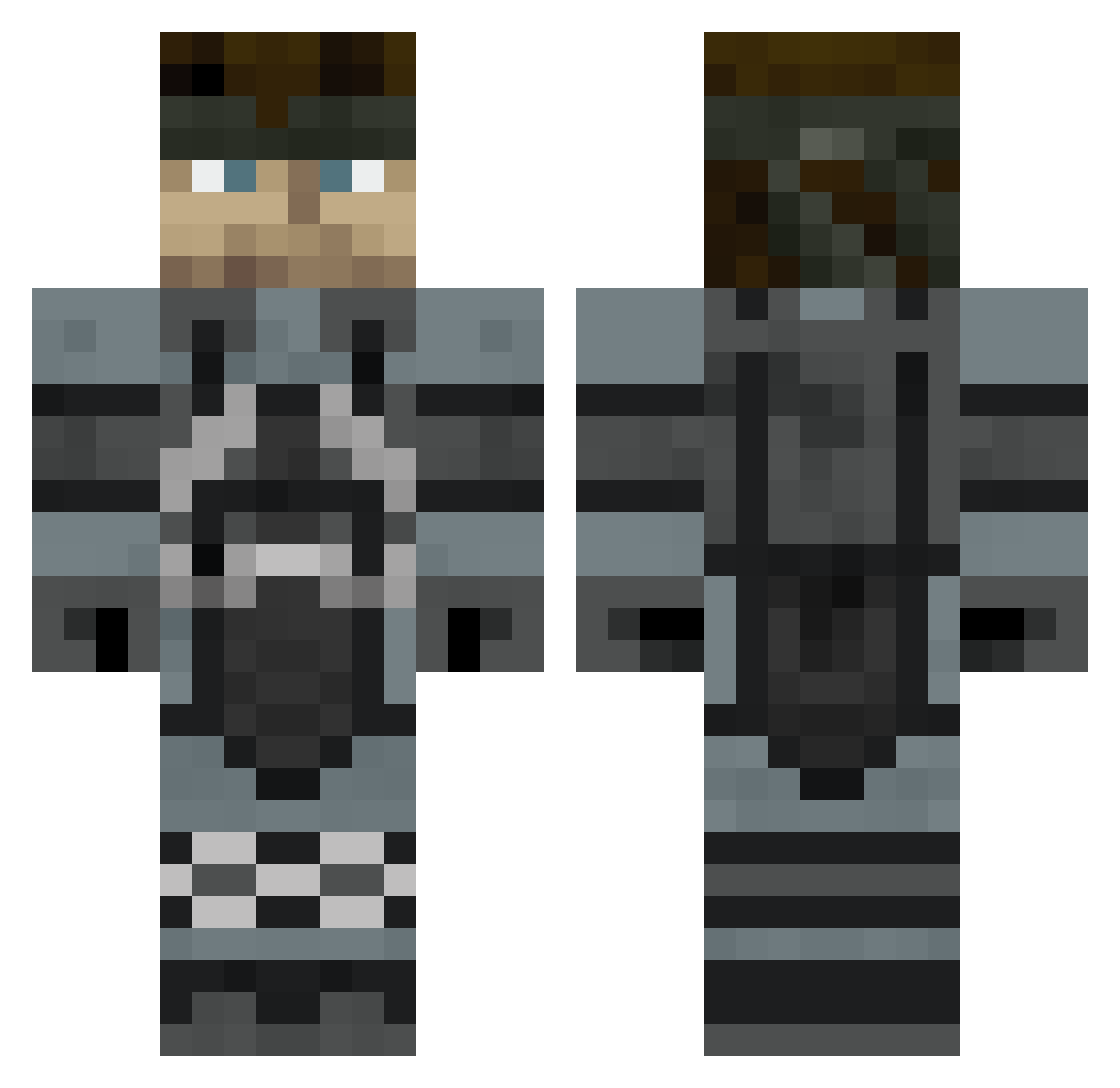
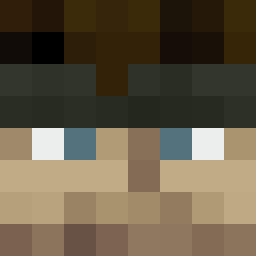
Current Minecraft skin of the player eyehugtr33s, loaded from the official Mojang API. Rotate the 3D model with your mouse or finger, then download the skin as a PNG file and use it in Minecraft: Bedrock Edition or Java Edition for free. When eyehugtr33s changes their skin, this page updates automatically and the old skin stays in the history below.
Other players with this skin (421)
eyehugtr33s was the 368th player we have seen with this skin, first spotted on 11.10.2026. The same skin was seen on these players. Open a nickname to see their current skin and skin history.
 ZTolerance JacobTemple ruben_106 FORCEDSMILE MakubeX1718 KingVenta PelsonPL xerxesXXVII snakeman694 MarqueeSeries Mugiwara_J metalmallow Ohgee187 Zilla2112 SpagMemeKing JORMAL1TY blastingHaze Fman07 hooterman1000 xxxjesus masolidsnake54 thebhef Asimuth43 Watcus intrepidtoaster Camuai MagicMushrooms2 Greyfloyd powmow123 Killerspud19k Engedoras notouchmycookies sX_Lee justinacarr Dannxx4 JClancy23 Golden_Sphinx Road_King TheMrThor DJ7719 deadright xzombieheadx zanra106 iwanthisnameokay Cruickshankface bsai buddydontevn Thewacho MonkeyDFlo Aphrox seals6tw PI2E3VV Lumixrex TCat00 loungling Wartooth HitConfirm Oscar322 gordonke KyGuy85
More Snake Minecraft skins
How to install the eyehugtr33s skin
- Press the Download button above to save the skin as a PNG file.
- Minecraft: Bedrock Edition (PE): open the Dressing Room from the main menu (or tap your character → Edit Character), go to Classic Skins → Owned, press the + (new skin) button, choose the downloaded PNG and pick the Classic (Steve) model. Works on PC and mobile; consoles cannot import custom skins.
- Minecraft: Java Edition: open the Minecraft Launcher, go to the Skins tab, click New Skin, load the PNG, pick the Classic (Steve) model and press Save & Use. You can also upload it at minecraft.net → Profile → Change Skin.
The skin does not show up after import - what should I do?
Restart Minecraft and open the Dressing Room again - imported skins sometimes appear only after a restart. Also make sure you selected the imported skin and picked the Classic (Steve) model.
Which model should I choose, Classic or Slim?
This skin is designed for the Classic (Steve) model. If you pick the wrong model, the arms of the skin will look stretched or squeezed.
Is the skin of eyehugtr33s free to download?
Yes. Press Download, save the PNG file and use it in Minecraft: Bedrock Edition or Java Edition - no payment or registration needed. The skin also works on multiplayer servers and Realms.
More skins
Looking for more? Go back to all Minecraft skins and check the top skins of the week, month and all time, or find any player's skin by nickname.