
ethanwe - Minecraft Skins & Skin History
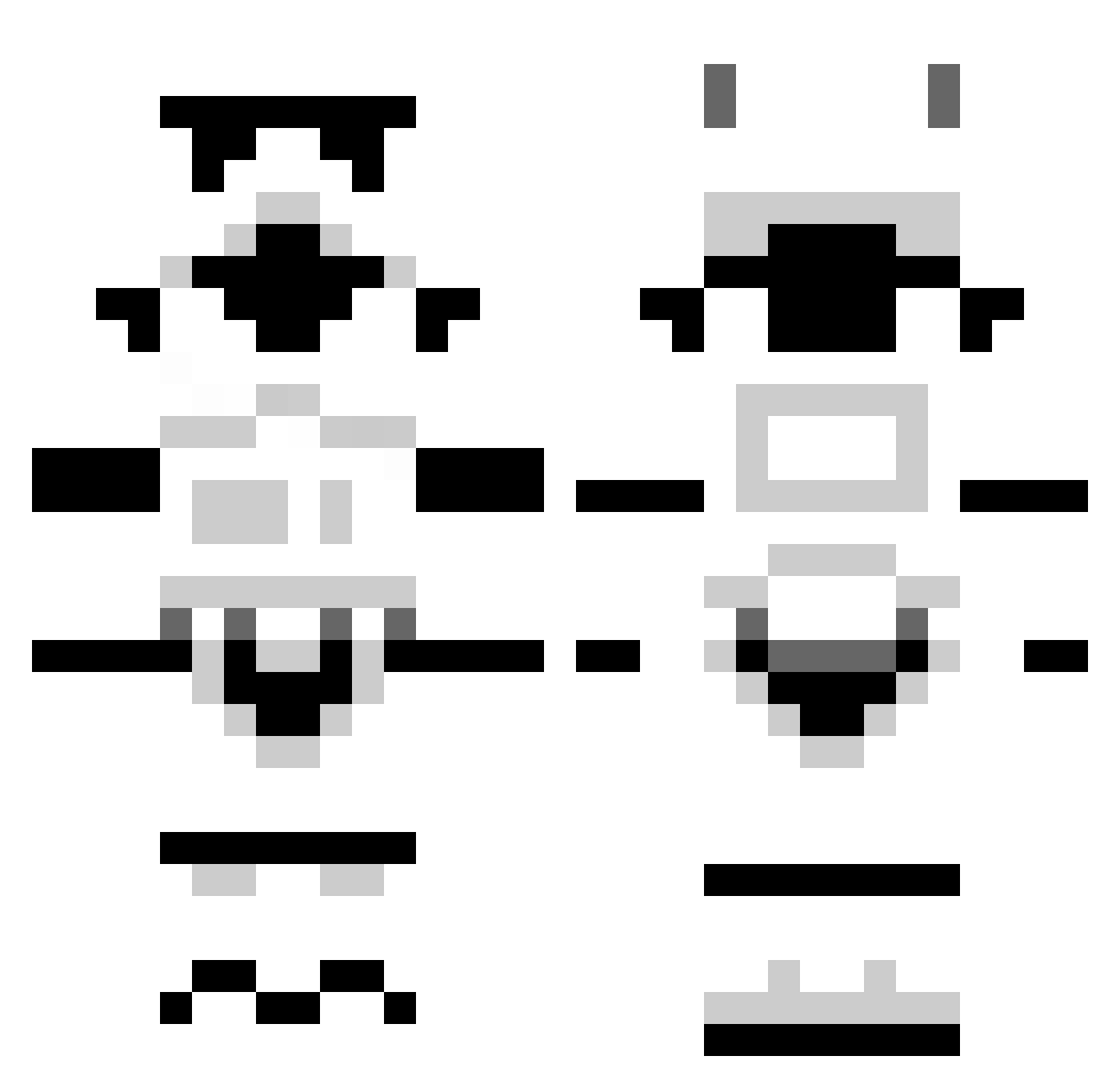
Current Minecraft skin of the player ethanwe, loaded from the official Mojang API. Rotate the 3D model with your mouse or finger, then download the skin as a PNG file and use it in Minecraft: Bedrock Edition or Java Edition for free. When ethanwe changes their skin, this page updates automatically and the old skin stays in the history below.
Other players with this skin (176)
ethanwe was the 172nd player we have seen with this skin, first spotted on 27.10.2026. The same skin was seen on these players. Open a nickname to see their current skin and skin history.
 zrc4889 stanwald Ldevorak Squire_Ruz ShiftedSymmetry MrDelirium96 QRich_ Ewaemos bothwaze Sykkun blyetha 98iNoracK chairgod96 MAXIMCOOPER XavyKnows spencerryan2002 ChrisPlusPlus CatchOfTheDay defaultcheese PandaPownder34 SKugel megatobas xGoldGamerzx Brunotorious Sean1609 snoogy468 speedyc45 SolicitedDuckPic MrMikeNolan Cryocidic thestripedtaco Riivaaja DaRealAal sergivs1 RandoHuncho wnrptr Emil3561 whatdaybob McPlebLord Flammender yourself32 Ciellops Drivebydude AffiqAnizu harris0570 Donne_SonnetX LewisBluish BENNERFENNER896 OnewithBaker TX8540 DocMalton ForsakenLegendx iDSwitch ahro_mk2 AwesomelyParadox Dedenne5000 MarcManden01 AlfredNotAlbert koo8865 DirectionsPhoto
More Trooper Minecraft skins
How to install the ethanwe skin
- Press the Download button above to save the skin as a PNG file.
- Minecraft: Bedrock Edition (PE): open the Dressing Room from the main menu (or tap your character → Edit Character), go to Classic Skins → Owned, press the + (new skin) button, choose the downloaded PNG and pick the Classic (Steve) model. Works on PC and mobile; consoles cannot import custom skins.
- Minecraft: Java Edition: open the Minecraft Launcher, go to the Skins tab, click New Skin, load the PNG, pick the Classic (Steve) model and press Save & Use. You can also upload it at minecraft.net → Profile → Change Skin.
The skin does not show up after import - what should I do?
Restart Minecraft and open the Dressing Room again - imported skins sometimes appear only after a restart. Also make sure you selected the imported skin and picked the Classic (Steve) model.
Which model should I choose, Classic or Slim?
This skin is designed for the Classic (Steve) model. If you pick the wrong model, the arms of the skin will look stretched or squeezed.
Is the skin of ethanwe free to download?
Yes. Press Download, save the PNG file and use it in Minecraft: Bedrock Edition or Java Edition - no payment or registration needed. The skin also works on multiplayer servers and Realms.
More skins
Looking for more? Go back to all Minecraft skins and check the top skins of the week, month and all time, or find any player's skin by nickname.