
er_Supreme - Minecraft Skins & Skin History
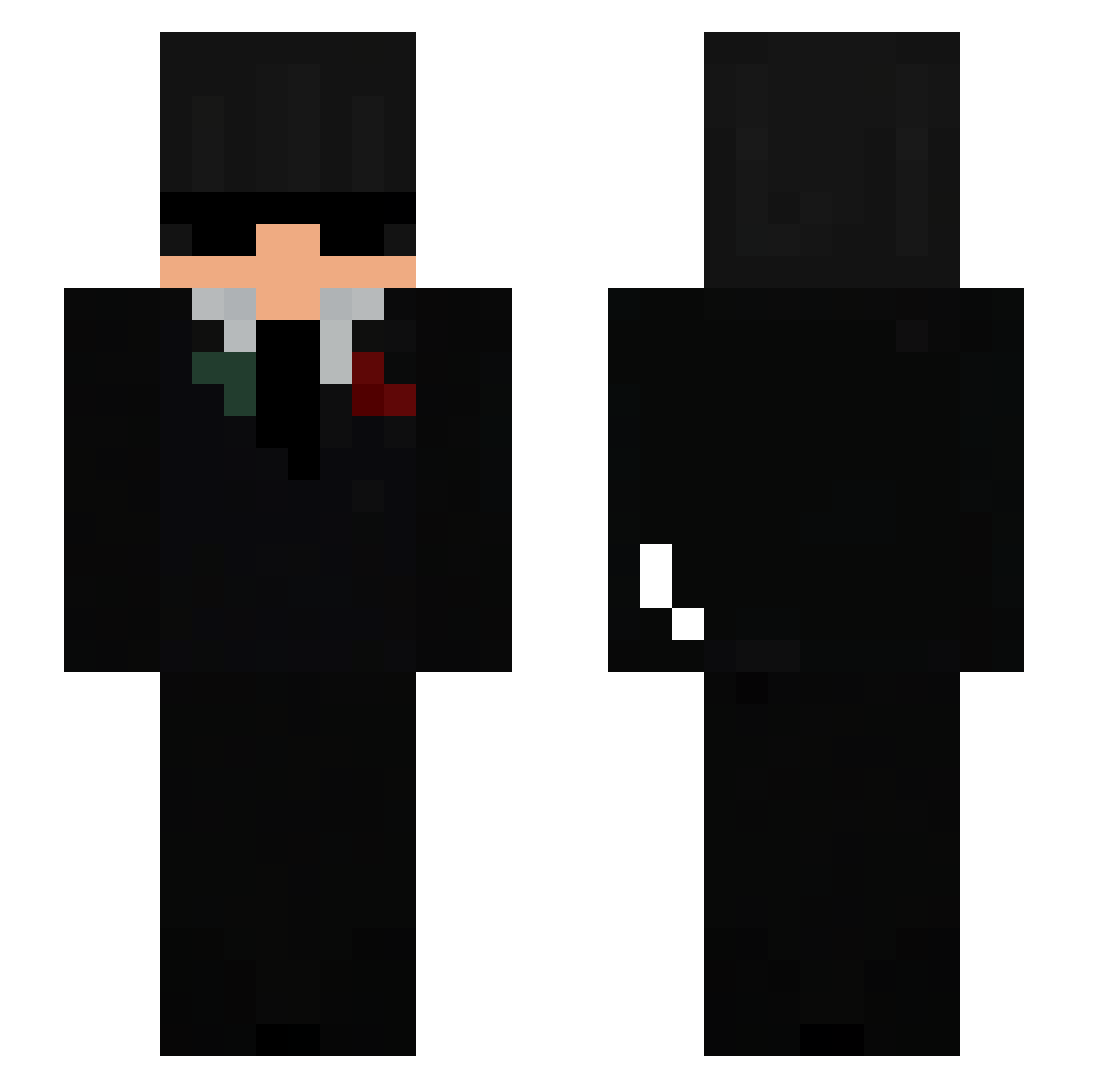
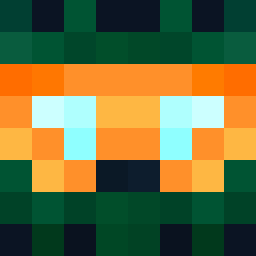
Current Minecraft skin of the player er_Supreme, loaded from the official Mojang API. Rotate the 3D model with your mouse or finger, then download the skin as a PNG file and use it in Minecraft: Bedrock Edition or Java Edition for free. When er_Supreme changes their skin, this page updates automatically and the old skin stays in the history below.
Other players with this skin (62)
er_Supreme was the 25th player we have seen with this skin, first spotted on 15.09.2026. The same skin was seen on these players. Open a nickname to see their current skin and skin history.
 unprosperousness fembooy_slayer itzznolti skid oosadgirl GetStrikedByTony Jark02 kwiecien14 TheDaveCZE GosthGod
 itsdog144 InvisibleEye _Ikigai__ kingz1414 Pariseq LUC1RK dereckreyes Firesneaker44 noobcarlitos43 e__sgg eliud73 d2xas DeaxyGaming M1A2A xxJamrooxx ask_sk29la Compeller rexybtw penguilini dromex12 AntonekWu MikoaPL Mat1xonMc Qyvrnex Alifzyss Kotnaschor10 210_____ yGhost_Maich Nuckedz dmnickk AliXtremeMC
 Roham0100536 hhvk49 totenwolke12 Gurmy001 degilor Zamoryx huyenciute Randomperson_lol Telereqq dexfuli Gutux1
 zMalvr CREEPER_THOR qcvq JefeTeo Basti_Bandit0701 xyz077 Mystxctf_
 ten_yxxx
More Agent Minecraft skins
How to install the er_Supreme skin
- Press the Download button above to save the skin as a PNG file.
- Minecraft: Bedrock Edition (PE): open the Dressing Room from the main menu (or tap your character → Edit Character), go to Classic Skins → Owned, press the + (new skin) button, choose the downloaded PNG and pick the Slim (Alex) model. Works on PC and mobile; consoles cannot import custom skins.
- Minecraft: Java Edition: open the Minecraft Launcher, go to the Skins tab, click New Skin, load the PNG, pick the Slim (Alex) model and press Save & Use. You can also upload it at minecraft.net → Profile → Change Skin.
The skin does not show up after import - what should I do?
Restart Minecraft and open the Dressing Room again - imported skins sometimes appear only after a restart. Also make sure you selected the imported skin and picked the Slim (Alex) model.
Which model should I choose, Classic or Slim?
This skin is designed for the Slim (Alex) model. If you pick the wrong model, the arms of the skin will look stretched or squeezed.
Is the skin of er_Supreme free to download?
Yes. Press Download, save the PNG file and use it in Minecraft: Bedrock Edition or Java Edition - no payment or registration needed. The skin also works on multiplayer servers and Realms.
More skins
Looking for more? Go back to all Minecraft skins and check the top skins of the week, month and all time, or find any player's skin by nickname.