
ephan1993 - Minecraft Skins & Skin History
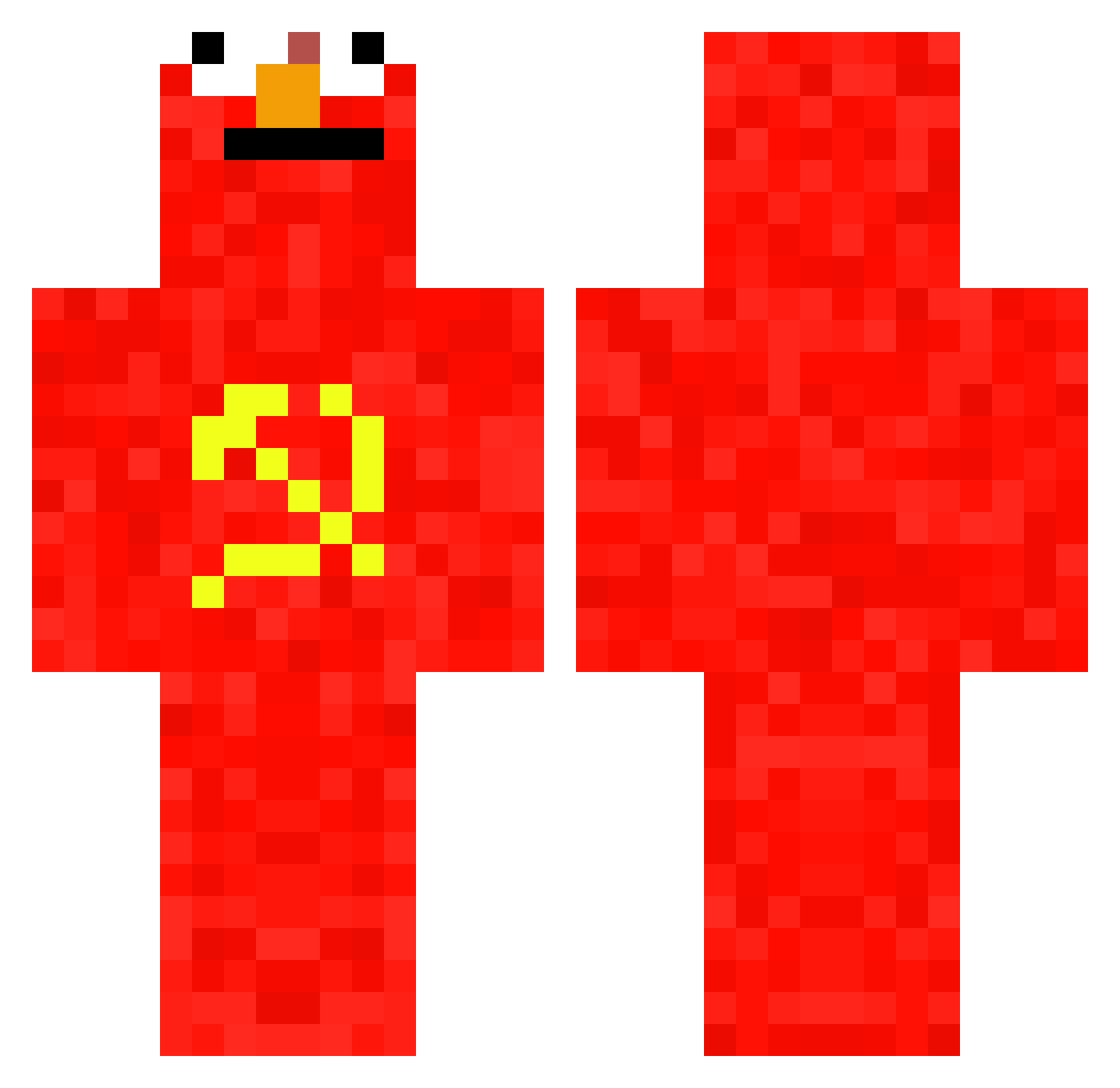
Current Minecraft skin of the player ephan1993, loaded from the official Mojang API. Rotate the 3D model with your mouse or finger, then download the skin as a PNG file and use it in Minecraft: Bedrock Edition or Java Edition for free. When ephan1993 changes their skin, this page updates automatically and the old skin stays in the history below.
Other players with this skin (828)
ephan1993 was the 747th player we have seen with this skin, first spotted on 08.11.2026. The same skin was seen on these players. Open a nickname to see their current skin and skin history.
 Jack_115 happyroblox777 Danny_lili 767B Coopreme71 Joacotes El_Crunchy llxs M4tteoIsHot imre9999 TheGoldSnowMan miquelbauza LordBobbins FishTaco20 Beautybeertje03 TenTukan mortadela174 MROD_17 sqdStollan JonLeg13 Dagon1357 lokivariante316 ALEX534 stondemug Hermanek_ oBila_ JayMarinara IBradynI ncl1919 Toto_in_Africa TheRealDenkie Mr_Doom_Shroom WeedLord42O CrayZ_MARTO Raiiichu Ulkleg Graads minhoquinha ZOUSAAQ xValfalk Hausmeister361 MEJL_gab92240 FamousHaos Kaleb077 MrTea629 woutjehuts1234 Asce14 Finkersvj Darkslide7487 bolonevado Frenchy303X8 Niko542rock GucciCrayola89 NikEvil Nigel161234 achlexnander urubuJR HondaCivic2009 Camelli5 Kokonuta5
More Communist Minecraft skins
How to install the ephan1993 skin
- Press the Download button above to save the skin as a PNG file.
- Minecraft: Bedrock Edition (PE): open the Dressing Room from the main menu (or tap your character → Edit Character), go to Classic Skins → Owned, press the + (new skin) button, choose the downloaded PNG and pick the Classic (Steve) model. Works on PC and mobile; consoles cannot import custom skins.
- Minecraft: Java Edition: open the Minecraft Launcher, go to the Skins tab, click New Skin, load the PNG, pick the Classic (Steve) model and press Save & Use. You can also upload it at minecraft.net → Profile → Change Skin.
The skin does not show up after import - what should I do?
Restart Minecraft and open the Dressing Room again - imported skins sometimes appear only after a restart. Also make sure you selected the imported skin and picked the Classic (Steve) model.
Which model should I choose, Classic or Slim?
This skin is designed for the Classic (Steve) model. If you pick the wrong model, the arms of the skin will look stretched or squeezed.
Is the skin of ephan1993 free to download?
Yes. Press Download, save the PNG file and use it in Minecraft: Bedrock Edition or Java Edition - no payment or registration needed. The skin also works on multiplayer servers and Realms.
More skins
Looking for more? Go back to all Minecraft skins and check the top skins of the week, month and all time, or find any player's skin by nickname.