
elxuxet - Minecraft Skins & Skin History
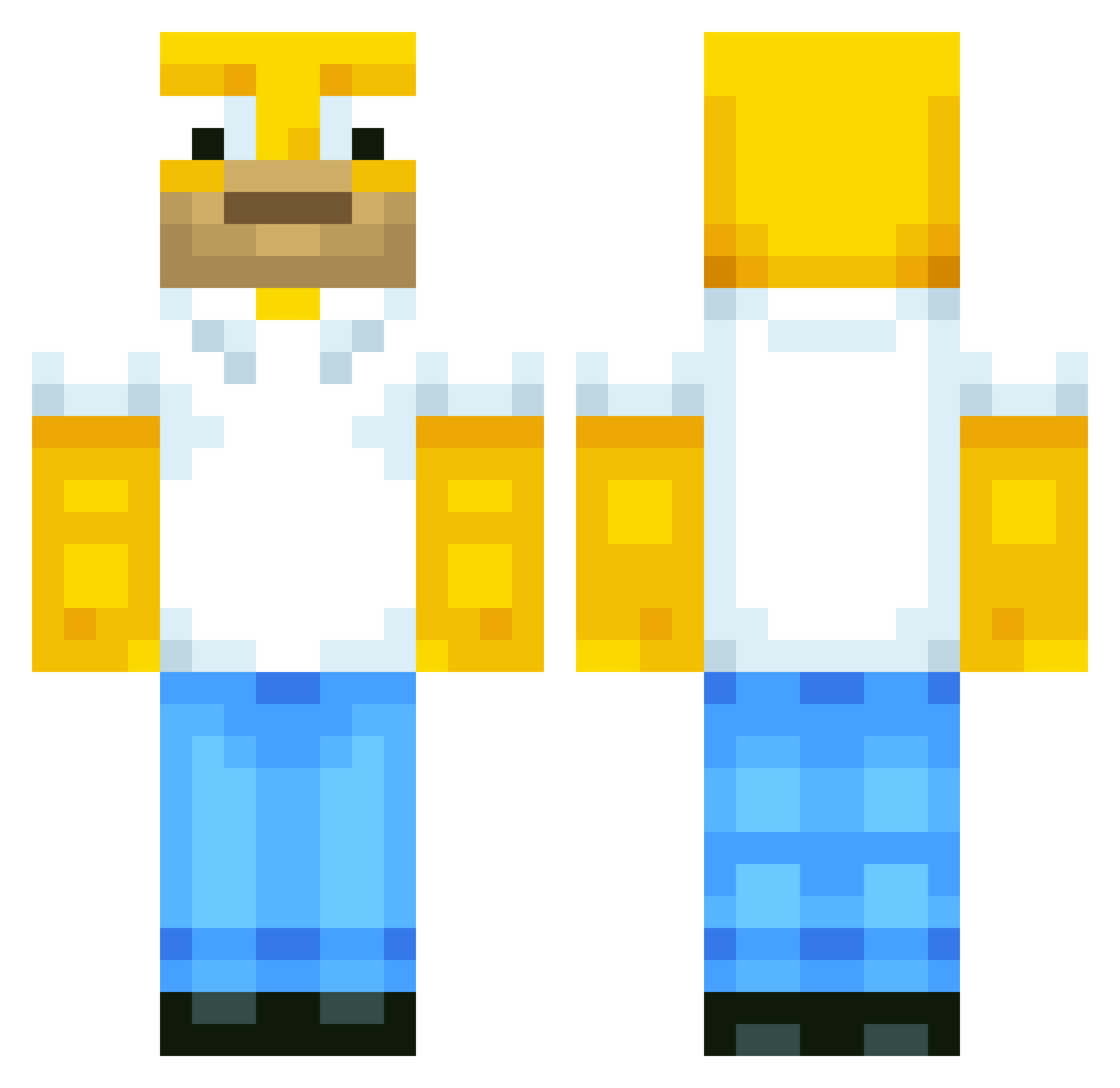
Current Minecraft skin of the player elxuxet, loaded from the official Mojang API. Rotate the 3D model with your mouse or finger, then download the skin as a PNG file and use it in Minecraft: Bedrock Edition or Java Edition for free. When elxuxet changes their skin, this page updates automatically and the old skin stays in the history below.
Other players with this skin (750)
elxuxet was the 733rd player we have seen with this skin, first spotted on 16.11.2026. The same skin was seen on these players. Open a nickname to see their current skin and skin history.
 jaydenjoel09 mrcrow274 Krokodiler TickleDePickle5 TheBarra600RR 99Mikey RYU_Mingi seagulls2609 D3M0N1CGAM1N9 iNero89 Seijo Savageplays_MC DiegoViru11 ItsEltai meomeo_li BugsidaHD diamond4514 Bee_2000 Nyxee84 scrawnydora darkligon Doomynator SuperStalin Rgorayb OptimusBlock ggonzalez1630 Cista_plena Dr_ganjario rocketnode Sekeno Onionhead4 killercomjapan oso_ OCDtassy KidoJeff Da_PotatoGeneral kylewild Sn3akybytrayd3r Twombli ExternalYelu RS_Ellis MrFojel HomerJSimpson510 Markus1980 zuaq Caguqi TanTheJester Vallebooi OhhZut Deno2143 HOMERSAMPSON Jus10K_ Lennfun AARONSDADDY Hudbud6404 dkbrill MINICORDOBA littleanimegirl3 Brainspawn jagreeene
More Homer Simpson Minecraft skins
See all 345 Homer Simpson skins
How to install the elxuxet skin
- Press the Download button above to save the skin as a PNG file.
- Minecraft: Bedrock Edition (PE): open the Dressing Room from the main menu (or tap your character → Edit Character), go to Classic Skins → Owned, press the + (new skin) button, choose the downloaded PNG and pick the Classic (Steve) model. Works on PC and mobile; consoles cannot import custom skins.
- Minecraft: Java Edition: open the Minecraft Launcher, go to the Skins tab, click New Skin, load the PNG, pick the Classic (Steve) model and press Save & Use. You can also upload it at minecraft.net → Profile → Change Skin.
The skin does not show up after import - what should I do?
Restart Minecraft and open the Dressing Room again - imported skins sometimes appear only after a restart. Also make sure you selected the imported skin and picked the Classic (Steve) model.
Which model should I choose, Classic or Slim?
This skin is designed for the Classic (Steve) model. If you pick the wrong model, the arms of the skin will look stretched or squeezed.
Is the skin of elxuxet free to download?
Yes. Press Download, save the PNG file and use it in Minecraft: Bedrock Edition or Java Edition - no payment or registration needed. The skin also works on multiplayer servers and Realms.
More skins
Looking for more? Go back to all Minecraft skins and check the top skins of the week, month and all time, or find any player's skin by nickname.