
elgrenas1 - Minecraft Skins & Skin History
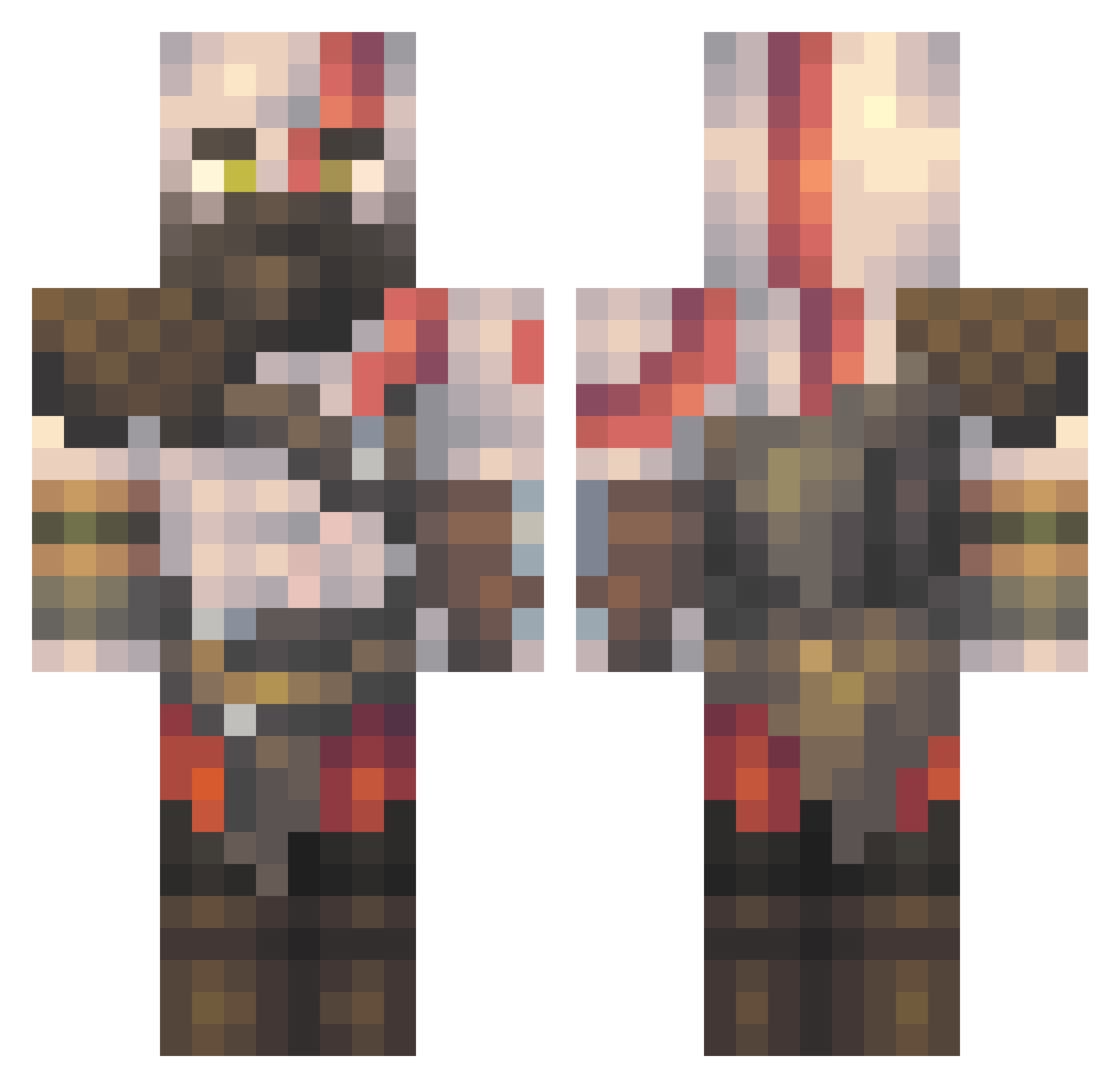
Current Minecraft skin of the player elgrenas1, loaded from the official Mojang API. Rotate the 3D model with your mouse or finger, then download the skin as a PNG file and use it in Minecraft: Bedrock Edition or Java Edition for free. When elgrenas1 changes their skin, this page updates automatically and the old skin stays in the history below.
Other players with this skin (511)
elgrenas1 was the 404th player we have seen with this skin, first spotted on 14.10.2026. The same skin was seen on these players. Open a nickname to see their current skin and skin history.
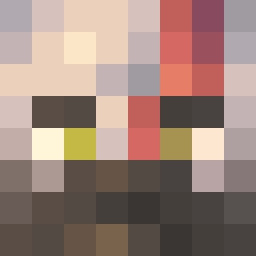 viga118 Leiwist eS4fun Zipperz2618 straffez BlackPixel07 Z3ETR RYAN_PLAYS_YT Balzak217 nburitto NvEddie luisest123 NaBelea01 the_blackcrow1 CCDEM5 LethalAnon RiceTai BAGARRR ElMago13 gongaszs BatKirby tanton911 Highdeger atakan2604 YASSHD Galactic35 Reigns3674 MiteeQuinn YarkinUlEmin NorseBody DutchyBoyz GurkanMehmet Al8blu HakuruKu AceFrosty0541 mmaarcos_ LordGromp69 gewoonyven ManuelGimenez9 EttoMine05 Nidzo3 Taifighter1000 FABO47 NicoWolfwood Teghai BDB_On_Ya_Mother leotsig Caleb6085 Whisperic MarkyEPF JFusion5 Galaxa123 MrBunci niculito278 Guide343 BigDihhhDan MrSpiderGuy davio1_ Depresso091 Bass_Martinez
More Kratos Minecraft skins
How to install the elgrenas1 skin
- Press the Download button above to save the skin as a PNG file.
- Minecraft: Bedrock Edition (PE): open the Dressing Room from the main menu (or tap your character → Edit Character), go to Classic Skins → Owned, press the + (new skin) button, choose the downloaded PNG and pick the Classic (Steve) model. Works on PC and mobile; consoles cannot import custom skins.
- Minecraft: Java Edition: open the Minecraft Launcher, go to the Skins tab, click New Skin, load the PNG, pick the Classic (Steve) model and press Save & Use. You can also upload it at minecraft.net → Profile → Change Skin.
The skin does not show up after import - what should I do?
Restart Minecraft and open the Dressing Room again - imported skins sometimes appear only after a restart. Also make sure you selected the imported skin and picked the Classic (Steve) model.
Which model should I choose, Classic or Slim?
This skin is designed for the Classic (Steve) model. If you pick the wrong model, the arms of the skin will look stretched or squeezed.
Is the skin of elgrenas1 free to download?
Yes. Press Download, save the PNG file and use it in Minecraft: Bedrock Edition or Java Edition - no payment or registration needed. The skin also works on multiplayer servers and Realms.
More skins
Looking for more? Go back to all Minecraft skins and check the top skins of the week, month and all time, or find any player's skin by nickname.