
echidnateacat - Minecraft Skins & Skin History
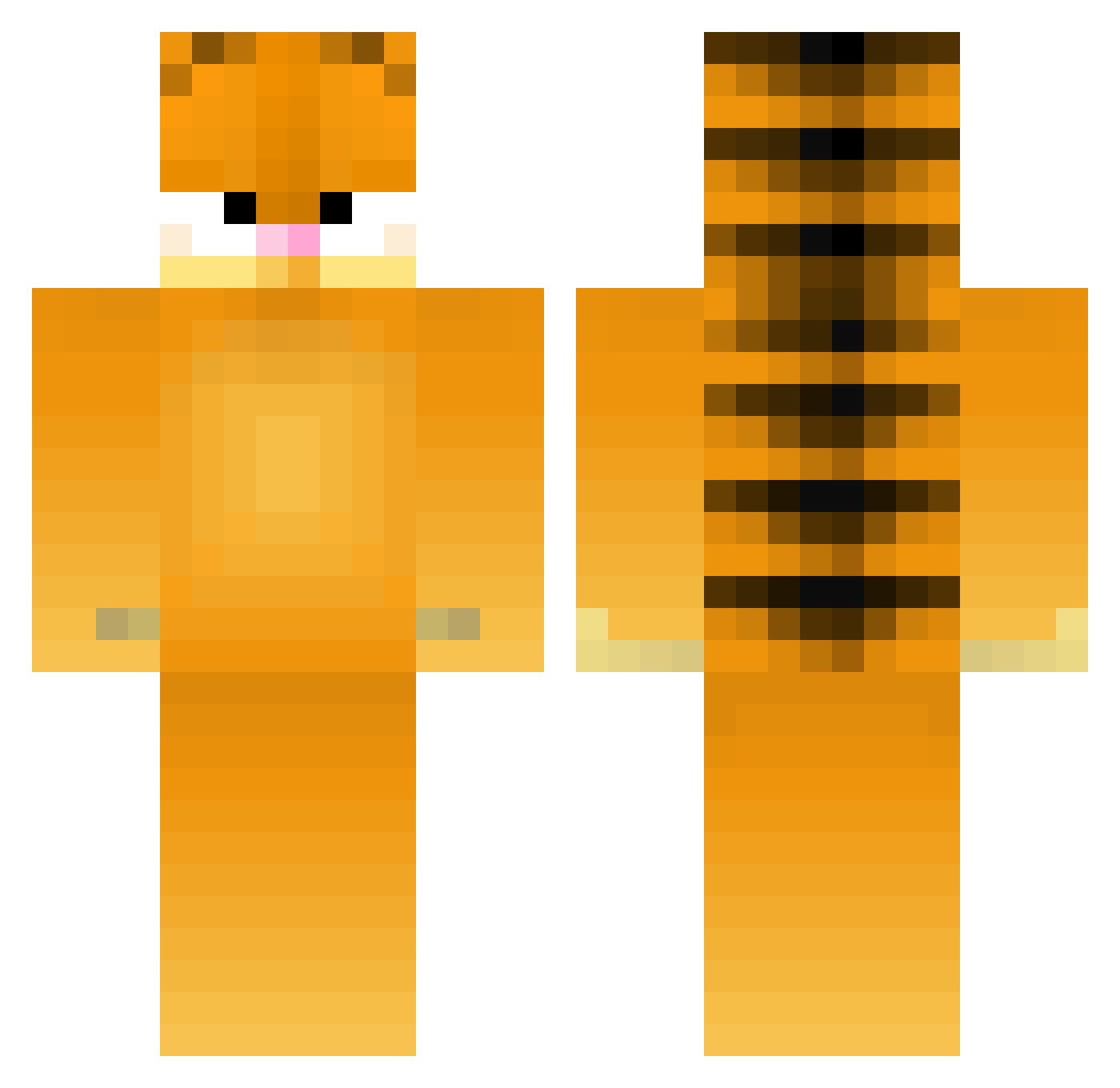
Current Minecraft skin of the player echidnateacat, loaded from the official Mojang API. Rotate the 3D model with your mouse or finger, then download the skin as a PNG file and use it in Minecraft: Bedrock Edition or Java Edition for free. When echidnateacat changes their skin, this page updates automatically and the old skin stays in the history below.
Other players with this skin (395)
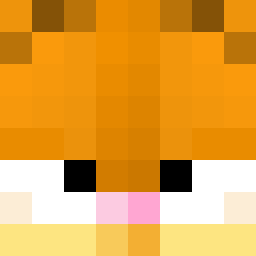
echidnateacat was the 171st player we have seen with this skin, first spotted on 11.09.2026. The same skin was seen on these players. Open a nickname to see their current skin and skin history.
 moggingclav Shoebill_32 Ailo1 bee8603 CoraRee PanZenek JamisonSkylar Uzibozi beanyweanyyy Ambersky12 KociokfikPL Blackvoldemort bobacl0ud Sklice Xivolt59 YYBB10086 CammyCakes27 Bigpapadanny Miki_jnr Mandrex LFZ99987 One_U luscioussobar Jagermarce PartyPoo TH3reggie_man18 BruhSFX_2 ponkoni cable_modem Oblaki YungWokeBoy BeanzvTTV kelbod123 potatosticks MCookie_ PineWarden Aman___ AmethystFade GARF_Enjoyer Garfield_60 Z00gie Mumintrollet36 hoforlasagna Anileria KurtTweaker IVTRITION _Linkc fufuzoo Tastypuff Joeiiii1 zhuge1 Reilwen Large_Lad_ predax_mega Treebur bigbopper9 mady333 lilshelb Simjukier ByeBowie
More Garfield Minecraft skins
How to install the echidnateacat skin
- Press the Download button above to save the skin as a PNG file.
- Minecraft: Bedrock Edition (PE): open the Dressing Room from the main menu (or tap your character → Edit Character), go to Classic Skins → Owned, press the + (new skin) button, choose the downloaded PNG and pick the Classic (Steve) model. Works on PC and mobile; consoles cannot import custom skins.
- Minecraft: Java Edition: open the Minecraft Launcher, go to the Skins tab, click New Skin, load the PNG, pick the Classic (Steve) model and press Save & Use. You can also upload it at minecraft.net → Profile → Change Skin.
The skin does not show up after import - what should I do?
Restart Minecraft and open the Dressing Room again - imported skins sometimes appear only after a restart. Also make sure you selected the imported skin and picked the Classic (Steve) model.
Which model should I choose, Classic or Slim?
This skin is designed for the Classic (Steve) model. If you pick the wrong model, the arms of the skin will look stretched or squeezed.
Is the skin of echidnateacat free to download?
Yes. Press Download, save the PNG file and use it in Minecraft: Bedrock Edition or Java Edition - no payment or registration needed. The skin also works on multiplayer servers and Realms.
More skins
Looking for more? Go back to all Minecraft skins and check the top skins of the week, month and all time, or find any player's skin by nickname.