
eKittenEnjoyer - Minecraft Skins & Skin History
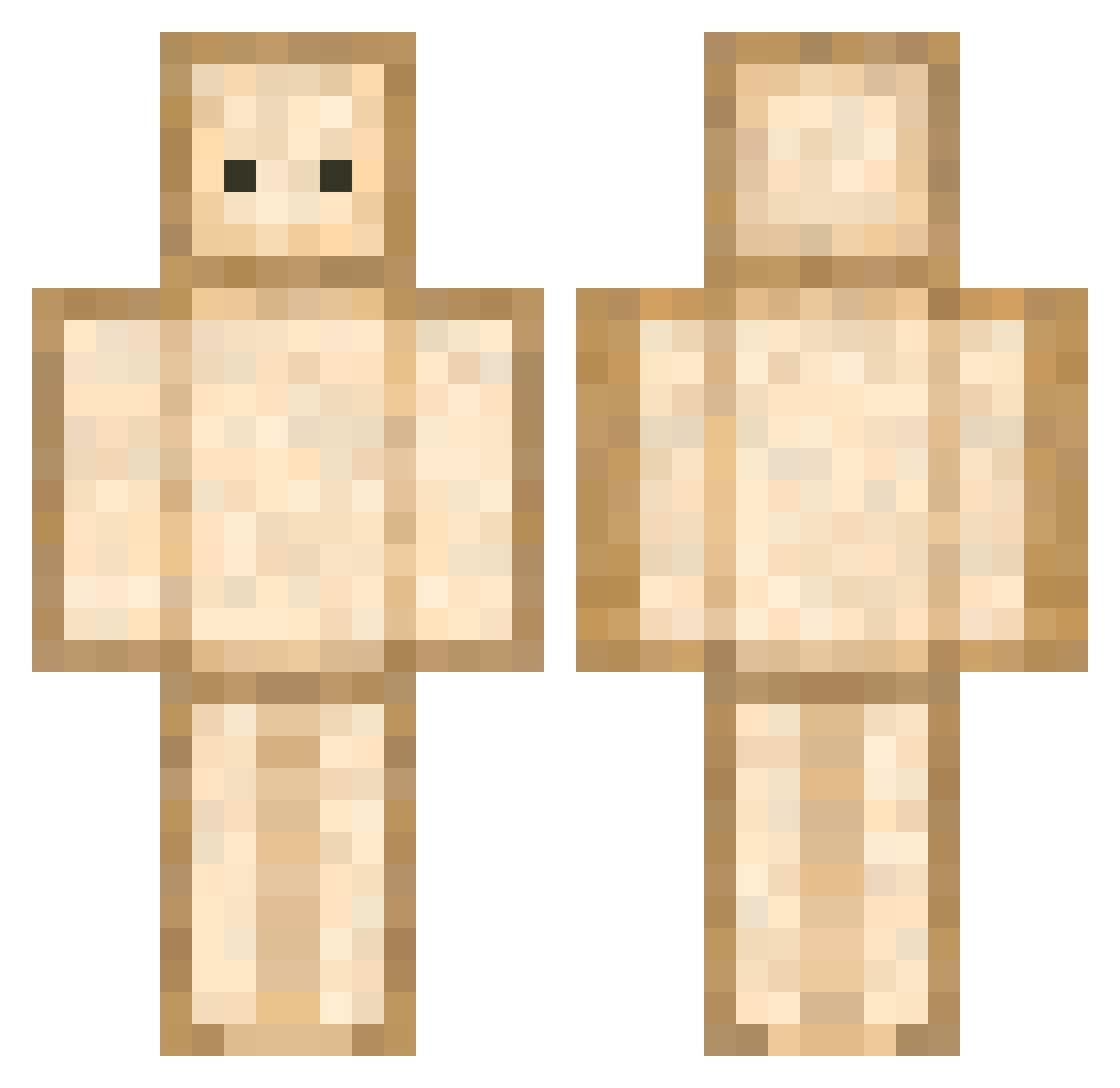
Current Minecraft skin of the player eKittenEnjoyer, loaded from the official Mojang API. Rotate the 3D model with your mouse or finger, then download the skin as a PNG file and use it in Minecraft: Bedrock Edition or Java Edition for free. When eKittenEnjoyer changes their skin, this page updates automatically and the old skin stays in the history below.
Other players with this skin (677)
eKittenEnjoyer was the 459th player we have seen with this skin, first spotted on 05.10.2026. The same skin was seen on these players. Open a nickname to see their current skin and skin history.
 KANGHYOJIN JJu_niyo KSR281 Braddyiscool123 OzLeeR ManuuuuHeHe J_Game22 RedQueen11 claud14 ItzCyp4ikBTW Yoonstone__ master_sw beo24 Gloriso umea_kiler KT57 Little0tanks PeaX_ shiho0227 jun_08 MenuGolden IDarkOver sichunOwO HakuDai sana13 HusbandShino P_aTriCk mulllllllll44 Fudge____ kei0221 bai_bear leo9567 Imperial_Ti BiggieHam Damariane sedatsevim78 ss157n trici86 weramorela SkertyBoy JUKIRL ulimsssss bernharicot Alkyzo auddud6369 Fabi214 Thavsen Lissj16 Takanuri81 MrFitzy06 vigothas iamestella Beanifer speedcsh Kyrasaur Hoeta_ SabaRK aquamarine1102 RakunIsmail gulfnarof
More Toast Minecraft skins
How to install the eKittenEnjoyer skin
- Press the Download button above to save the skin as a PNG file.
- Minecraft: Bedrock Edition (PE): open the Dressing Room from the main menu (or tap your character → Edit Character), go to Classic Skins → Owned, press the + (new skin) button, choose the downloaded PNG and pick the Classic (Steve) model. Works on PC and mobile; consoles cannot import custom skins.
- Minecraft: Java Edition: open the Minecraft Launcher, go to the Skins tab, click New Skin, load the PNG, pick the Classic (Steve) model and press Save & Use. You can also upload it at minecraft.net → Profile → Change Skin.
The skin does not show up after import - what should I do?
Restart Minecraft and open the Dressing Room again - imported skins sometimes appear only after a restart. Also make sure you selected the imported skin and picked the Classic (Steve) model.
Which model should I choose, Classic or Slim?
This skin is designed for the Classic (Steve) model. If you pick the wrong model, the arms of the skin will look stretched or squeezed.
Is the skin of eKittenEnjoyer free to download?
Yes. Press Download, save the PNG file and use it in Minecraft: Bedrock Edition or Java Edition - no payment or registration needed. The skin also works on multiplayer servers and Realms.
More skins
Looking for more? Go back to all Minecraft skins and check the top skins of the week, month and all time, or find any player's skin by nickname.