
dylp7 - Minecraft Skins & Skin History
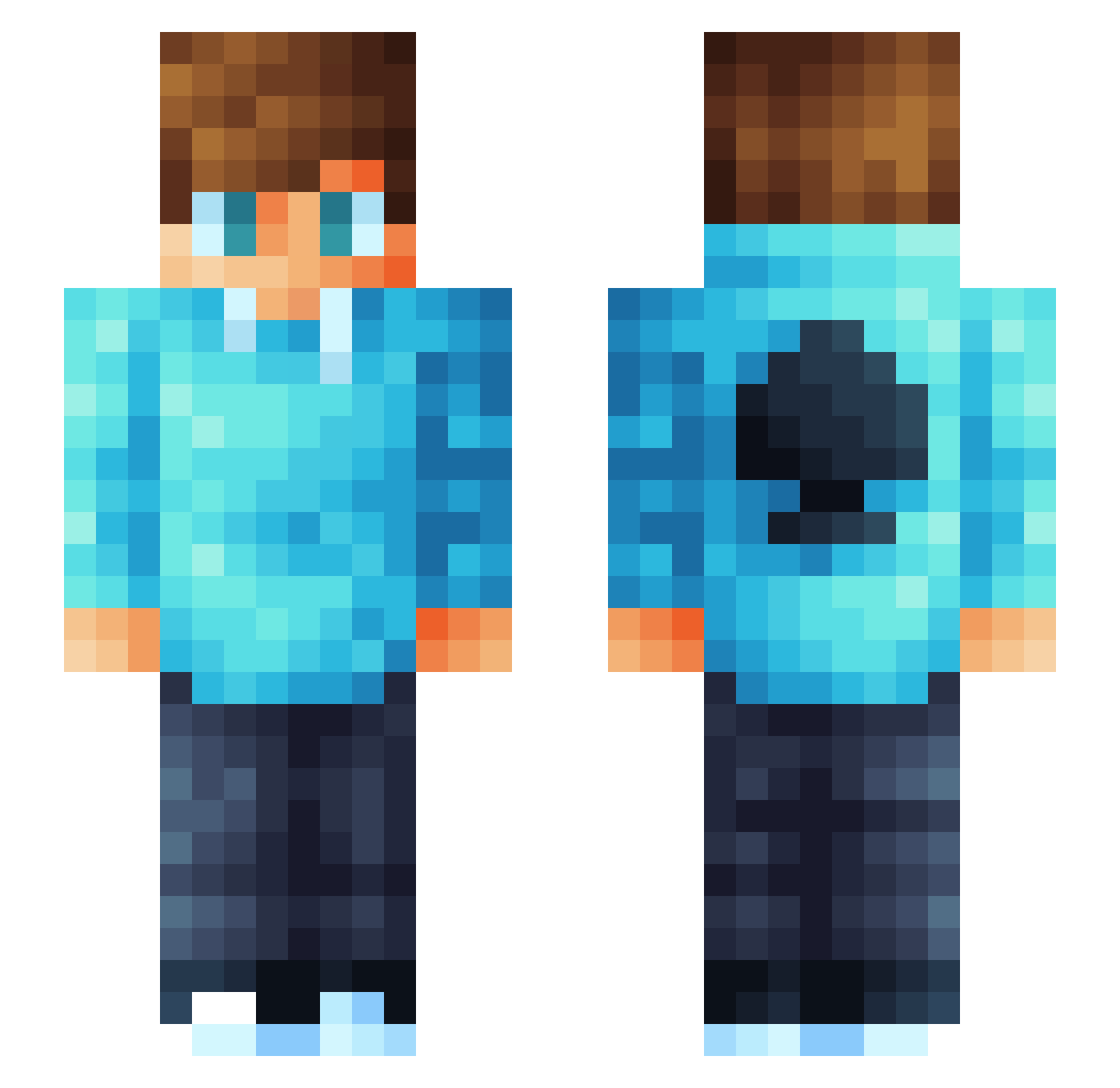
Current Minecraft skin of the player dylp7, loaded from the official Mojang API. Rotate the 3D model with your mouse or finger, then download the skin as a PNG file and use it in Minecraft: Bedrock Edition or Java Edition for free. When dylp7 changes their skin, this page updates automatically and the old skin stays in the history below.
Other players with this skin (79)
dylp7 was the 46th player we have seen with this skin, first spotted on 04.10.2026. The same skin was seen on these players. Open a nickname to see their current skin and skin history.
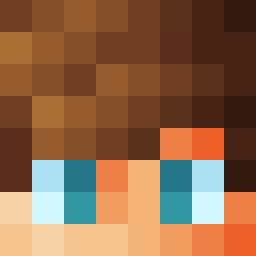 Methionin DovahMaster66 AREL35 IamUsman RealMimik20 PaVGamesPL meemyk27 Nils2127 Apolonak11 tifftafftuffi saboler GhosttHeroo cocodez RON2342 Timstar03 zhendiao123 Ultimae28 STARWAND112 Sn0w3642 Robi0608 NiceSnipe samuel_9164 Skylthar KINGofSPADES_40 Flexeq Asmixh Nazzer_ PeculiarChart21 IamBrainless345 GodDiamonds LOLLY_SEEYA OliwiaUrbans Samuel2012samuel Jillitt cola_911 Danilxsnipe Lukiny_ alejandroggarcia shaunb2013 gohet LukBend deinefamilie surfwaves Prophet_HD Ostoloko Greegypt Mr_Tuti Slavko22 OFCHRIS Davibritto0711 PrismRazor ryy2409 Spriggan_Emperor Attilahun005 Kalo_K ItsAceon Andrew141213 manonbl698 PeDee_Cz NathanMC01
More Spade Symbol Minecraft skins
How to install the dylp7 skin
- Press the Download button above to save the skin as a PNG file.
- Minecraft: Bedrock Edition (PE): open the Dressing Room from the main menu (or tap your character → Edit Character), go to Classic Skins → Owned, press the + (new skin) button, choose the downloaded PNG and pick the Slim (Alex) model. Works on PC and mobile; consoles cannot import custom skins.
- Minecraft: Java Edition: open the Minecraft Launcher, go to the Skins tab, click New Skin, load the PNG, pick the Slim (Alex) model and press Save & Use. You can also upload it at minecraft.net → Profile → Change Skin.
The skin does not show up after import - what should I do?
Restart Minecraft and open the Dressing Room again - imported skins sometimes appear only after a restart. Also make sure you selected the imported skin and picked the Slim (Alex) model.
Which model should I choose, Classic or Slim?
This skin is designed for the Slim (Alex) model. If you pick the wrong model, the arms of the skin will look stretched or squeezed.
Is the skin of dylp7 free to download?
Yes. Press Download, save the PNG file and use it in Minecraft: Bedrock Edition or Java Edition - no payment or registration needed. The skin also works on multiplayer servers and Realms.
More skins
Looking for more? Go back to all Minecraft skins and check the top skins of the week, month and all time, or find any player's skin by nickname.