
dronevil - Minecraft Skins & Skin History
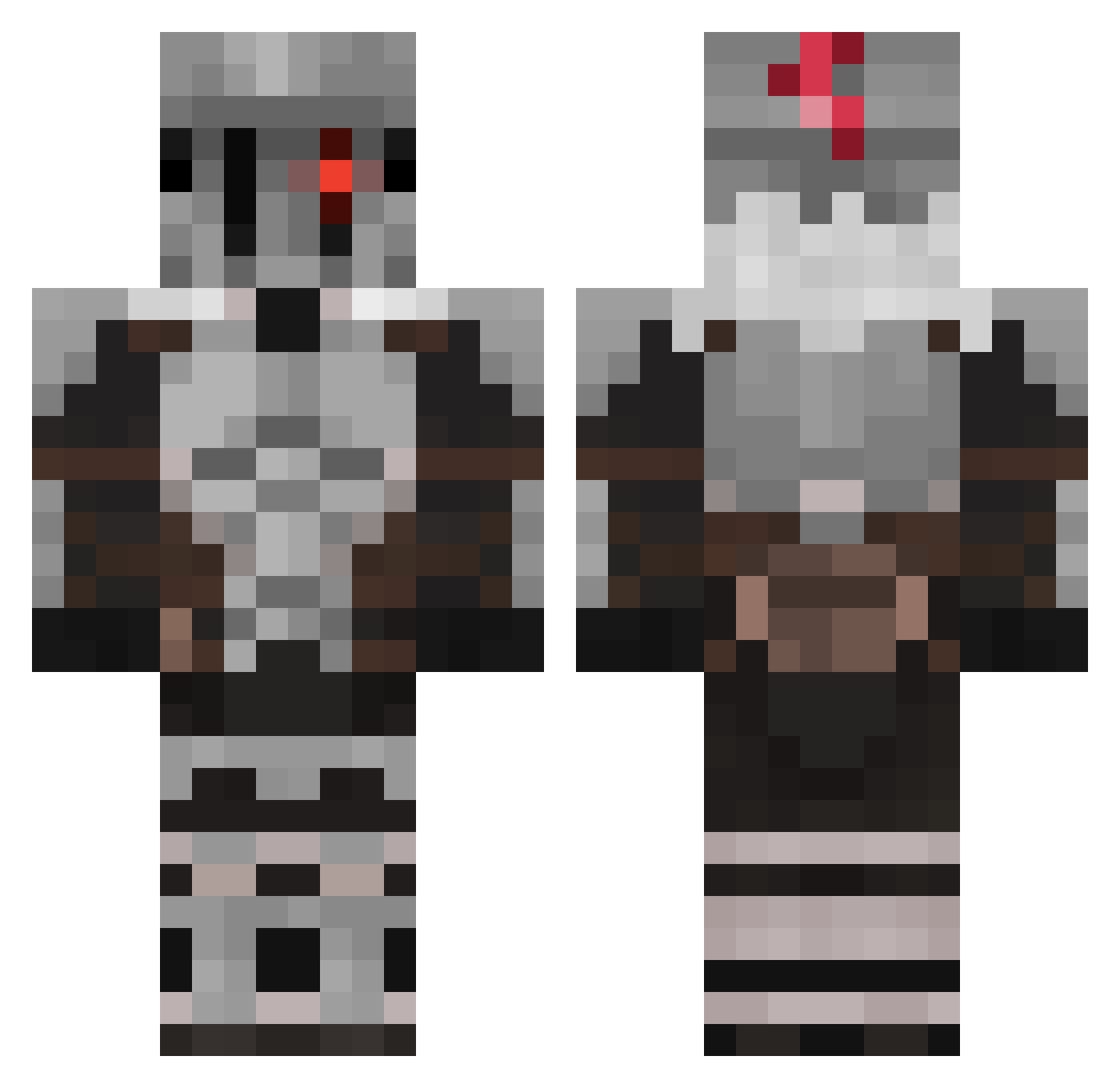
Current Minecraft skin of the player dronevil, loaded from the official Mojang API. Rotate the 3D model with your mouse or finger, then download the skin as a PNG file and use it in Minecraft: Bedrock Edition or Java Edition for free. When dronevil changes their skin, this page updates automatically and the old skin stays in the history below.
Other players with this skin (515)
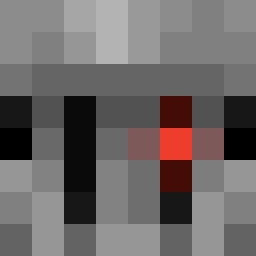
dronevil was the 211th player we have seen with this skin, first spotted on 03.09.2026. The same skin was seen on these players. Open a nickname to see their current skin and skin history.
 TheLordOfHord Shmoopekili Phoenix5878 Reapimus AllBravado OscarWall13 Dxgbex TrixSenpai53 xAlberto_130 12sdlfo Gob1ungg Benleblock67 fercholango tybaul Paryel Anttonelli Ki11erNarwalz matiahan Pokeboss541 Blanknotepad Moibros SlenderGhoost RandyOriginaMh Cwisiz PonderingNoot A0D0V
 worldlol iloveairplanes4 Leerstelle InfiniteLime31 GSMDaily Manbru NotMyst_ Yeissuru BTMaster09 Yuri_Dawn Hooked_on_Memes FeNautilus Asediador10 TheDotcat nvta REXgameREX xKekoa akarix01
 NewRanyxk creativ4ik11 GOKKU360 Chezs Helix2nv Septimuz ItoSolo lion35555 TheRealJose VinJin0412 Krazythief DaBoiNate72 Seven11k Boleti RuymanphoneR MrKursu
More Goblin Slayer Minecraft skins
See all 31 Goblin Slayer skins
How to install the dronevil skin
- Press the Download button above to save the skin as a PNG file.
- Minecraft: Bedrock Edition (PE): open the Dressing Room from the main menu (or tap your character → Edit Character), go to Classic Skins → Owned, press the + (new skin) button, choose the downloaded PNG and pick the Classic (Steve) model. Works on PC and mobile; consoles cannot import custom skins.
- Minecraft: Java Edition: open the Minecraft Launcher, go to the Skins tab, click New Skin, load the PNG, pick the Classic (Steve) model and press Save & Use. You can also upload it at minecraft.net → Profile → Change Skin.
The skin does not show up after import - what should I do?
Restart Minecraft and open the Dressing Room again - imported skins sometimes appear only after a restart. Also make sure you selected the imported skin and picked the Classic (Steve) model.
Which model should I choose, Classic or Slim?
This skin is designed for the Classic (Steve) model. If you pick the wrong model, the arms of the skin will look stretched or squeezed.
Is the skin of dronevil free to download?
Yes. Press Download, save the PNG file and use it in Minecraft: Bedrock Edition or Java Edition - no payment or registration needed. The skin also works on multiplayer servers and Realms.
More skins
Looking for more? Go back to all Minecraft skins and check the top skins of the week, month and all time, or find any player's skin by nickname.