
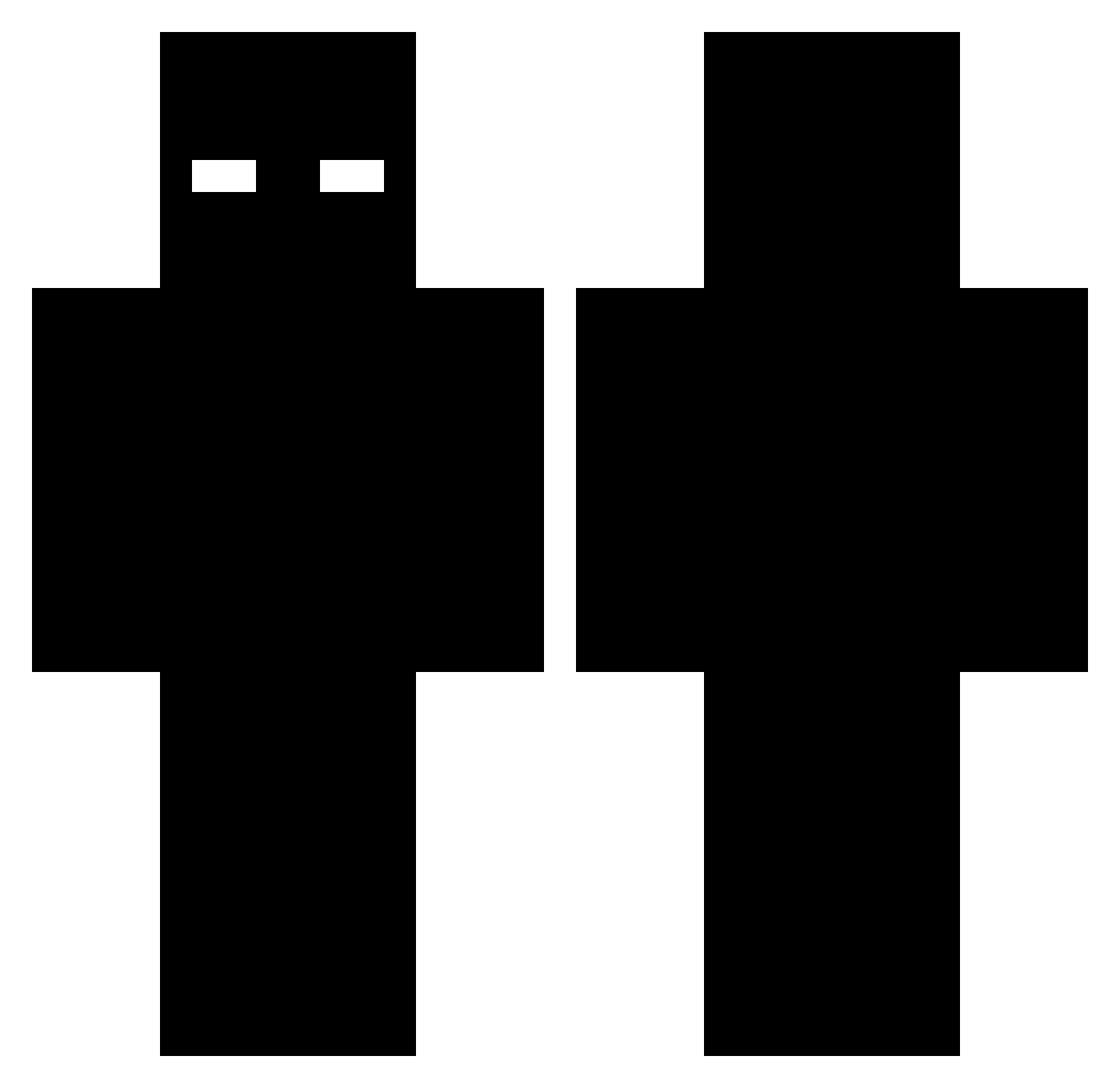
Current Minecraft skin of the player drew123000, loaded from the official Mojang API. Rotate the 3D model with your mouse or finger, then download the skin as a PNG file and use it in Minecraft: Bedrock Edition or Java Edition for free. When drew123000 changes their skin, this page updates automatically and the old skin stays in the history below.
Other players with this skin (408)
drew123000 was the 375th player we have seen with this skin, first spotted on 11.10.2026. The same skin was seen on these players. Open a nickname to see their current skin and skin history.
 YRN_Knight slicedsoul H3LLFORCE Tarlel SN33DS Akaya08 embarrassingly johfrie bappoelchapppo Pham_BOI9 Reidepoa YamenMohamed ATS_CJ Spss__ ADEOGOKU ItzVeloxx Fortified_Fish gqov zombie3320 Vanecq tefonnn Abzy77 NestX10 prosirioo Rephzyy MAFU36 Trenbolone444 luckiducki EffectError Tikosfr31_kam Dobi__013 Mrpokisir BrownieGang Parek_11 fexrussell honza990 JerryWoop Moita3000 qeuizz WeRIPER keni__ innovative_name BlackPheonix44 Nonfushae Father_West Sabog_ ZaEdc destruqts Profeek _leeyum asteric9926 Lalawonderland Yreaa mammutti007 quino_c FLepx212 Luke6611 Bladecrafter317 Charli3V2 LazyBiscuits
More Entity 303 Minecraft skins
How to install the drew123000 skin
- Press the Download button above to save the skin as a PNG file.
- Minecraft: Bedrock Edition (PE): open the Dressing Room from the main menu (or tap your character → Edit Character), go to Classic Skins → Owned, press the + (new skin) button, choose the downloaded PNG and pick the Classic (Steve) model. Works on PC and mobile; consoles cannot import custom skins.
- Minecraft: Java Edition: open the Minecraft Launcher, go to the Skins tab, click New Skin, load the PNG, pick the Classic (Steve) model and press Save & Use. You can also upload it at minecraft.net → Profile → Change Skin.
The skin does not show up after import - what should I do?
Restart Minecraft and open the Dressing Room again - imported skins sometimes appear only after a restart. Also make sure you selected the imported skin and picked the Classic (Steve) model.
Which model should I choose, Classic or Slim?
This skin is designed for the Classic (Steve) model. If you pick the wrong model, the arms of the skin will look stretched or squeezed.
Is the skin of drew123000 free to download?
Yes. Press Download, save the PNG file and use it in Minecraft: Bedrock Edition or Java Edition - no payment or registration needed. The skin also works on multiplayer servers and Realms.
More skins
Looking for more? Go back to all Minecraft skins and check the top skins of the week, month and all time, or find any player's skin by nickname.