
dreamin2 - Minecraft Skins & Skin History
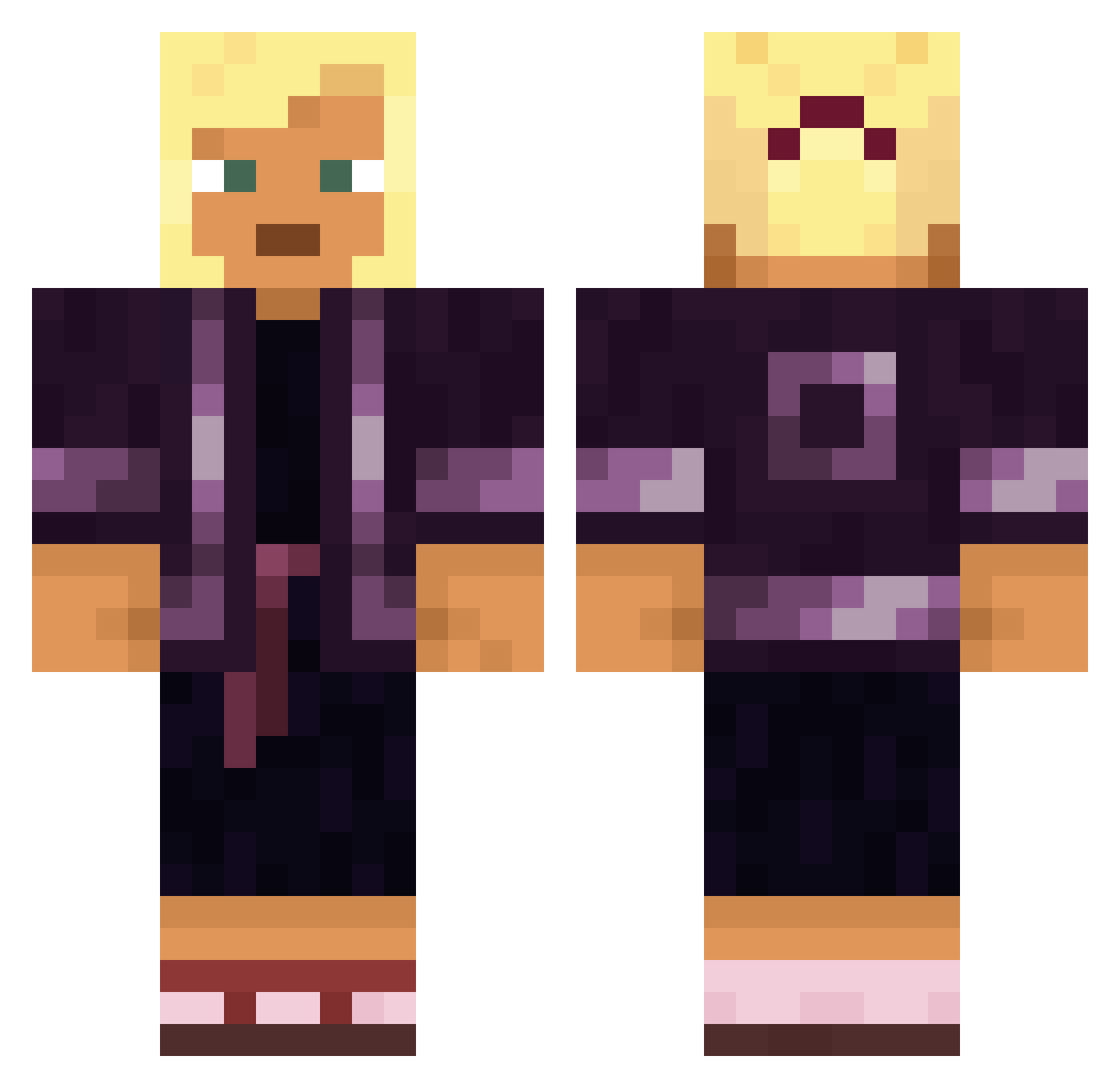
Current Minecraft skin of the player dreamin2, loaded from the official Mojang API. Rotate the 3D model with your mouse or finger, then download the skin as a PNG file and use it in Minecraft: Bedrock Edition or Java Edition for free. When dreamin2 changes their skin, this page updates automatically and the old skin stays in the history below.
Other players with this skin (1565)
dreamin2 was the 739th player we have seen with this skin, first spotted on 18.09.2026. The same skin was seen on these players. Open a nickname to see their current skin and skin history.
 Ballgowns Nikrum Pesaline DannyTheG06 sylvester1508 quants Herve jnieu Fenestra Vocations mudflick ACCSHERPATH Beholding archcorpse Avacado_Kid Mopeder LavenderVX InElegance 417298646812 Thrilly Poulard Yelmer MYSmys666 lbjul BestX7000 OO203D stirling Bermous KrutOooo hexll smokerkerwrt OsiOsi tcbaby17 quei HolySantos Syndetic Acropolis Ishinoz_pvp Ez_Nada Revamped MikkelMcNugget RobotASBB Allynush Sgravo endsweep Menthone FlexionYT Pulsatile VaporyCarrot623 TruongVanCam Talliate concomitant SoTree_ Kagoezzer Anjou DonKoops Ruushiano snowdedd Godlemke Alienexa
More Kimono Minecraft skins
How to install the dreamin2 skin
- Press the Download button above to save the skin as a PNG file.
- Minecraft: Bedrock Edition (PE): open the Dressing Room from the main menu (or tap your character → Edit Character), go to Classic Skins → Owned, press the + (new skin) button, choose the downloaded PNG and pick the Classic (Steve) model. Works on PC and mobile; consoles cannot import custom skins.
- Minecraft: Java Edition: open the Minecraft Launcher, go to the Skins tab, click New Skin, load the PNG, pick the Classic (Steve) model and press Save & Use. You can also upload it at minecraft.net → Profile → Change Skin.
The skin does not show up after import - what should I do?
Restart Minecraft and open the Dressing Room again - imported skins sometimes appear only after a restart. Also make sure you selected the imported skin and picked the Classic (Steve) model.
Which model should I choose, Classic or Slim?
This skin is designed for the Classic (Steve) model. If you pick the wrong model, the arms of the skin will look stretched or squeezed.
Is the skin of dreamin2 free to download?
Yes. Press Download, save the PNG file and use it in Minecraft: Bedrock Edition or Java Edition - no payment or registration needed. The skin also works on multiplayer servers and Realms.
More skins
Looking for more? Go back to all Minecraft skins and check the top skins of the week, month and all time, or find any player's skin by nickname.