
dragon81563 - Minecraft Skins & Skin History
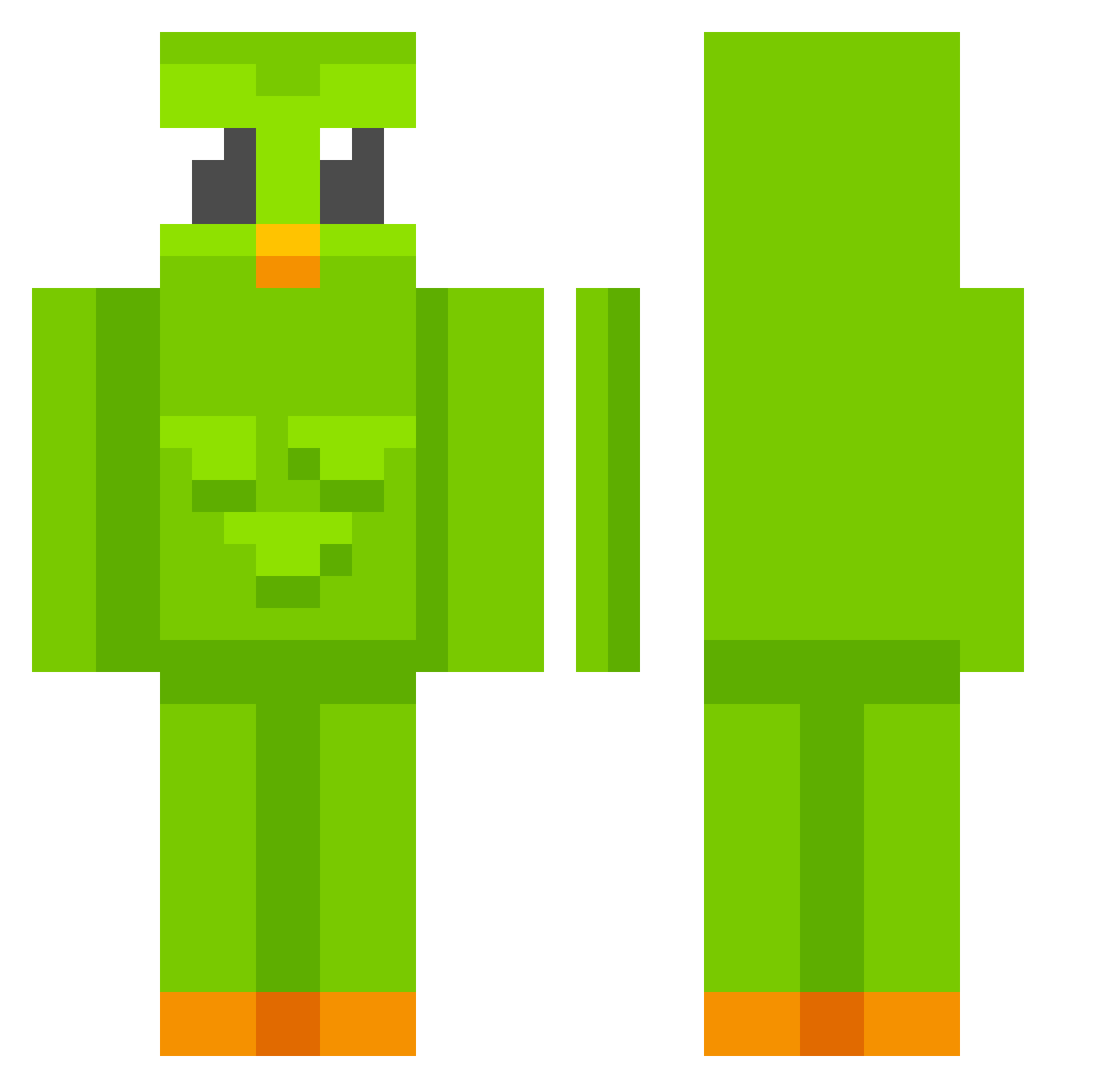
Current Minecraft skin of the player dragon81563, loaded from the official Mojang API. Rotate the 3D model with your mouse or finger, then download the skin as a PNG file and use it in Minecraft: Bedrock Edition or Java Edition for free. When dragon81563 changes their skin, this page updates automatically and the old skin stays in the history below.
Other players with this skin (812)
dragon81563 was the 754th player we have seen with this skin, first spotted on 11.11.2026. The same skin was seen on these players. Open a nickname to see their current skin and skin history.
 Qumberr piplxp Pyrax12 xiquesasu BNEBN Iphone911 HIMARYAN TatuPeba_ Ethan0905 JojiLover2007 Tobigamz MujgV2 Matidp98 OWLLaurence vmk_ yohuda Mikathijn BabyKyu DEKAPAN Baconzitos Gbzinhuuu oSlurpie98765432 haha_lmao BrimBrim Shamdu94 theguywhoaskedr Sp0c0nykubus123 dana0206 bababoeeey RiderTried bclai KingEkra ViperKingYT mittelmann_2 PiplupPantheress TriGuez RUFUSEXE PDLC H4nswell ericspice swaag4lyfe Delca22 o0m1ru0o CapEgg Jababu Jeltex2000 FSjimmys GamblingCasual gfgf1124 mr_fodex Beasty2060 Didgerileon23 LKCROCKS La1n_Iwakura upp8883 CluelessLostOne ttvnova20 Duolingov2 accijun koushirou99
More Duo Minecraft skins
How to install the dragon81563 skin
- Press the Download button above to save the skin as a PNG file.
- Minecraft: Bedrock Edition (PE): open the Dressing Room from the main menu (or tap your character → Edit Character), go to Classic Skins → Owned, press the + (new skin) button, choose the downloaded PNG and pick the Classic (Steve) model. Works on PC and mobile; consoles cannot import custom skins.
- Minecraft: Java Edition: open the Minecraft Launcher, go to the Skins tab, click New Skin, load the PNG, pick the Classic (Steve) model and press Save & Use. You can also upload it at minecraft.net → Profile → Change Skin.
The skin does not show up after import - what should I do?
Restart Minecraft and open the Dressing Room again - imported skins sometimes appear only after a restart. Also make sure you selected the imported skin and picked the Classic (Steve) model.
Which model should I choose, Classic or Slim?
This skin is designed for the Classic (Steve) model. If you pick the wrong model, the arms of the skin will look stretched or squeezed.
Is the skin of dragon81563 free to download?
Yes. Press Download, save the PNG file and use it in Minecraft: Bedrock Edition or Java Edition - no payment or registration needed. The skin also works on multiplayer servers and Realms.
More skins
Looking for more? Go back to all Minecraft skins and check the top skins of the week, month and all time, or find any player's skin by nickname.