
dpxsam - Minecraft Skins & Skin History
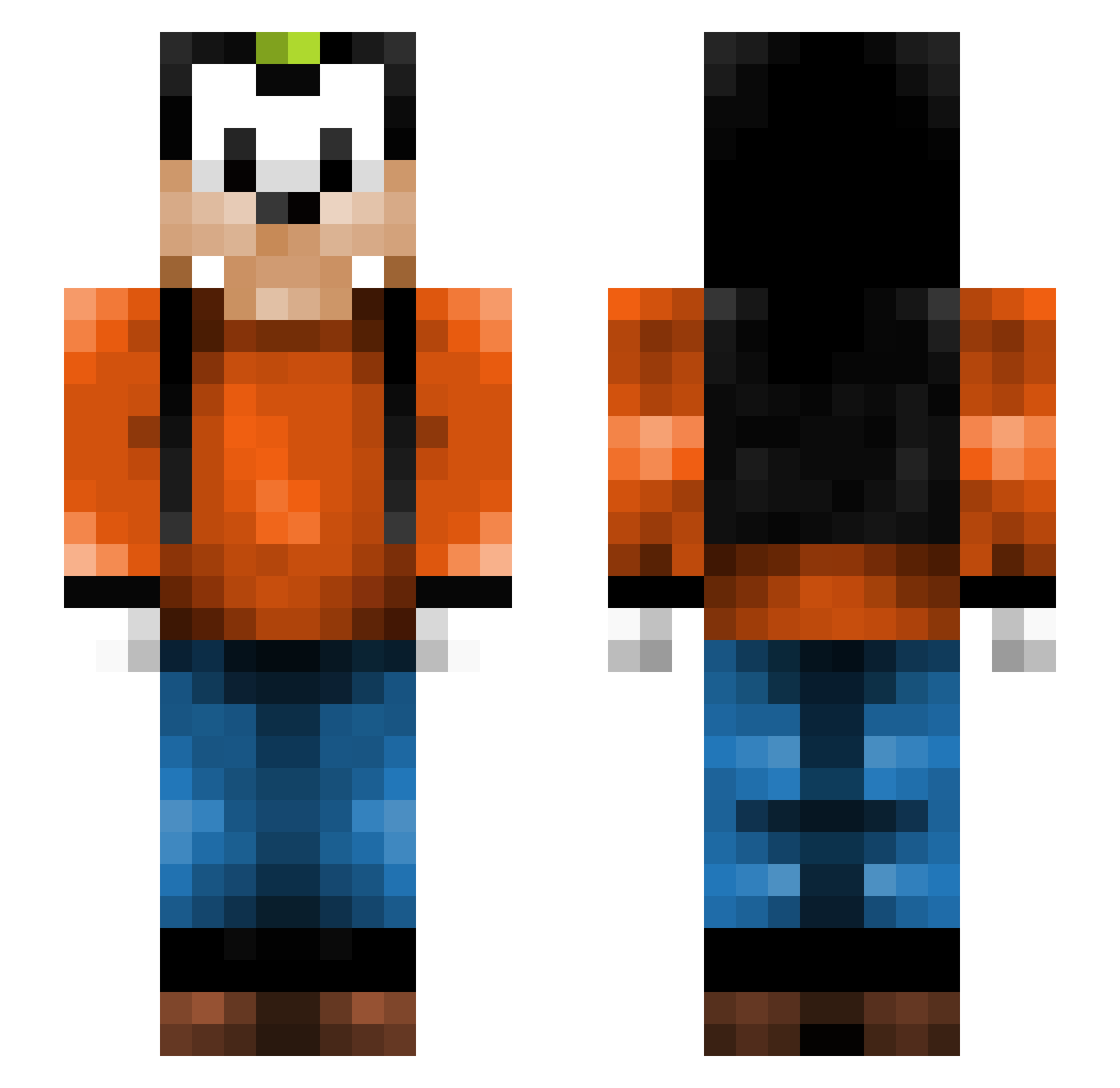
Current Minecraft skin of the player dpxsam, loaded from the official Mojang API. Rotate the 3D model with your mouse or finger, then download the skin as a PNG file and use it in Minecraft: Bedrock Edition or Java Edition for free. When dpxsam changes their skin, this page updates automatically and the old skin stays in the history below.
Other players with this skin (266)
dpxsam was the 29th player we have seen with this skin, first spotted on 03.08.2026. The same skin was seen on these players. Open a nickname to see their current skin and skin history.
 AiiMBoT bugz321 CameronKman lilwatermelofac mbenner22 LrGStatus rei512 GermanPlay495 Cl0wnf1sh Kiephy SOFTman2 IDL_Guy Arkamies JaSoPa phynalphantasy roxboks G_Dragon_NL ZaloJuce xalazan xMeatballz Stik3rS Canext Ceytul AgentCammi angrybear97 Vazquez19 _G0OFY__ goffy018 OMAN911 M_and_M_Dude dgreen627 StylishIvan TRIBILIN443 HotDog_03 Emiems DrEric ABF06 ND3G Carlos_Uchoa dvi2850 DennisM09 A_Chicken G0ttaCatchEmA11 derkevooo staufi91 GoofyNibba walburzum AnionicOnions Eskapone Loner_ noah_msu Omgeers seacoastplayer19 Benterdy Wakeen_ saandder StureStorspelare IamTheFattest revelation32 Mralcantarilla
More Goofy Minecraft skins
How to install the dpxsam skin
- Press the Download button above to save the skin as a PNG file.
- Minecraft: Bedrock Edition (PE): open the Dressing Room from the main menu (or tap your character → Edit Character), go to Classic Skins → Owned, press the + (new skin) button, choose the downloaded PNG and pick the Slim (Alex) model. Works on PC and mobile; consoles cannot import custom skins.
- Minecraft: Java Edition: open the Minecraft Launcher, go to the Skins tab, click New Skin, load the PNG, pick the Slim (Alex) model and press Save & Use. You can also upload it at minecraft.net → Profile → Change Skin.
The skin does not show up after import - what should I do?
Restart Minecraft and open the Dressing Room again - imported skins sometimes appear only after a restart. Also make sure you selected the imported skin and picked the Slim (Alex) model.
Which model should I choose, Classic or Slim?
This skin is designed for the Slim (Alex) model. If you pick the wrong model, the arms of the skin will look stretched or squeezed.
Is the skin of dpxsam free to download?
Yes. Press Download, save the PNG file and use it in Minecraft: Bedrock Edition or Java Edition - no payment or registration needed. The skin also works on multiplayer servers and Realms.
More skins
Looking for more? Go back to all Minecraft skins and check the top skins of the week, month and all time, or find any player's skin by nickname.