
donguy - Minecraft Skins & Skin History
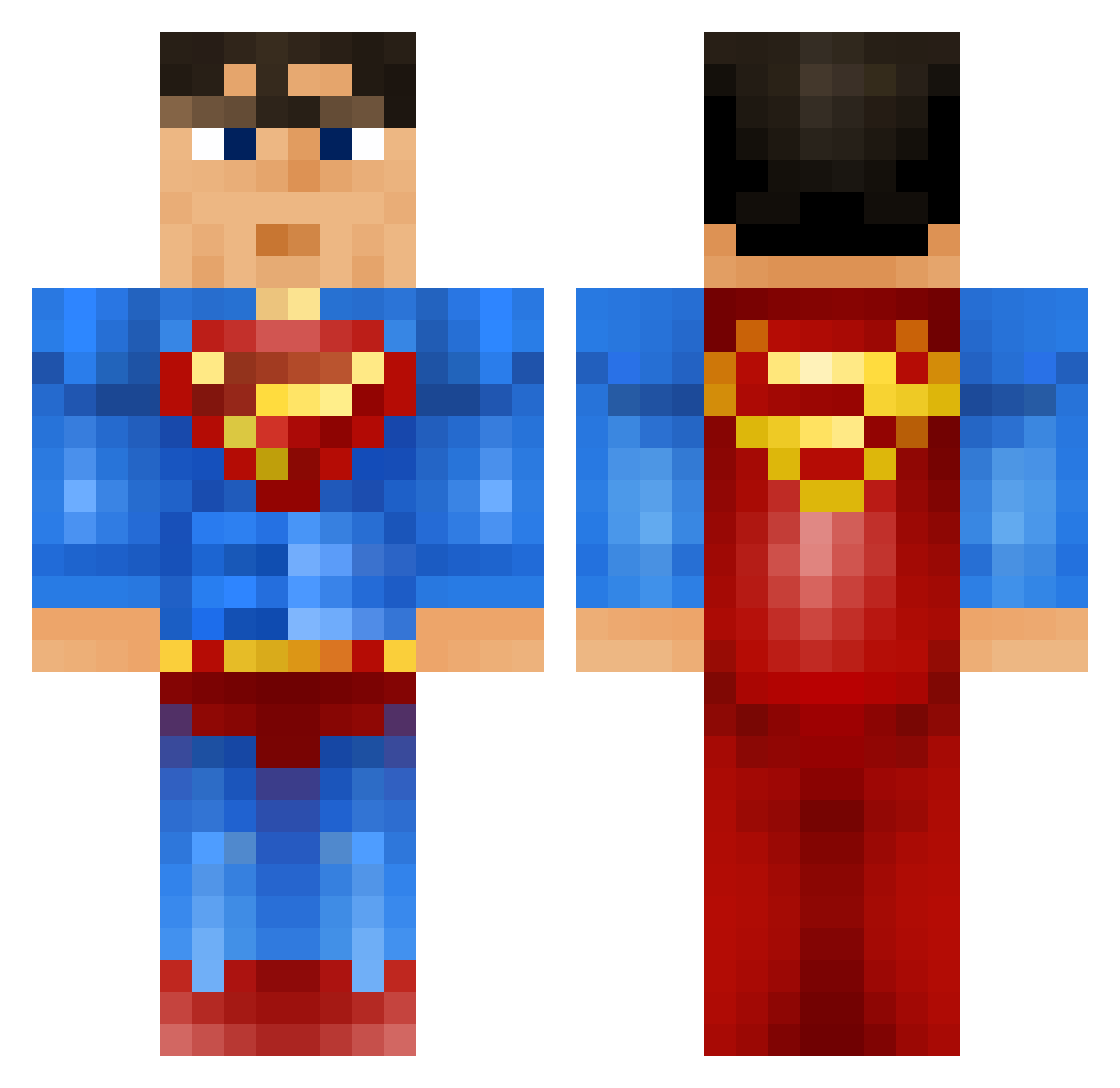
Current Minecraft skin of the player donguy, loaded from the official Mojang API. Rotate the 3D model with your mouse or finger, then download the skin as a PNG file and use it in Minecraft: Bedrock Edition or Java Edition for free. When donguy changes their skin, this page updates automatically and the old skin stays in the history below.
Other players with this skin (914)
donguy was the 798th player we have seen with this skin, first spotted on 20.10.2026. The same skin was seen on these players. Open a nickname to see their current skin and skin history.
 kmcsteph williamm12 purpstm antonfck Crazy8zz komeko_0725 BVCamper1 crone03 kieran_court kirkyry13 MinecraftScholz marcusph kiirbii Yamakaky56 running_turtle MeGaSwAlEs Djember Fireboom472 AdamSkiiss Xpurge88 EpicSmog chwinn TabbyTabbyTabby SuperManTD BlckInfi Choynk Natalex10 Megabane88 Winningjtd Molly_Lolly23 minecraftrpc jwilhelm LilMooch Kokebok dancrash3 hmody1032 camzidog wigginout88 Tytherius Presington dannyboy12345 Prototyp342 martin280606 Gaahrr darybern oliverterp bababrios Wunderk2012 grandiosa1337 MistaMooseMan marcky15 doublepi cubesRus Thepredetor Sallyna UltimateDog99 XupraZ TheEnder2507 belmontblast IamAFK
More Superman Minecraft skins
How to install the donguy skin
- Press the Download button above to save the skin as a PNG file.
- Minecraft: Bedrock Edition (PE): open the Dressing Room from the main menu (or tap your character → Edit Character), go to Classic Skins → Owned, press the + (new skin) button, choose the downloaded PNG and pick the Classic (Steve) model. Works on PC and mobile; consoles cannot import custom skins.
- Minecraft: Java Edition: open the Minecraft Launcher, go to the Skins tab, click New Skin, load the PNG, pick the Classic (Steve) model and press Save & Use. You can also upload it at minecraft.net → Profile → Change Skin.
The skin does not show up after import - what should I do?
Restart Minecraft and open the Dressing Room again - imported skins sometimes appear only after a restart. Also make sure you selected the imported skin and picked the Classic (Steve) model.
Which model should I choose, Classic or Slim?
This skin is designed for the Classic (Steve) model. If you pick the wrong model, the arms of the skin will look stretched or squeezed.
Is the skin of donguy free to download?
Yes. Press Download, save the PNG file and use it in Minecraft: Bedrock Edition or Java Edition - no payment or registration needed. The skin also works on multiplayer servers and Realms.
More skins
Looking for more? Go back to all Minecraft skins and check the top skins of the week, month and all time, or find any player's skin by nickname.