
dongbin07 - Minecraft Skins & Skin History
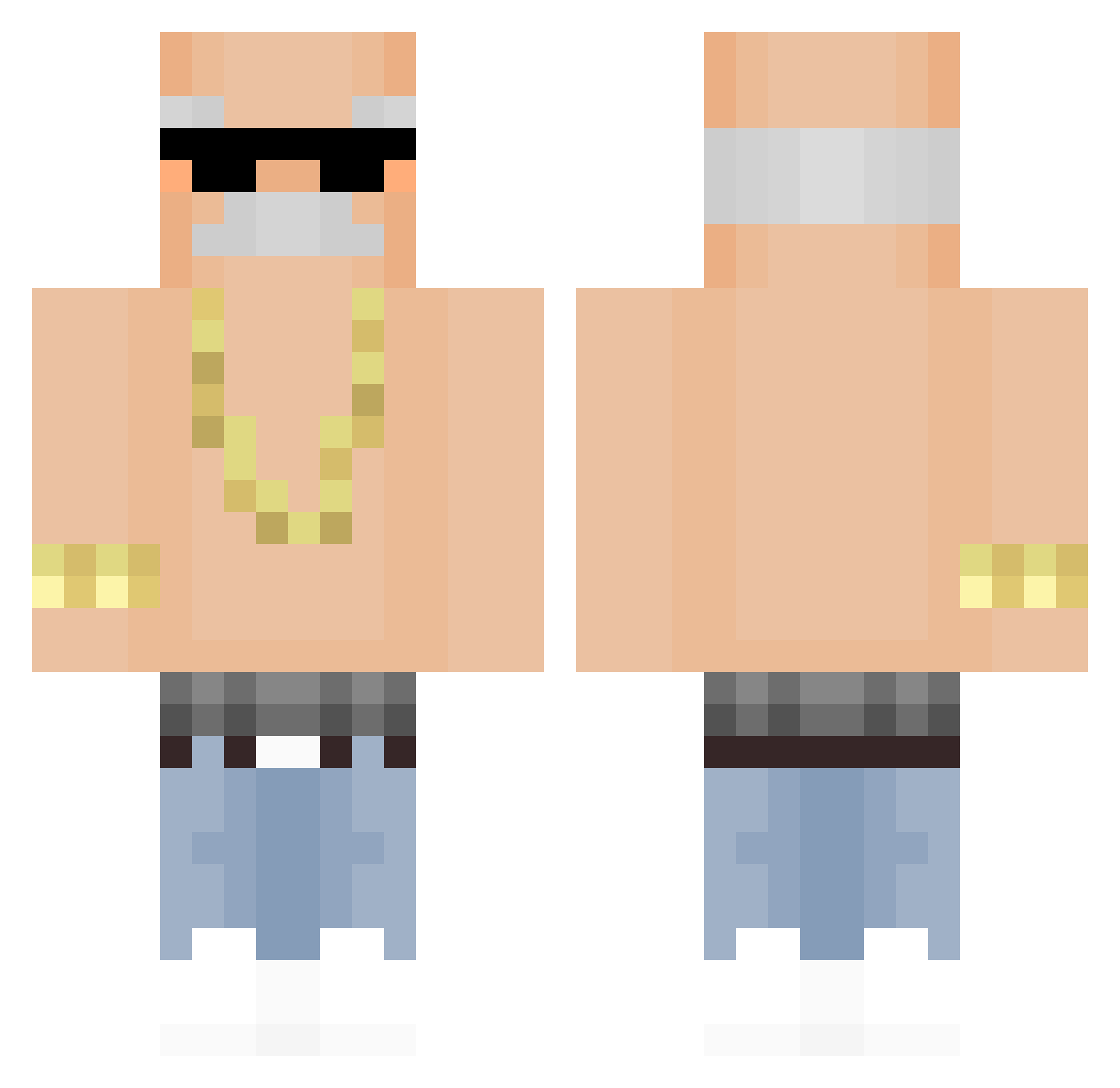
Current Minecraft skin of the player dongbin07, loaded from the official Mojang API. Rotate the 3D model with your mouse or finger, then download the skin as a PNG file and use it in Minecraft: Bedrock Edition or Java Edition for free. When dongbin07 changes their skin, this page updates automatically and the old skin stays in the history below.
Other players with this skin (318)
dongbin07 was the 263rd player we have seen with this skin, first spotted on 09.10.2026. The same skin was seen on these players. Open a nickname to see their current skin and skin history.
 BotRiddle Lumaz33 rhgfps kolvast Micsel08 Mgatonese UrMumsCrustyToe Parco_HP Cr0m0n elchoppp Megaj0ker RoffeRollsRoyce sinksonk arasna K10_Imports DominickDecoco sarang042 Jefffiy MuratMesser SeaLion4 DuTrem Cusy79 WonHeld VTzimXD pvpdestro JappieDeChappie Lil_SoyBoi nzkzekazzekazeka RikyCA kuailedejuanjuan PanNoPro_No1 Judeu69 king_ziho Barabax SH4DYV0RT3X Cachapuz lorenzwahl03 Unknockname Atronachh CANELITA_10 BeakPomee Teacher_Chicken1 YpqV Alex_TV31X eunyul_king ScarlatescuCox ryanoah9 Frequency _e_s_p_i_l_c_E_ JustMarko7 Lee_Seo_08 Jackmmack diegogonza16 tonitoni222 Rolexon tjdals6974 skibidiwasa OL3M_ _edam MisterAlfaAlex
More Grandpa Minecraft skins
How to install the dongbin07 skin
- Press the Download button above to save the skin as a PNG file.
- Minecraft: Bedrock Edition (PE): open the Dressing Room from the main menu (or tap your character → Edit Character), go to Classic Skins → Owned, press the + (new skin) button, choose the downloaded PNG and pick the Classic (Steve) model. Works on PC and mobile; consoles cannot import custom skins.
- Minecraft: Java Edition: open the Minecraft Launcher, go to the Skins tab, click New Skin, load the PNG, pick the Classic (Steve) model and press Save & Use. You can also upload it at minecraft.net → Profile → Change Skin.
The skin does not show up after import - what should I do?
Restart Minecraft and open the Dressing Room again - imported skins sometimes appear only after a restart. Also make sure you selected the imported skin and picked the Classic (Steve) model.
Which model should I choose, Classic or Slim?
This skin is designed for the Classic (Steve) model. If you pick the wrong model, the arms of the skin will look stretched or squeezed.
Is the skin of dongbin07 free to download?
Yes. Press Download, save the PNG file and use it in Minecraft: Bedrock Edition or Java Edition - no payment or registration needed. The skin also works on multiplayer servers and Realms.
More skins
Looking for more? Go back to all Minecraft skins and check the top skins of the week, month and all time, or find any player's skin by nickname.