
donburaly - Minecraft Skins & Skin History
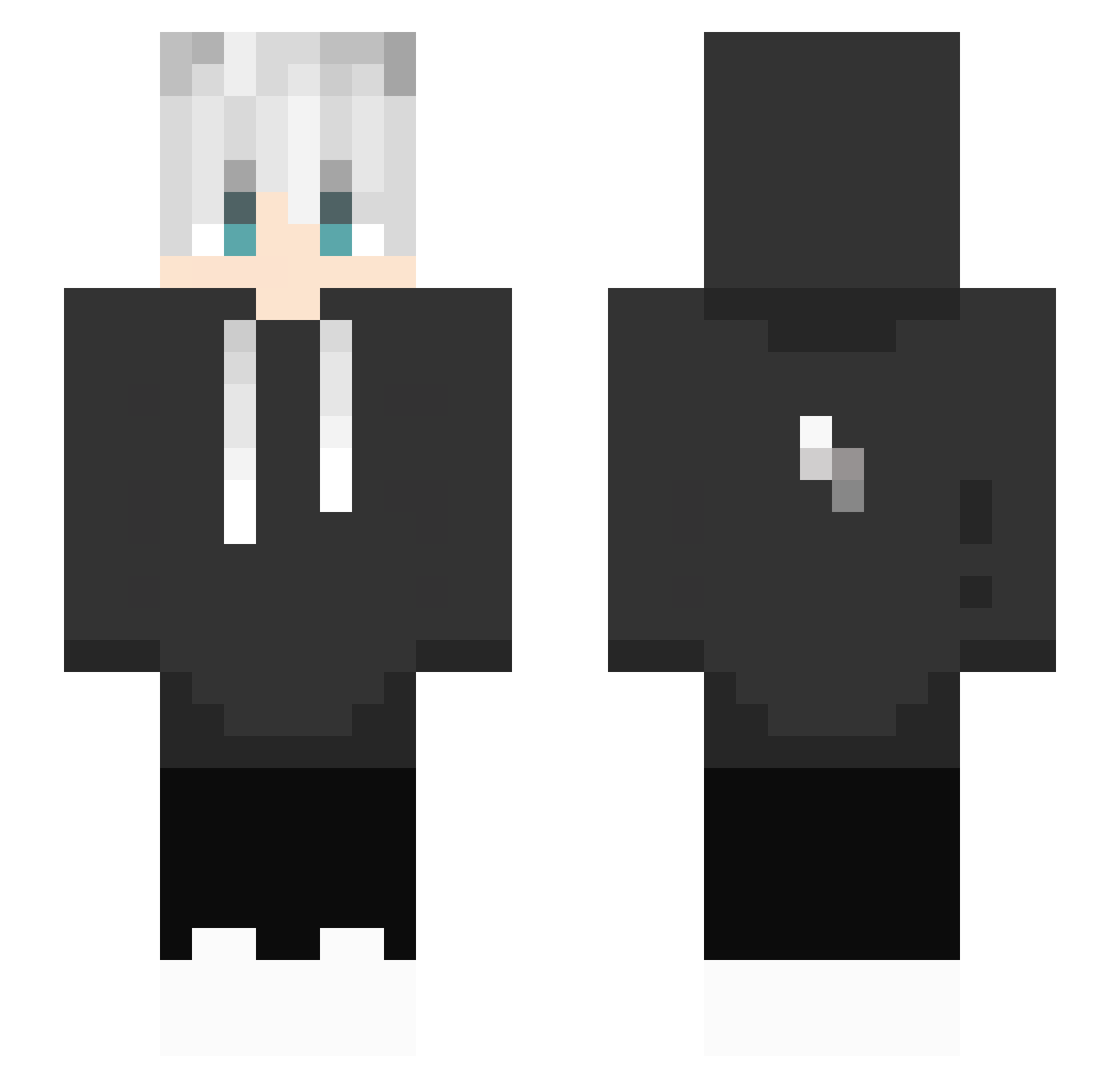
Current Minecraft skin of the player donburaly, loaded from the official Mojang API. Rotate the 3D model with your mouse or finger, then download the skin as a PNG file and use it in Minecraft: Bedrock Edition or Java Edition for free. When donburaly changes their skin, this page updates automatically and the old skin stays in the history below.
Other players with this skin (454)
donburaly was the 443rd player we have seen with this skin, first spotted on 08.11.2026. The same skin was seen on these players. Open a nickname to see their current skin and skin history.
 zms12 SlimeChin Ryane404 howgan2 31yjr JackNotFound3301 MaNDaNgEr mini_cami XSYWX Kettenboy10 _AquaZeX Ernexx gawa3326 Umbr4L klausy21 OAS_Doyun Rexlog ZynPlayzYt TerioKillEm SirFencing2nd ruibb UtmostPrist3368 Kubekhz EMENNN_1 quembek nofeels_exe CloudyCandy4135 TanukiTanu TioDiogo xShiiny darknessgw ztubasa Jongezz56 WizardlySwing73 Panda0913 EinfachBurak WexayderYT BasedAs joelin0825 revenqee SnowxVoid Whiteper EoN_Z KK48763 XxbadNatXx Mathilda_cc xuan_zai0305 XiaoChouBi N3mL3ss INGPRAS JladGZX NaYThisWhale Olaf68 ETO_MARK valencarballoo1 RUBICONT Jqnny_17 matrixx15 AmanGod Riribir
More Lightning Bolt Minecraft skins
See all 961 Lightning Bolt skins
How to install the donburaly skin
- Press the Download button above to save the skin as a PNG file.
- Minecraft: Bedrock Edition (PE): open the Dressing Room from the main menu (or tap your character → Edit Character), go to Classic Skins → Owned, press the + (new skin) button, choose the downloaded PNG and pick the Slim (Alex) model. Works on PC and mobile; consoles cannot import custom skins.
- Minecraft: Java Edition: open the Minecraft Launcher, go to the Skins tab, click New Skin, load the PNG, pick the Slim (Alex) model and press Save & Use. You can also upload it at minecraft.net → Profile → Change Skin.
The skin does not show up after import - what should I do?
Restart Minecraft and open the Dressing Room again - imported skins sometimes appear only after a restart. Also make sure you selected the imported skin and picked the Slim (Alex) model.
Which model should I choose, Classic or Slim?
This skin is designed for the Slim (Alex) model. If you pick the wrong model, the arms of the skin will look stretched or squeezed.
Is the skin of donburaly free to download?
Yes. Press Download, save the PNG file and use it in Minecraft: Bedrock Edition or Java Edition - no payment or registration needed. The skin also works on multiplayer servers and Realms.
More skins
Looking for more? Go back to all Minecraft skins and check the top skins of the week, month and all time, or find any player's skin by nickname.