
dominan7tWary - Minecraft Skins & Skin History
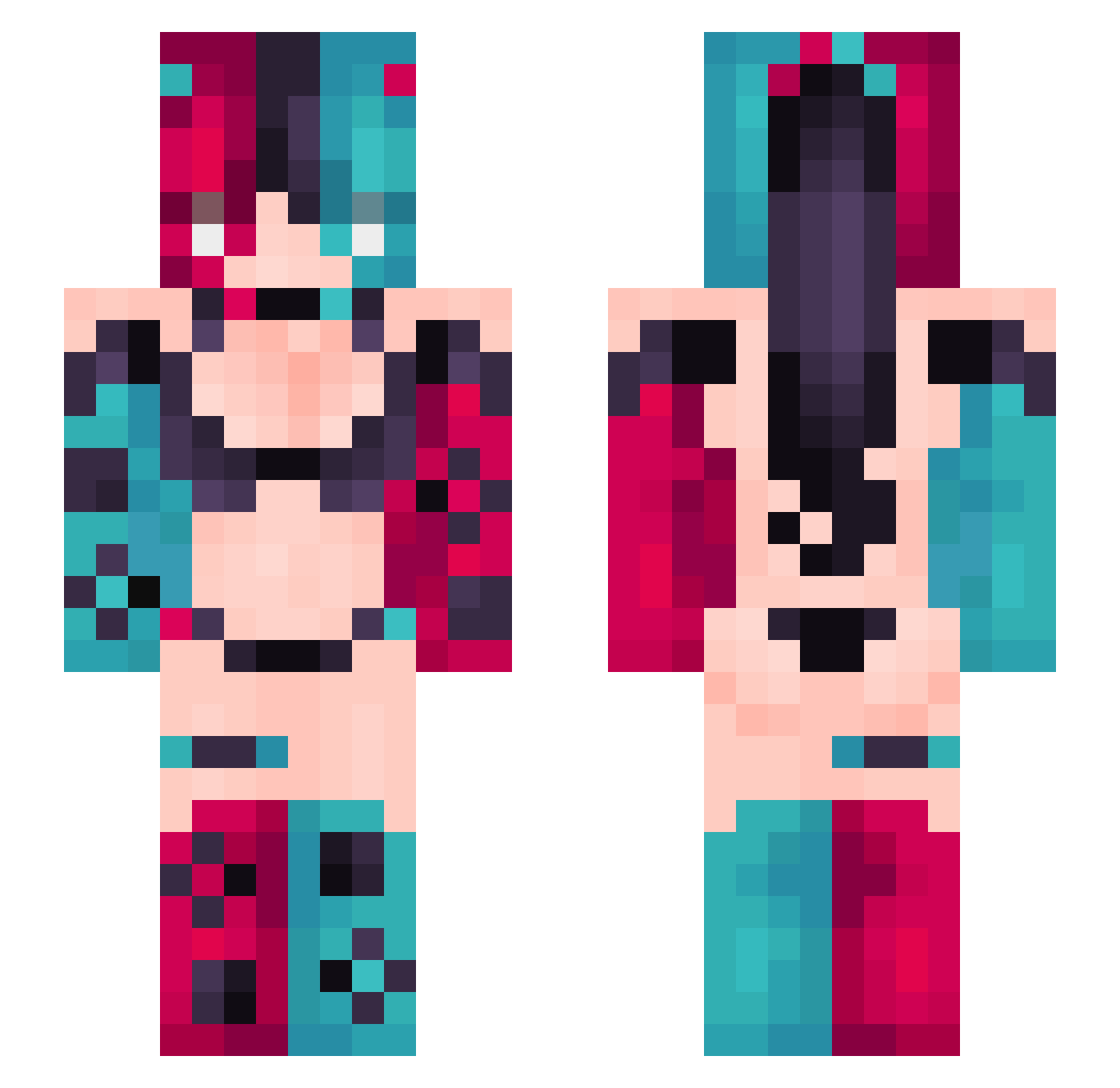
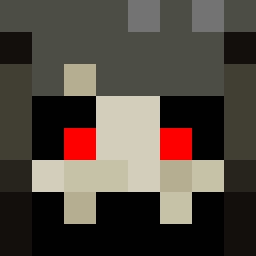
Current Minecraft skin of the player dominan7tWary, loaded from the official Mojang API. Rotate the 3D model with your mouse or finger, then download the skin as a PNG file and use it in Minecraft: Bedrock Edition or Java Edition for free. When dominan7tWary changes their skin, this page updates automatically and the old skin stays in the history below.
Other players with this skin (336)
dominan7tWary was the 44th player we have seen with this skin, first spotted on 05.08.2026. The same skin was seen on these players. Open a nickname to see their current skin and skin history.
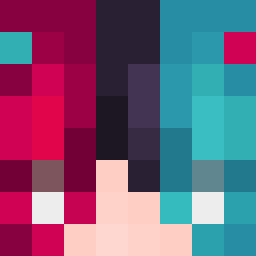 OneMoreRhapsody ColdAgent6 Kyuriuo harvey027 FODDY66 NEAGoditoKing aotom Frasier4 Nyasha420 kain235711 yarnevdo Reficul420 Carck DaichixD MAOISTER Noyss momoyu33 4687 zzznnn13 Ic3Miceee
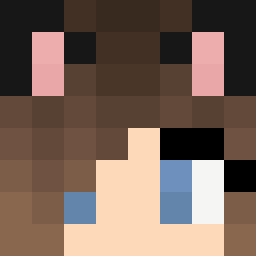 nadegero Witchell0 Lenskizz CrabCorn AggroWolf96 Eber_Papi XiaoLi_157 Amsok1 Nearfire1742
 ShiraMoony BabyJesosKristos DonaArchive Narwhal8783 ImAMunchForIceSp nuttysbuddy kinhaha9 Puka212 atesed Indominusjones_ Ks_Lanxi IX199 Crafty_Gore
 RangerZK vitalgarments raytbaby squarejin caixukuncxk123 Leland1975 super666man Ml0dySz3f Yoshiakira_askg kagejump
 GmanShip rewfb lucidRUSHI Lilybean06 InnerWolverine2 csbdl gatito_66 zhu_dun
More Nintendo Switch Minecraft skins
See all 19 Nintendo Switch skins
How to install the dominan7tWary skin
- Press the Download button above to save the skin as a PNG file.
- Minecraft: Bedrock Edition (PE): open the Dressing Room from the main menu (or tap your character → Edit Character), go to Classic Skins → Owned, press the + (new skin) button, choose the downloaded PNG and pick the Slim (Alex) model. Works on PC and mobile; consoles cannot import custom skins.
- Minecraft: Java Edition: open the Minecraft Launcher, go to the Skins tab, click New Skin, load the PNG, pick the Slim (Alex) model and press Save & Use. You can also upload it at minecraft.net → Profile → Change Skin.
The skin does not show up after import - what should I do?
Restart Minecraft and open the Dressing Room again - imported skins sometimes appear only after a restart. Also make sure you selected the imported skin and picked the Slim (Alex) model.
Which model should I choose, Classic or Slim?
This skin is designed for the Slim (Alex) model. If you pick the wrong model, the arms of the skin will look stretched or squeezed.
Is the skin of dominan7tWary free to download?
Yes. Press Download, save the PNG file and use it in Minecraft: Bedrock Edition or Java Edition - no payment or registration needed. The skin also works on multiplayer servers and Realms.
More skins
Looking for more? Go back to all Minecraft skins and check the top skins of the week, month and all time, or find any player's skin by nickname.