
djcanna - Minecraft Skins & Skin History
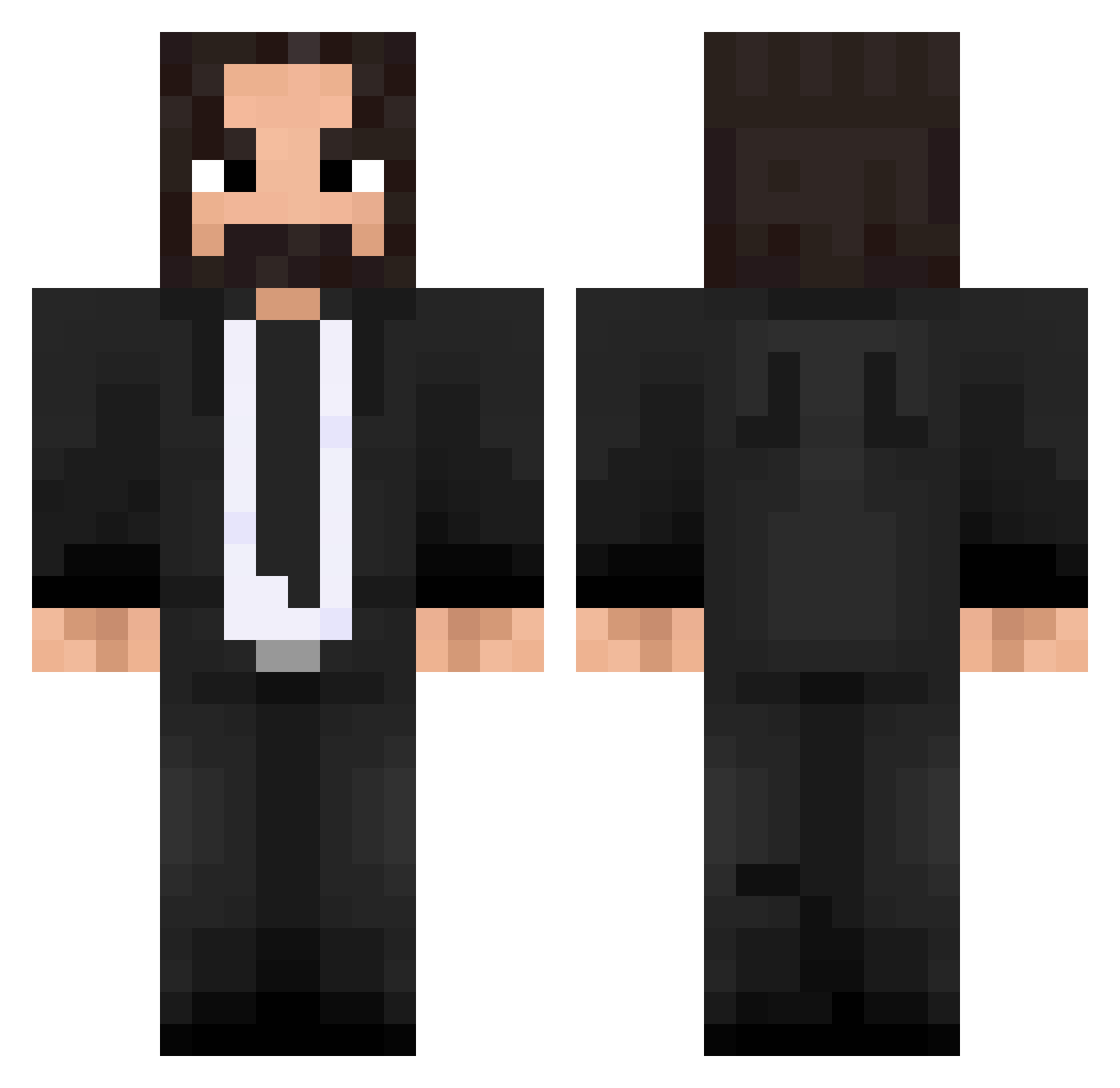
Current Minecraft skin of the player djcanna, loaded from the official Mojang API. Rotate the 3D model with your mouse or finger, then download the skin as a PNG file and use it in Minecraft: Bedrock Edition or Java Edition for free. When djcanna changes their skin, this page updates automatically and the old skin stays in the history below.
Other players with this skin (475)
djcanna was the 152nd player we have seen with this skin, first spotted on 28.08.2026. The same skin was seen on these players. Open a nickname to see their current skin and skin history.
 Lostrego AFRiiKA Ratiah lil_cheety brokenspicerack Bridges0707 its_4_you BadFusion JohnWickk420 Albertaco2007 Neolas VisionPB RubbinOneOut Destructor0100 W00UU MVGIIK MrDarthAgnan Raven667 LeBarbuRoux liamlegend Wimopy FUTUREBO55 Falfurin jaywck JarnoTimmers luii360 kamiwaza waterboy9001 HappyHunter013 fbderty kunoooooo KeyserSauce69 H0RN9T DoomDarker alemdar2019 Hollaforadollah nilsy4 Carnozzo Huchigaraki officialsauceman ekvz JoshDoesRides Xx_CentiGram_xoX Darksitte domenikcraft rogerkkj Britius Pikchu94 mative95 Noddles57 Edison420 LuckyNoodles122 Thordak_Harbek TinderSnowflake K3RINOS HeartlessClaws Kapselnikov Moonracker007 fitzayye Nejilou
More John Wick Minecraft skins
How to install the djcanna skin
- Press the Download button above to save the skin as a PNG file.
- Minecraft: Bedrock Edition (PE): open the Dressing Room from the main menu (or tap your character → Edit Character), go to Classic Skins → Owned, press the + (new skin) button, choose the downloaded PNG and pick the Classic (Steve) model. Works on PC and mobile; consoles cannot import custom skins.
- Minecraft: Java Edition: open the Minecraft Launcher, go to the Skins tab, click New Skin, load the PNG, pick the Classic (Steve) model and press Save & Use. You can also upload it at minecraft.net → Profile → Change Skin.
The skin does not show up after import - what should I do?
Restart Minecraft and open the Dressing Room again - imported skins sometimes appear only after a restart. Also make sure you selected the imported skin and picked the Classic (Steve) model.
Which model should I choose, Classic or Slim?
This skin is designed for the Classic (Steve) model. If you pick the wrong model, the arms of the skin will look stretched or squeezed.
Is the skin of djcanna free to download?
Yes. Press Download, save the PNG file and use it in Minecraft: Bedrock Edition or Java Edition - no payment or registration needed. The skin also works on multiplayer servers and Realms.
More skins
Looking for more? Go back to all Minecraft skins and check the top skins of the week, month and all time, or find any player's skin by nickname.