
dittooo7 - Minecraft Skins & Skin History
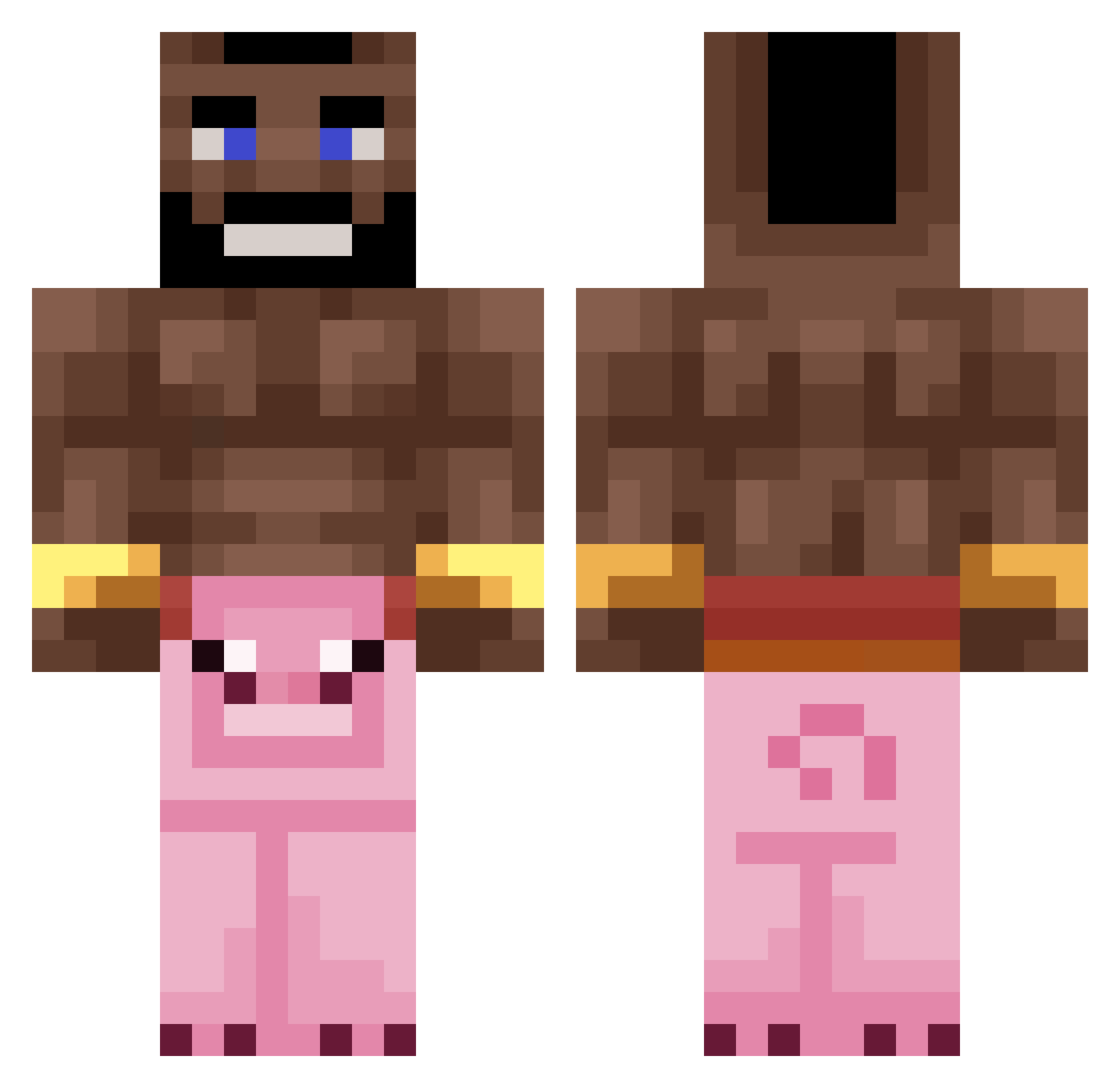
Current Minecraft skin of the player dittooo7, loaded from the official Mojang API. Rotate the 3D model with your mouse or finger, then download the skin as a PNG file and use it in Minecraft: Bedrock Edition or Java Edition for free. When dittooo7 changes their skin, this page updates automatically and the old skin stays in the history below.
Other players with this skin (235)
dittooo7 was the 218th player we have seen with this skin, first spotted on 16.10.2026. The same skin was seen on these players. Open a nickname to see their current skin and skin history.
 Hazan45 Elobelo27 MaxM15 Markchinry UncySam ywjisjg oliber1 WaiFulvio 777zqvx_ Put0Gabri Handle0130 Twaltr QSAMIKE5543 Joohny2115 MFlamon Breakerman BlaAckRIder ErikNinja25 Draca_ TLAUBES Kipsoepstrijder Arakelian46 GlauberOTijolo Sir_oh almeifa ferixishere 74fxd RevoltFPS cashew_water fjbcbatz The_trashmannn FAINTBISSON Lafu2886 theale96 wildoyuncu Lxnd1234 Gokuuu21 PoZyTeK AkWhay pixelmondeez Lukzzleee _3mi estocc_ 0wenLikesFeet omarbinabbas MikeTheBanana13 Yuugure0 OrisKubas Vigo876 Filipejda ManuelENP Radicalgoose dgzindelasofc 23T9 Sasha_ls sampige_vis ShiroXVI Sargent_Mango Bafius HeheHwitek
More Mohawk Minecraft skins
How to install the dittooo7 skin
- Press the Download button above to save the skin as a PNG file.
- Minecraft: Bedrock Edition (PE): open the Dressing Room from the main menu (or tap your character → Edit Character), go to Classic Skins → Owned, press the + (new skin) button, choose the downloaded PNG and pick the Classic (Steve) model. Works on PC and mobile; consoles cannot import custom skins.
- Minecraft: Java Edition: open the Minecraft Launcher, go to the Skins tab, click New Skin, load the PNG, pick the Classic (Steve) model and press Save & Use. You can also upload it at minecraft.net → Profile → Change Skin.
The skin does not show up after import - what should I do?
Restart Minecraft and open the Dressing Room again - imported skins sometimes appear only after a restart. Also make sure you selected the imported skin and picked the Classic (Steve) model.
Which model should I choose, Classic or Slim?
This skin is designed for the Classic (Steve) model. If you pick the wrong model, the arms of the skin will look stretched or squeezed.
Is the skin of dittooo7 free to download?
Yes. Press Download, save the PNG file and use it in Minecraft: Bedrock Edition or Java Edition - no payment or registration needed. The skin also works on multiplayer servers and Realms.
More skins
Looking for more? Go back to all Minecraft skins and check the top skins of the week, month and all time, or find any player's skin by nickname.