
dirtymonkey45 - Minecraft Skins & Skin History
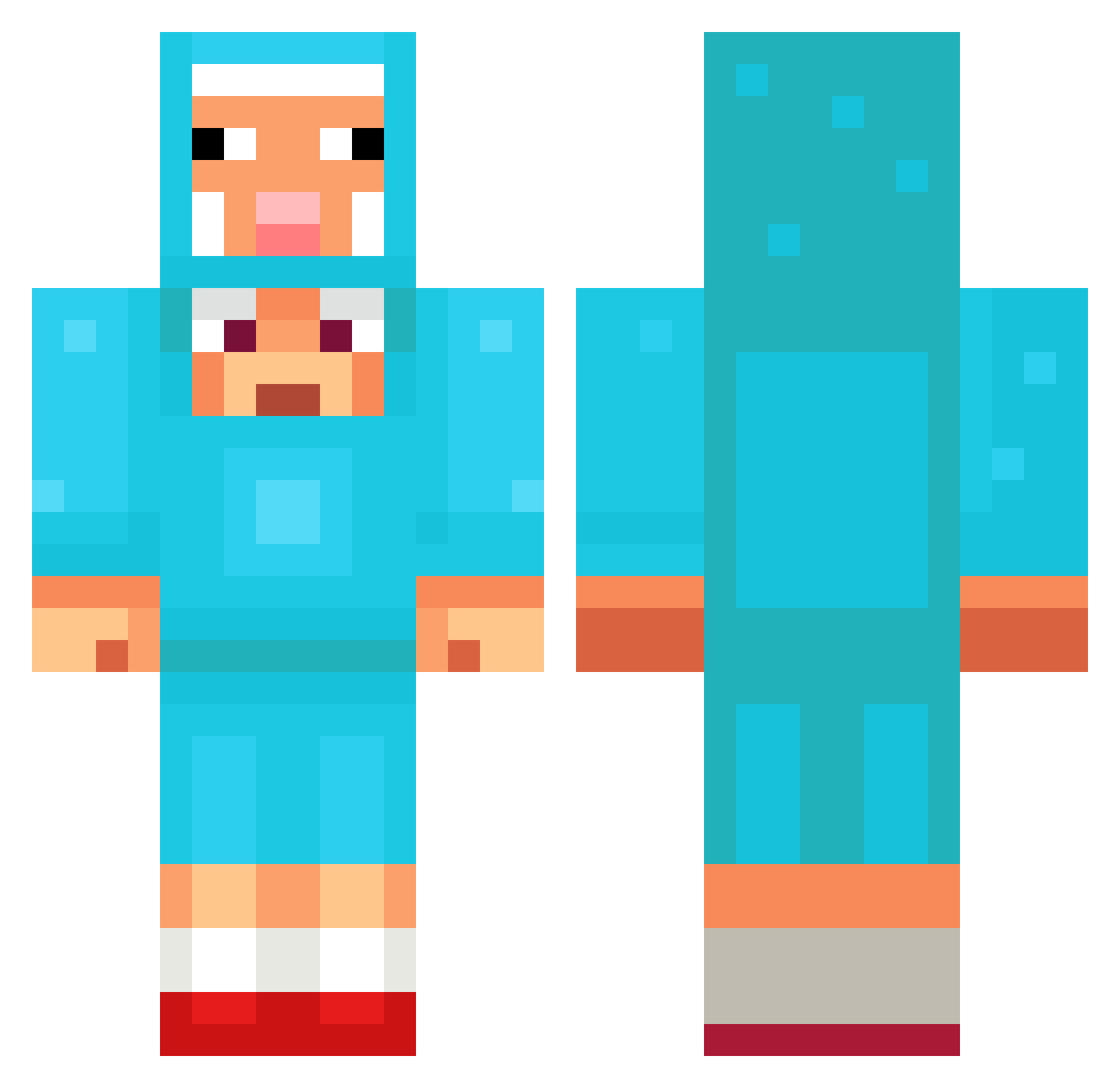
Current Minecraft skin of the player dirtymonkey45, loaded from the official Mojang API. Rotate the 3D model with your mouse or finger, then download the skin as a PNG file and use it in Minecraft: Bedrock Edition or Java Edition for free. When dirtymonkey45 changes their skin, this page updates automatically and the old skin stays in the history below.
Other players with this skin (1097)
dirtymonkey45 was the 437th player we have seen with this skin, first spotted on 31.08.2026. The same skin was seen on these players. Open a nickname to see their current skin and skin history.
 Shiftyxix Hamst3rBoy jflare22 FlickFlack07 deezmungusnuts GaruXGaruX Jin232 PoPoPeRsIo LFEC
 4KTB GuRyeong DogeNoob109 won0418 Dream4boy
 rattim NivNoah Mrtz1n christopher54 Sandkitt Likebober Semmieeeeeee
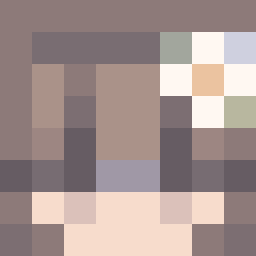 SussyPants0912 SSS666SSS666
 Dissipatore BW_Cloudz Simpletoad ghkd0610 vladcow1
 sweethaert brbremmerme nathan_draw_ leth4l_ nosebones03 polo123464 Jakobus21 iSentinels AZtokpansa_ Panitom JACKSON026 Orinthor qqqqzzzz Lotiics ThunderKing96X yukydesu Sligyslong WillyMCWonks goida1991 popcat2211 TheElchipMan Junk3JR royal_meow Awesomenick3637 Foxn73 Chamma26 Zaedrit LolleFee cctv158
 PixelCatcher57
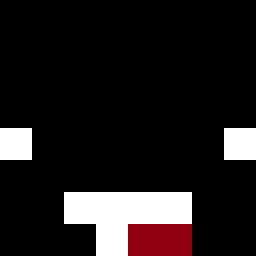 lIlllllIllIlIIIl Jitorc
More Sheep Minecraft skins
How to install the dirtymonkey45 skin
- Press the Download button above to save the skin as a PNG file.
- Minecraft: Bedrock Edition (PE): open the Dressing Room from the main menu (or tap your character → Edit Character), go to Classic Skins → Owned, press the + (new skin) button, choose the downloaded PNG and pick the Classic (Steve) model. Works on PC and mobile; consoles cannot import custom skins.
- Minecraft: Java Edition: open the Minecraft Launcher, go to the Skins tab, click New Skin, load the PNG, pick the Classic (Steve) model and press Save & Use. You can also upload it at minecraft.net → Profile → Change Skin.
The skin does not show up after import - what should I do?
Restart Minecraft and open the Dressing Room again - imported skins sometimes appear only after a restart. Also make sure you selected the imported skin and picked the Classic (Steve) model.
Which model should I choose, Classic or Slim?
This skin is designed for the Classic (Steve) model. If you pick the wrong model, the arms of the skin will look stretched or squeezed.
Is the skin of dirtymonkey45 free to download?
Yes. Press Download, save the PNG file and use it in Minecraft: Bedrock Edition or Java Edition - no payment or registration needed. The skin also works on multiplayer servers and Realms.
More skins
Looking for more? Go back to all Minecraft skins and check the top skins of the week, month and all time, or find any player's skin by nickname.