
dingus13 - Minecraft Skins & Skin History
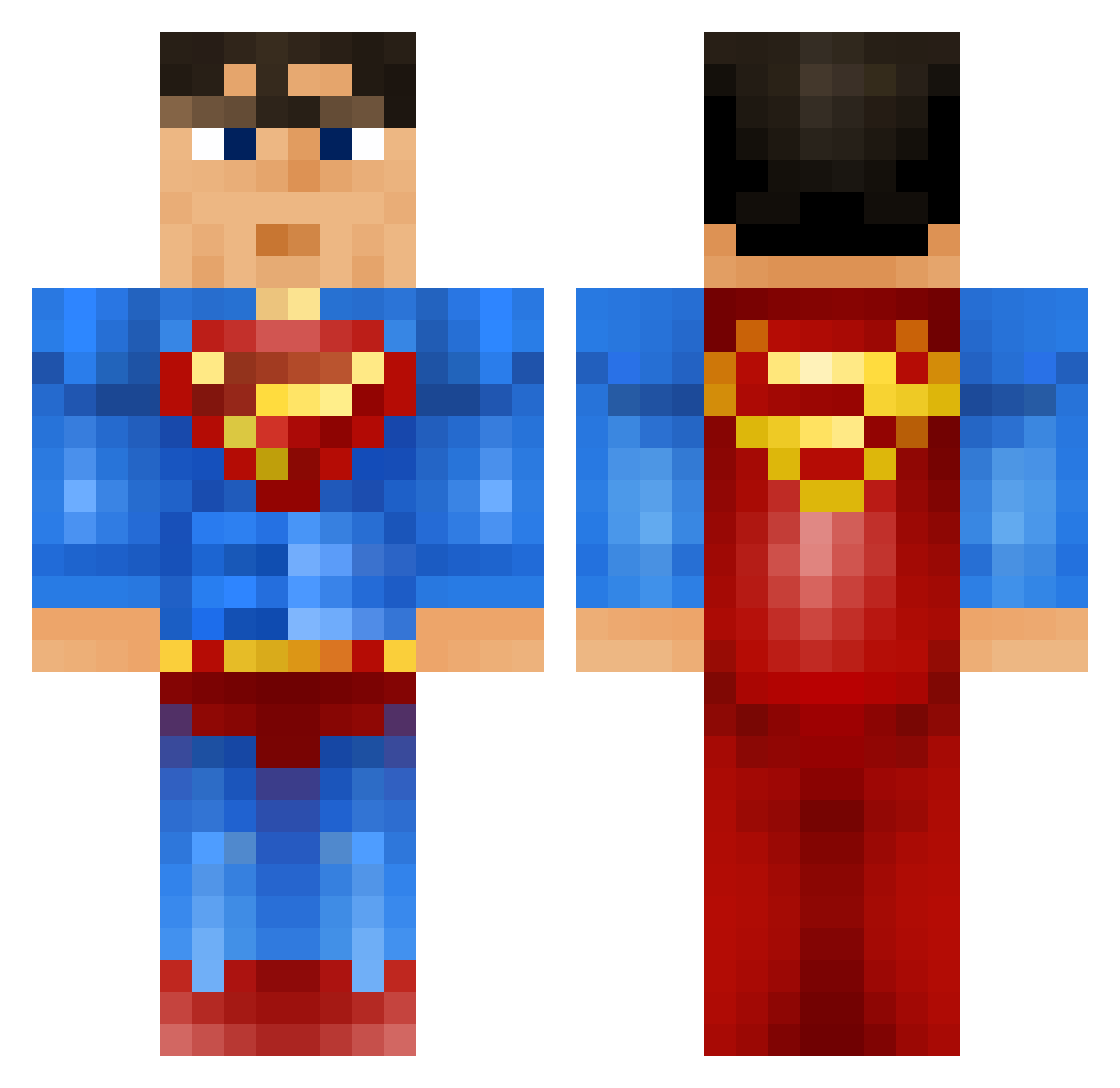
Current Minecraft skin of the player dingus13, loaded from the official Mojang API. Rotate the 3D model with your mouse or finger, then download the skin as a PNG file and use it in Minecraft: Bedrock Edition or Java Edition for free. When dingus13 changes their skin, this page updates automatically and the old skin stays in the history below.
Other players with this skin (917)
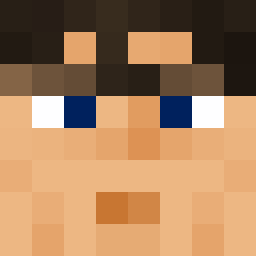
dingus13 was the 688th player we have seen with this skin, first spotted on 11.10.2026. The same skin was seen on these players. Open a nickname to see their current skin and skin history.
 Davybarca tumbler_gurl armen824 smicker01 lasswag tdrop Niloc4 GusDaBeast jayden_foster01 Stiffly_Mexican JacksonTriggs CallMeSuperman drew623 loganboohoo Mrjaffaman greenhill_105 TonyLovesGolf MrYellow7 Jejeyoungster matrixgirl Fweezer Vlane BlackMambaBallZZ veertje05 Hans232323 jackhenchel Ore_Mason ickyarna nathan0007 Flieger08 CaptainSlow185 RbRazor ChiChi_44 kjosbakkendeluxe gin_roll scott11753 RemedialRobin Samtaclause37 matiasmiet TheRedAssassin98 Fynnlybob andybob456 burtonk14 zeboost Super_Man_Hacker Marre__ TheEnd69 mcjuggernugets lamaboom1 Nautixxx Samke Awesomeaashir iden2005 WiredBear DiamondStealth SimonJames hafailla THE_BLOCK_SLAYER ravengerx2 oyvindw
More Superman Minecraft skins
How to install the dingus13 skin
- Press the Download button above to save the skin as a PNG file.
- Minecraft: Bedrock Edition (PE): open the Dressing Room from the main menu (or tap your character → Edit Character), go to Classic Skins → Owned, press the + (new skin) button, choose the downloaded PNG and pick the Classic (Steve) model. Works on PC and mobile; consoles cannot import custom skins.
- Minecraft: Java Edition: open the Minecraft Launcher, go to the Skins tab, click New Skin, load the PNG, pick the Classic (Steve) model and press Save & Use. You can also upload it at minecraft.net → Profile → Change Skin.
The skin does not show up after import - what should I do?
Restart Minecraft and open the Dressing Room again - imported skins sometimes appear only after a restart. Also make sure you selected the imported skin and picked the Classic (Steve) model.
Which model should I choose, Classic or Slim?
This skin is designed for the Classic (Steve) model. If you pick the wrong model, the arms of the skin will look stretched or squeezed.
Is the skin of dingus13 free to download?
Yes. Press Download, save the PNG file and use it in Minecraft: Bedrock Edition or Java Edition - no payment or registration needed. The skin also works on multiplayer servers and Realms.
More skins
Looking for more? Go back to all Minecraft skins and check the top skins of the week, month and all time, or find any player's skin by nickname.