
deyzox - Minecraft Skins & Skin History
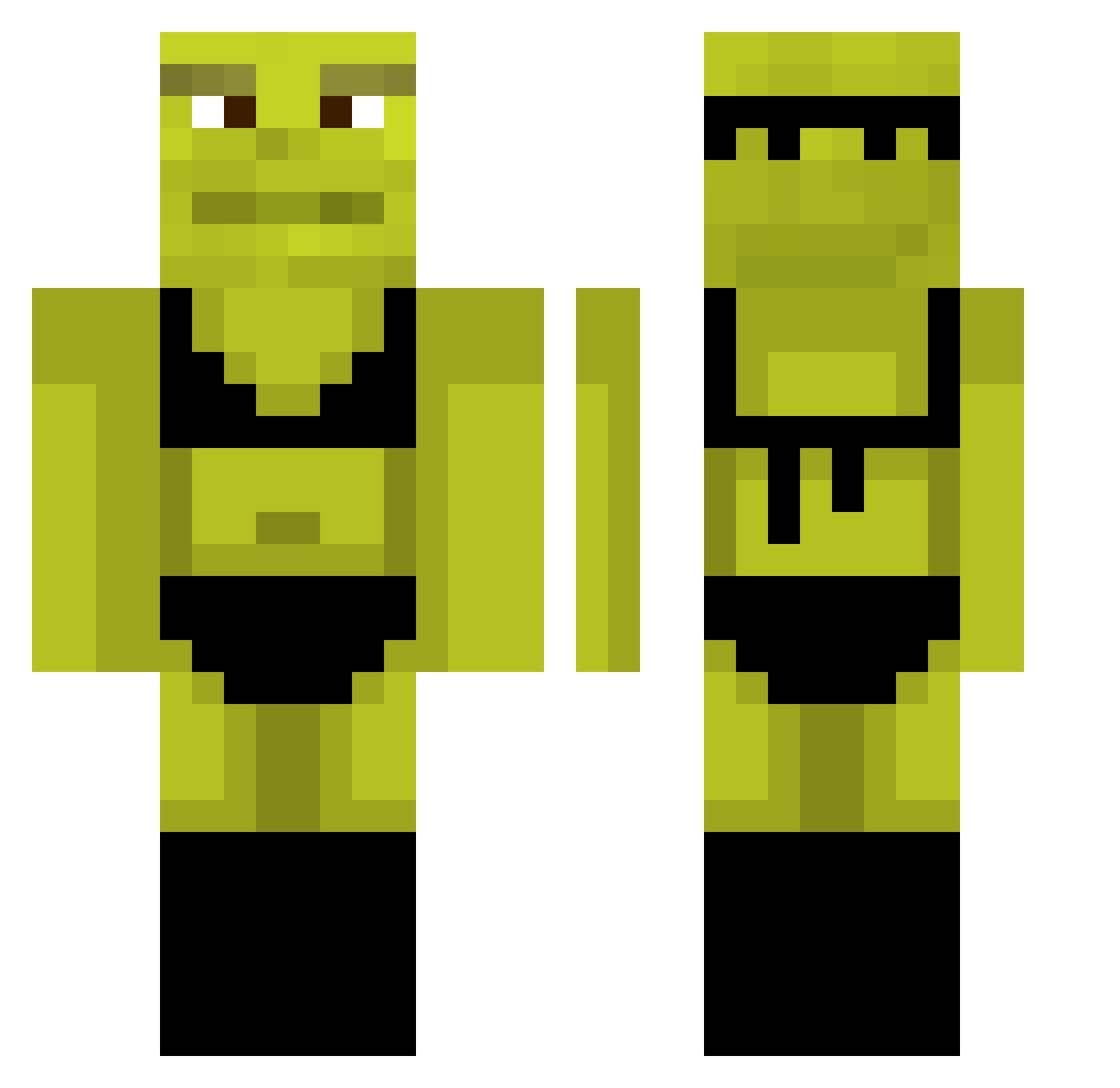
Current Minecraft skin of the player deyzox, loaded from the official Mojang API. Rotate the 3D model with your mouse or finger, then download the skin as a PNG file and use it in Minecraft: Bedrock Edition or Java Edition for free. When deyzox changes their skin, this page updates automatically and the old skin stays in the history below.
Other players with this skin (769)
deyzox was the 179th player we have seen with this skin, first spotted on 14.08.2026. The same skin was seen on these players. Open a nickname to see their current skin and skin history.
 sausiafran Wekt2k Snissers yurifodase gotthemunch SSloverH AlbinoDXD agrohh BorkityBorkBork sam_436 IPlantyyy fisher690 Holstz Matx3534 David122589 Franovish kecksi999 Jell0w0 scl_nando_23 Mi0x FappaDappa SAVITAR_SPEEDSTE TheTrud TastyRicePilaf JL_RyN Dimax_D aqcul Zwiebelsosse 13reanna PORTU07 Choco_Choubello ihavebigballs123 Shrekboi MCjosh07 Shunkoko NorthPaladin12 spongebob54213 Untoff JaidynTulip ZakAttack101 mercidabik SLCreations TimsGot LuigiKater lToasterl ErikDane10 LumpySpaceP BossLaro B4ww TakoTuki BoricWings71 Notthekennu TacoManCZ Mvdrigal liebhaber157 beckytrix Gonorrhia_ hays_06 Desxtiny juniconboy
More Shrek Minecraft skins
How to install the deyzox skin
- Press the Download button above to save the skin as a PNG file.
- Minecraft: Bedrock Edition (PE): open the Dressing Room from the main menu (or tap your character → Edit Character), go to Classic Skins → Owned, press the + (new skin) button, choose the downloaded PNG and pick the Classic (Steve) model. Works on PC and mobile; consoles cannot import custom skins.
- Minecraft: Java Edition: open the Minecraft Launcher, go to the Skins tab, click New Skin, load the PNG, pick the Classic (Steve) model and press Save & Use. You can also upload it at minecraft.net → Profile → Change Skin.
The skin does not show up after import - what should I do?
Restart Minecraft and open the Dressing Room again - imported skins sometimes appear only after a restart. Also make sure you selected the imported skin and picked the Classic (Steve) model.
Which model should I choose, Classic or Slim?
This skin is designed for the Classic (Steve) model. If you pick the wrong model, the arms of the skin will look stretched or squeezed.
Is the skin of deyzox free to download?
Yes. Press Download, save the PNG file and use it in Minecraft: Bedrock Edition or Java Edition - no payment or registration needed. The skin also works on multiplayer servers and Realms.
More skins
Looking for more? Go back to all Minecraft skins and check the top skins of the week, month and all time, or find any player's skin by nickname.