
derekplay - Minecraft Skins & Skin History
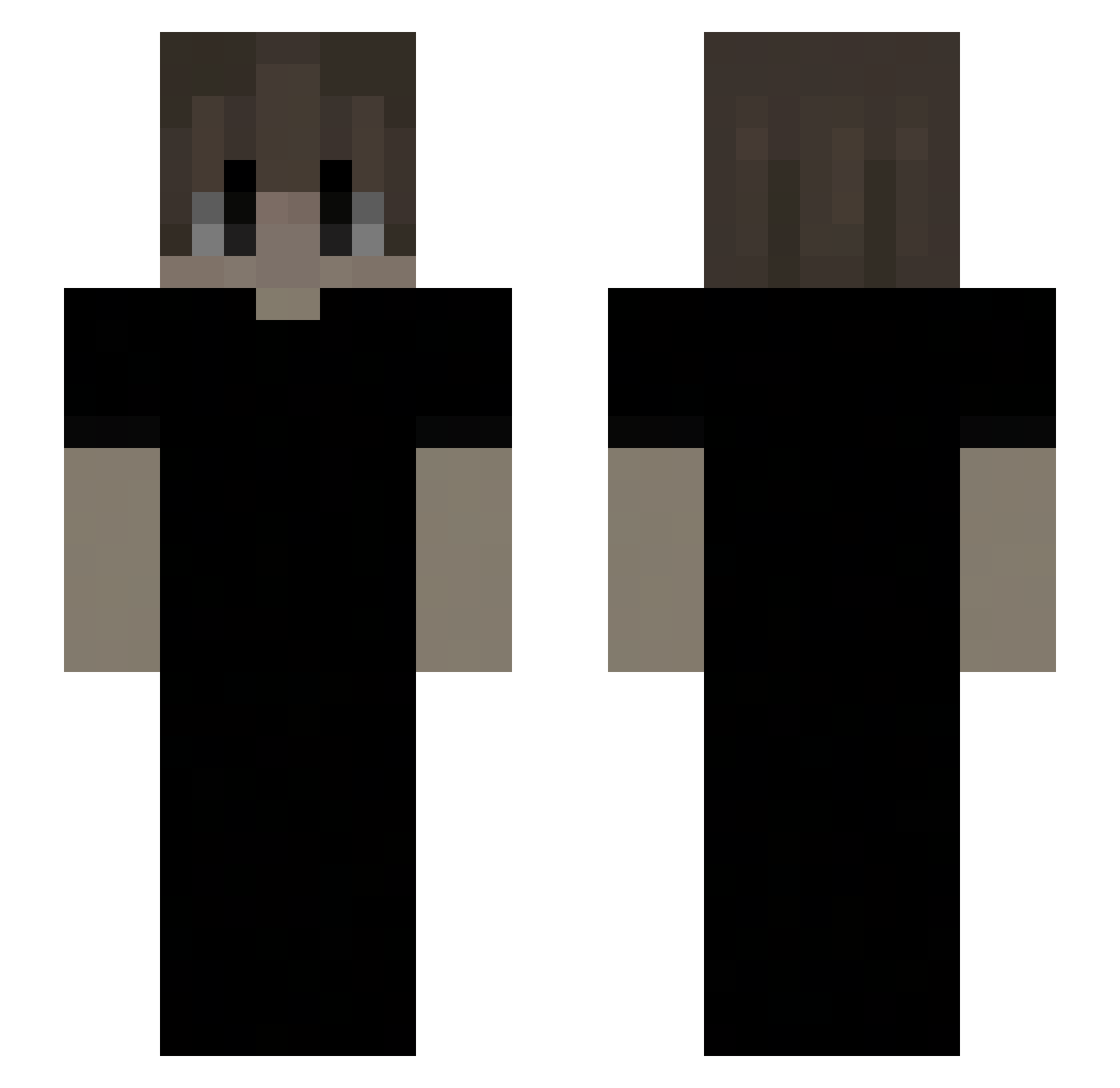
Current Minecraft skin of the player derekplay, loaded from the official Mojang API. Rotate the 3D model with your mouse or finger, then download the skin as a PNG file and use it in Minecraft: Bedrock Edition or Java Edition for free. When derekplay changes their skin, this page updates automatically and the old skin stays in the history below.
Other players with this skin (149)
derekplay was the 22nd player we have seen with this skin, first spotted on 05.08.2026. The same skin was seen on these players. Open a nickname to see their current skin and skin history.
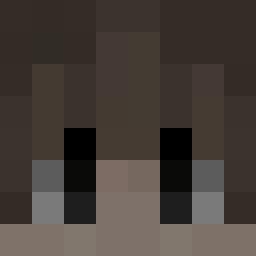 farrzs Sipasss a56q
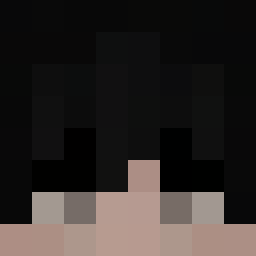 mcpcm NotYenthe gepeng fartboy980 Xiayutian101 TrevorL0 spot345
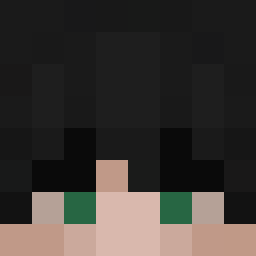 Taiyller
 Xzbktv Kencasa BigJonezzz LP_Lord_Thunder talentles jeschua111 CraxyGamerx528 Adityaahh certified_envy IgnCalcs_ godami12 Hornstedt reddragon355 ausohan KairoTW0916 nebuloux AguGames77
 HakachMakoto aaxk04 Hawokk_ LinhVexmm5UwU albertini_ CHEATER2008
 itzz_Wikipedia Nqylok NarangAditya Eid1t Erolless SausasMedus tulubao yuriRAHH RTX3060gpu trnu AldWax DikoDaYn Cracxy cicopoy Ashamix 9bbot browtet kuderes xz3721 blue_wasd willabel jack100kg Itz_1337Hiszpan Laluja liozz_ Dawuklan
How to install the derekplay skin
- Press the Download button above to save the skin as a PNG file.
- Minecraft: Bedrock Edition (PE): open the Dressing Room from the main menu (or tap your character → Edit Character), go to Classic Skins → Owned, press the + (new skin) button, choose the downloaded PNG and pick the Slim (Alex) model. Works on PC and mobile; consoles cannot import custom skins.
- Minecraft: Java Edition: open the Minecraft Launcher, go to the Skins tab, click New Skin, load the PNG, pick the Slim (Alex) model and press Save & Use. You can also upload it at minecraft.net → Profile → Change Skin.
The skin does not show up after import - what should I do?
Restart Minecraft and open the Dressing Room again - imported skins sometimes appear only after a restart. Also make sure you selected the imported skin and picked the Slim (Alex) model.
Which model should I choose, Classic or Slim?
This skin is designed for the Slim (Alex) model. If you pick the wrong model, the arms of the skin will look stretched or squeezed.
Is the skin of derekplay free to download?
Yes. Press Download, save the PNG file and use it in Minecraft: Bedrock Edition or Java Edition - no payment or registration needed. The skin also works on multiplayer servers and Realms.
More skins
Looking for more? Go back to all Minecraft skins and check the top skins of the week, month and all time, or find any player's skin by nickname.